




Fund it. Build it. Teach it.
Plan and fund your hands-on CS and AI program
Your state's standards, grants, and hands-on activities in one place
What do you teach, and where?
Two answers and we can show you exactly what applies to you.
Standards covered
Grants open now
Learning activities for this range
Strongest fit for this grade range
Start here
See the hands-on activities your students will do
Explore by grade or by our micro:bit kits and accessories.
Grade band
Product
Lessons 35
Structured, classroom-ready, tied to a grade band.
 Sequence and ShineComputer Science, Algorithms & SequencingGr 3 to 5Coding for Good Kit
 Built To ShakeComputer Science, Loops & PatternsGr 6 to 8Coding for Good Kit
 Smart LightComputer Science, Algorithms & SequencingK to 2CodeCTRL for micro:bit
 Signals in the WildComputer Science, Events & NetworksGr 3 to 5Coding for Good Kit
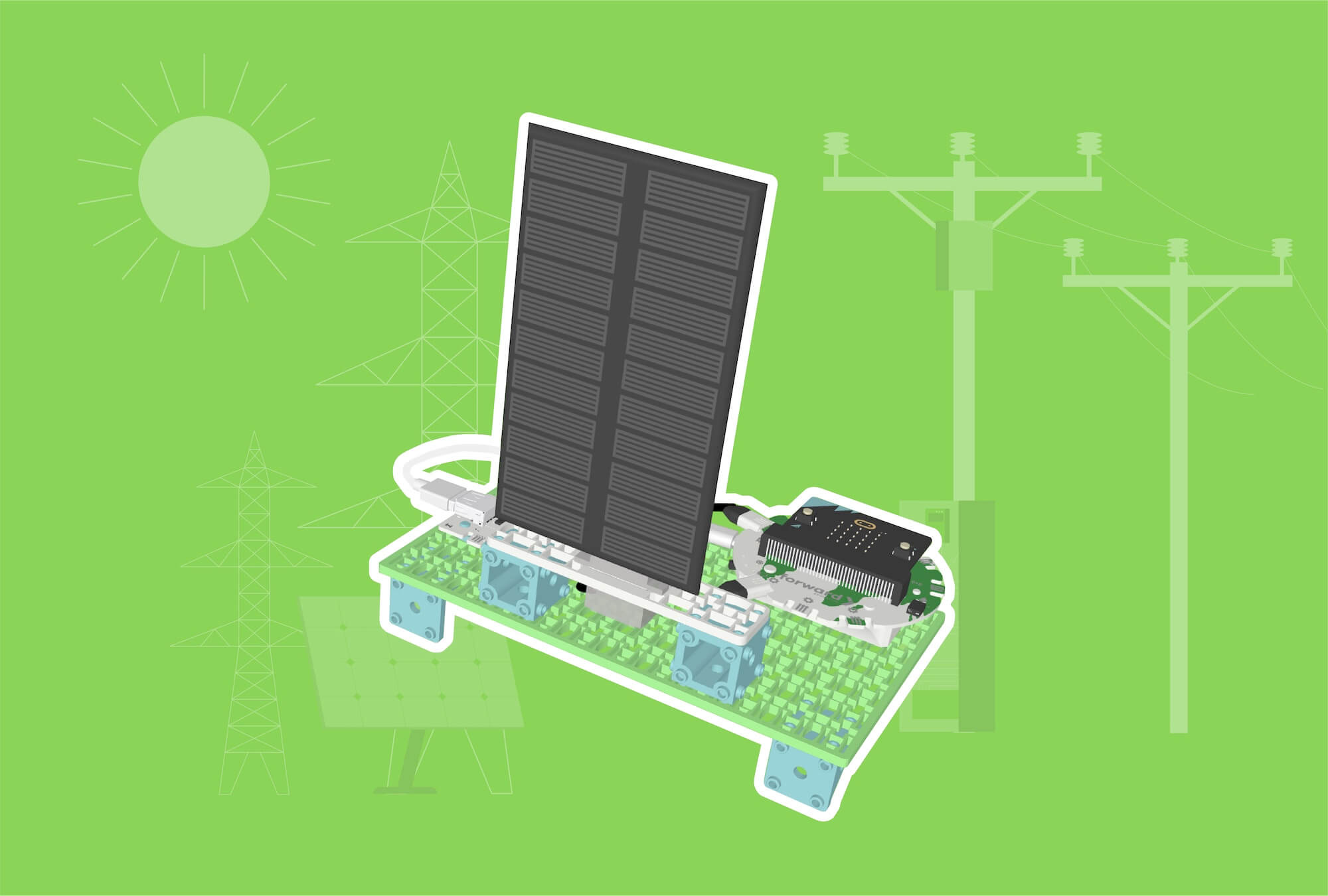 Sun-Tracking Solar PanelRenewable EnergyCCSSCSTANGSSGr 6 to 8Smart Solar Energy Kit
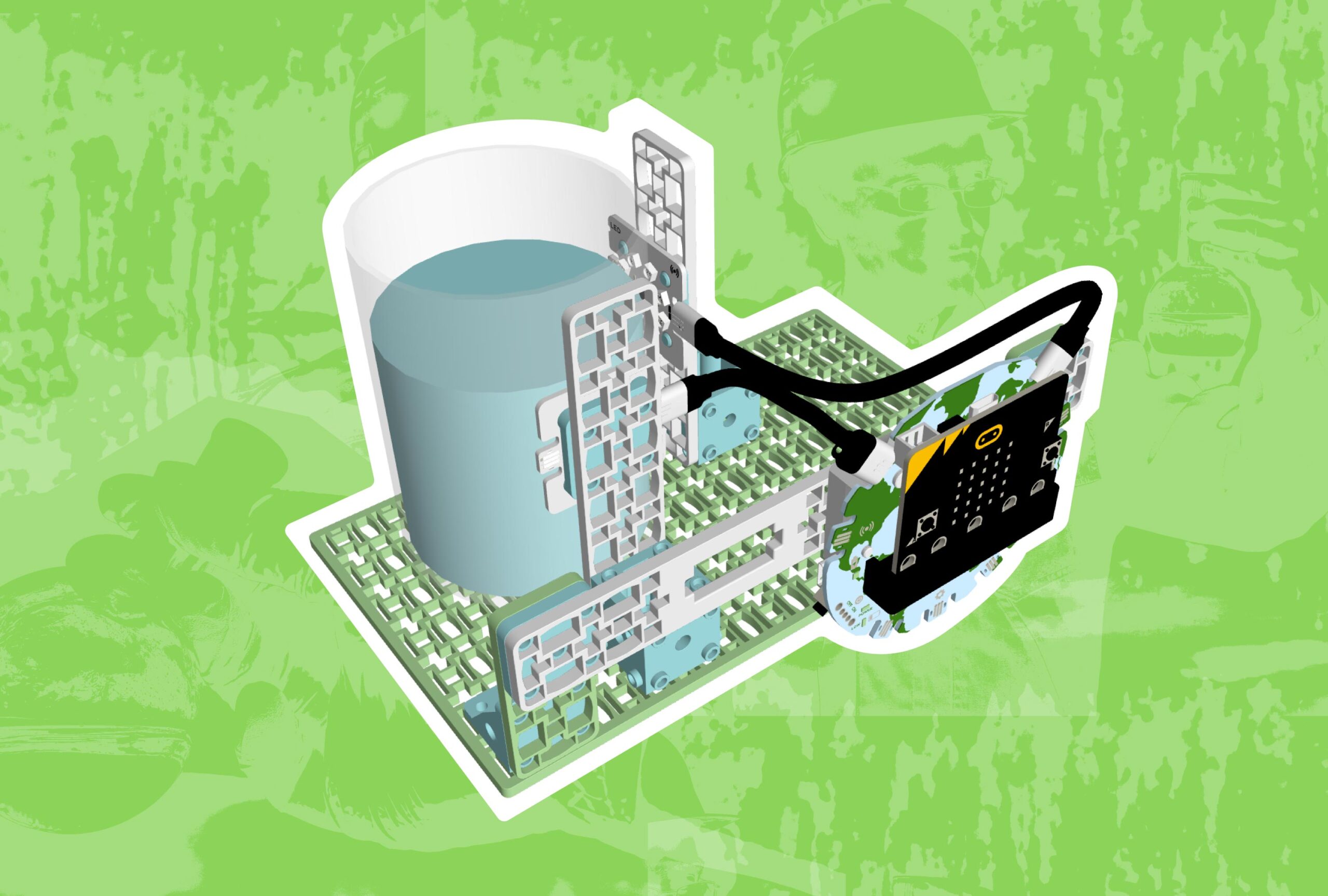 Assessing Water QualityOceans, FIIRE Indigenous PerspectivesCCSSCSTANGSSGr 6 to 8Coding for Good Kit+1
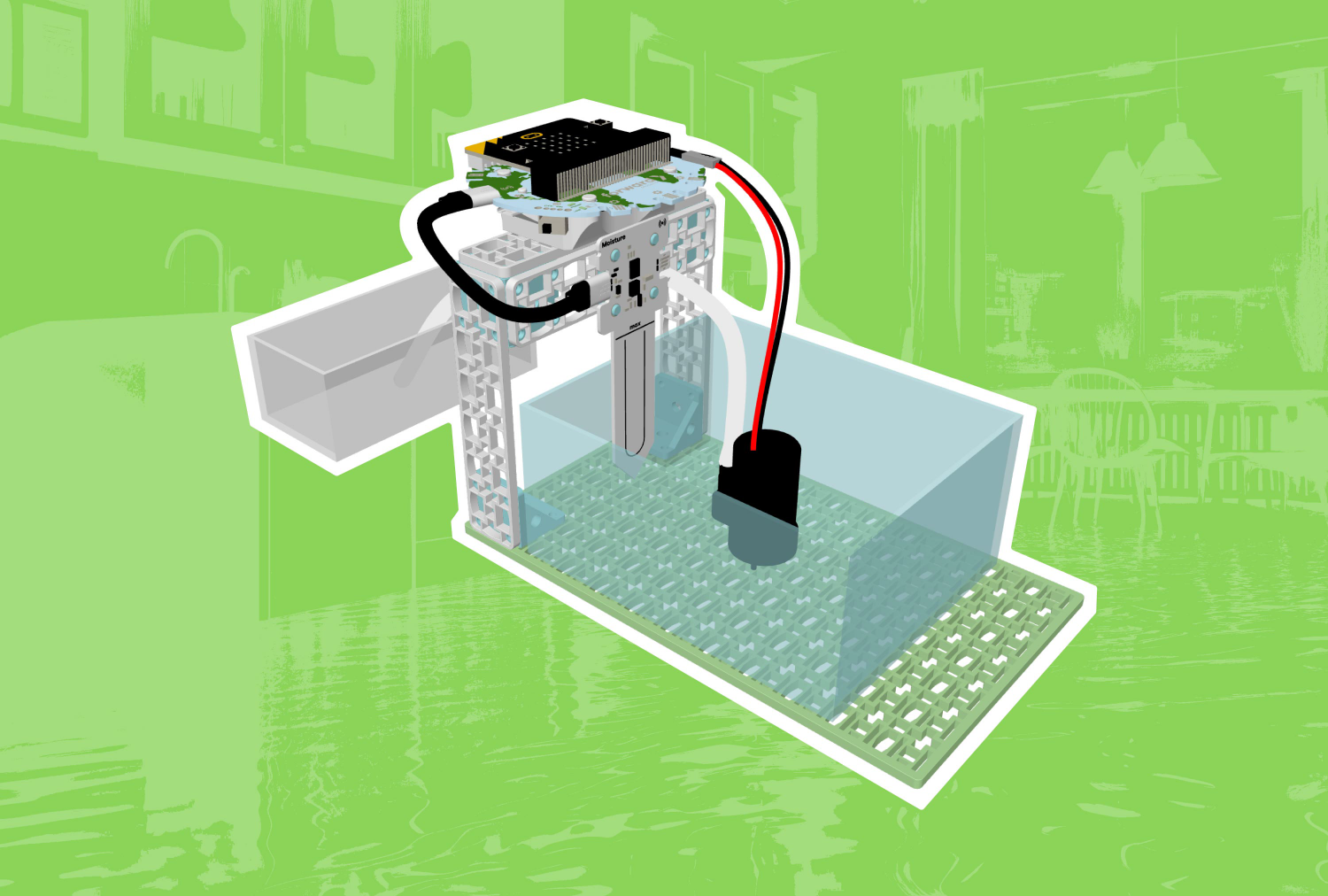 Flood ProtectionSustainable CitiesCCSSNGSSGr 6 to 8Coding for Good Kit+1
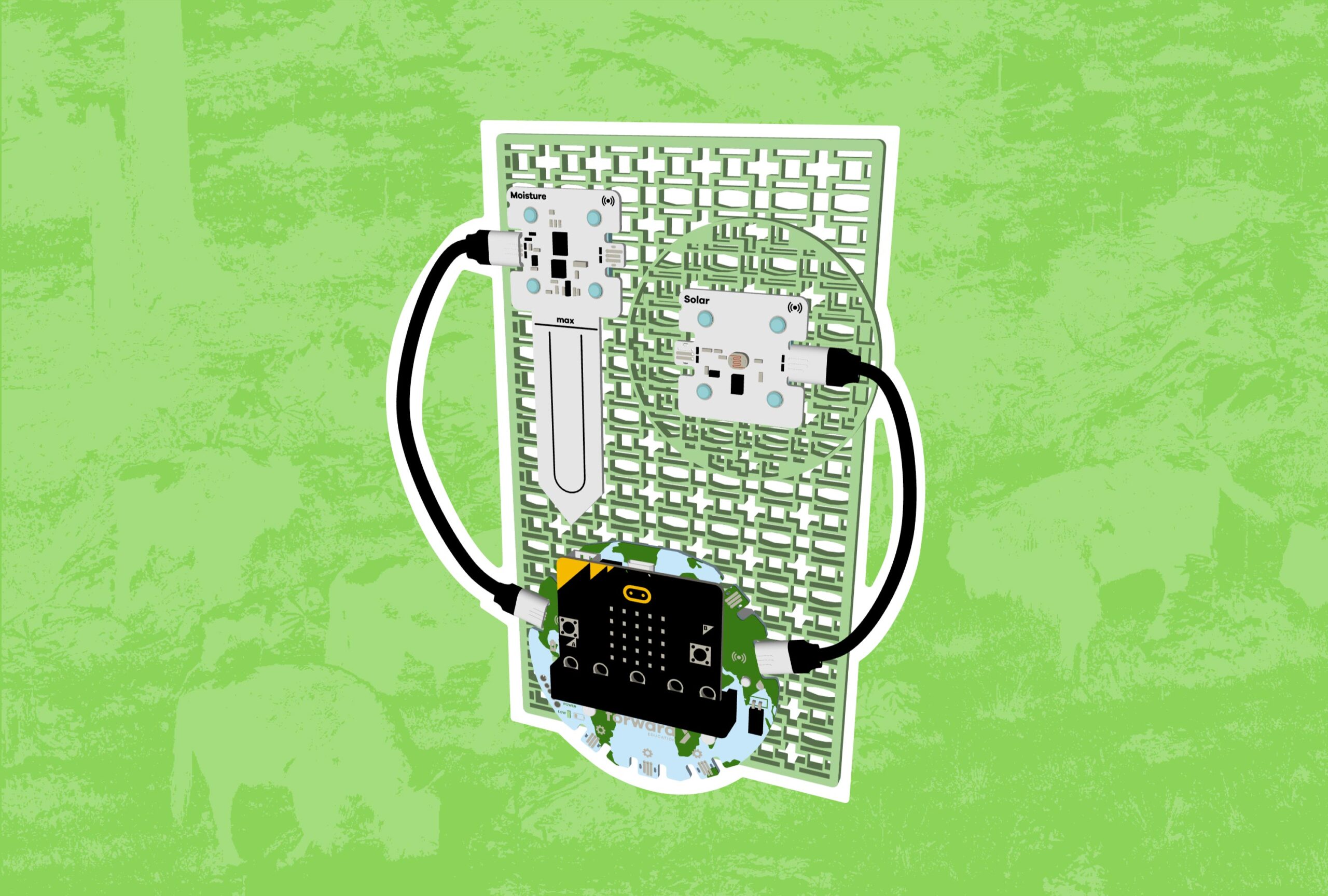 Habitat MonitoringEcosystems, FIIRE Indigenous PerspectivesCCSSCSTANGSSGr 6 to 8Coding for Good Kit+1
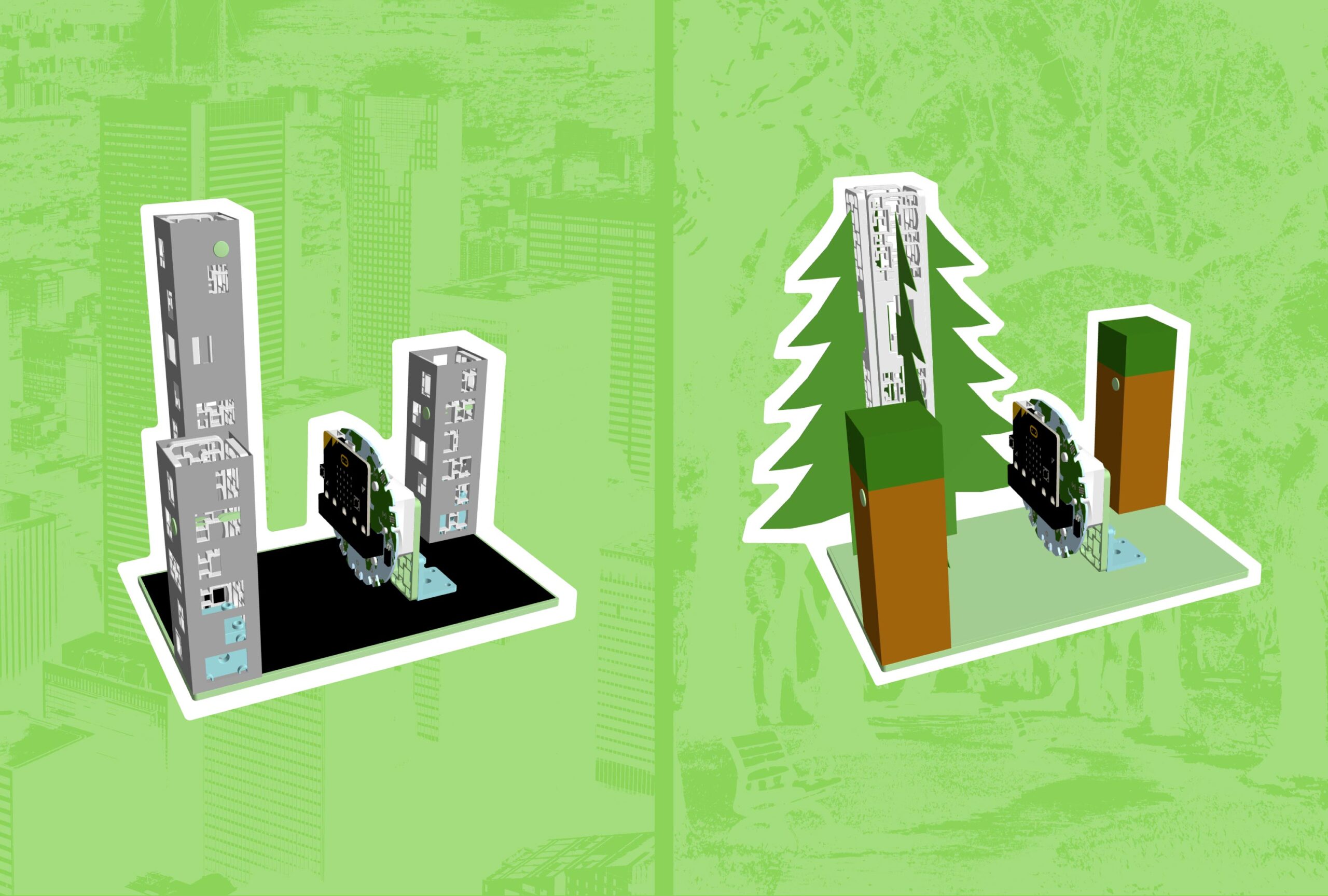 Eliminating Urban Heat IslandsSustainable CitiesCCSSCSTANGSSGr 6 to 8Coding for Good Kit+1
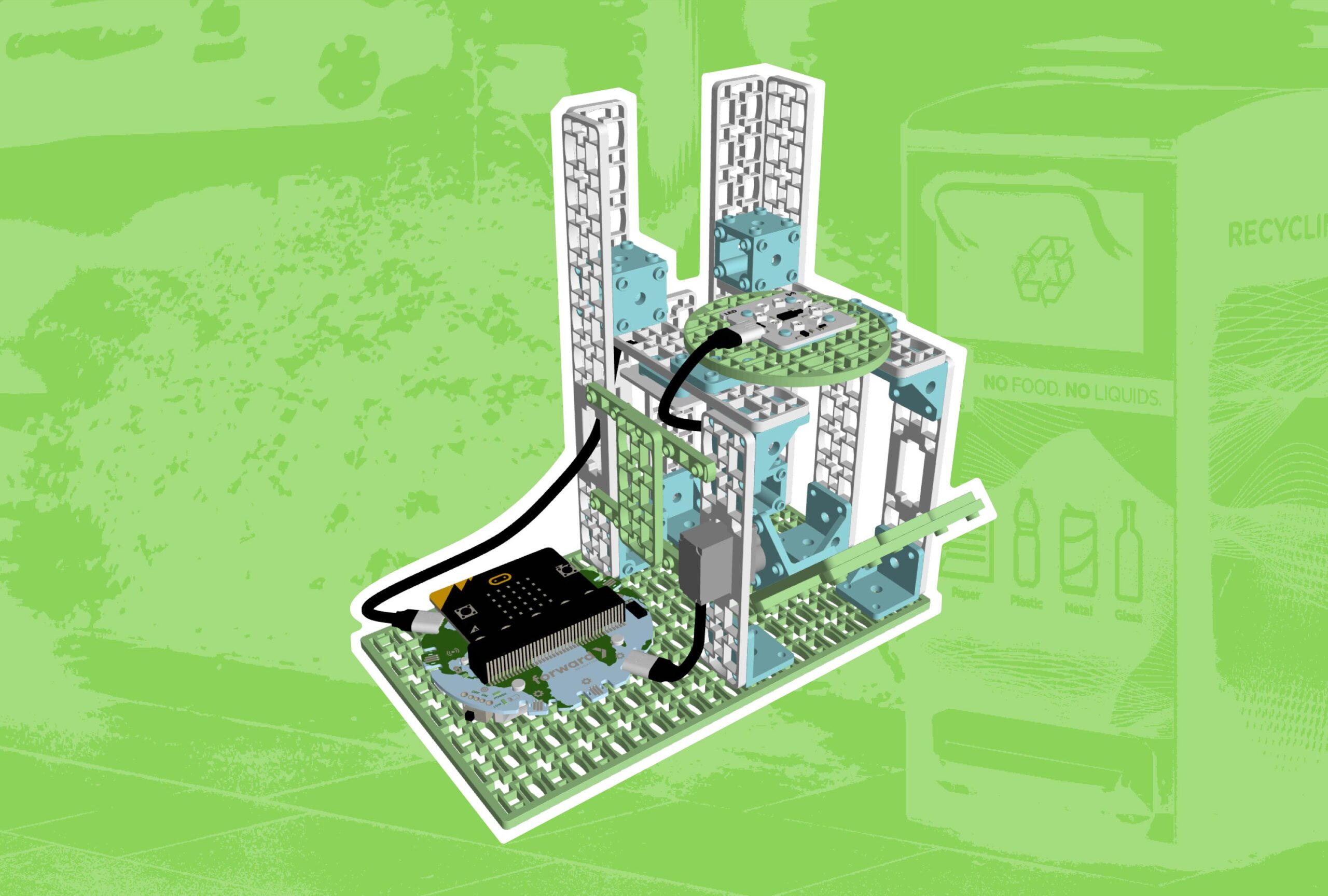 Smart Garbage BinsSustainable CitiesCCSSGr 6 to 8Coding for Good Kit+1
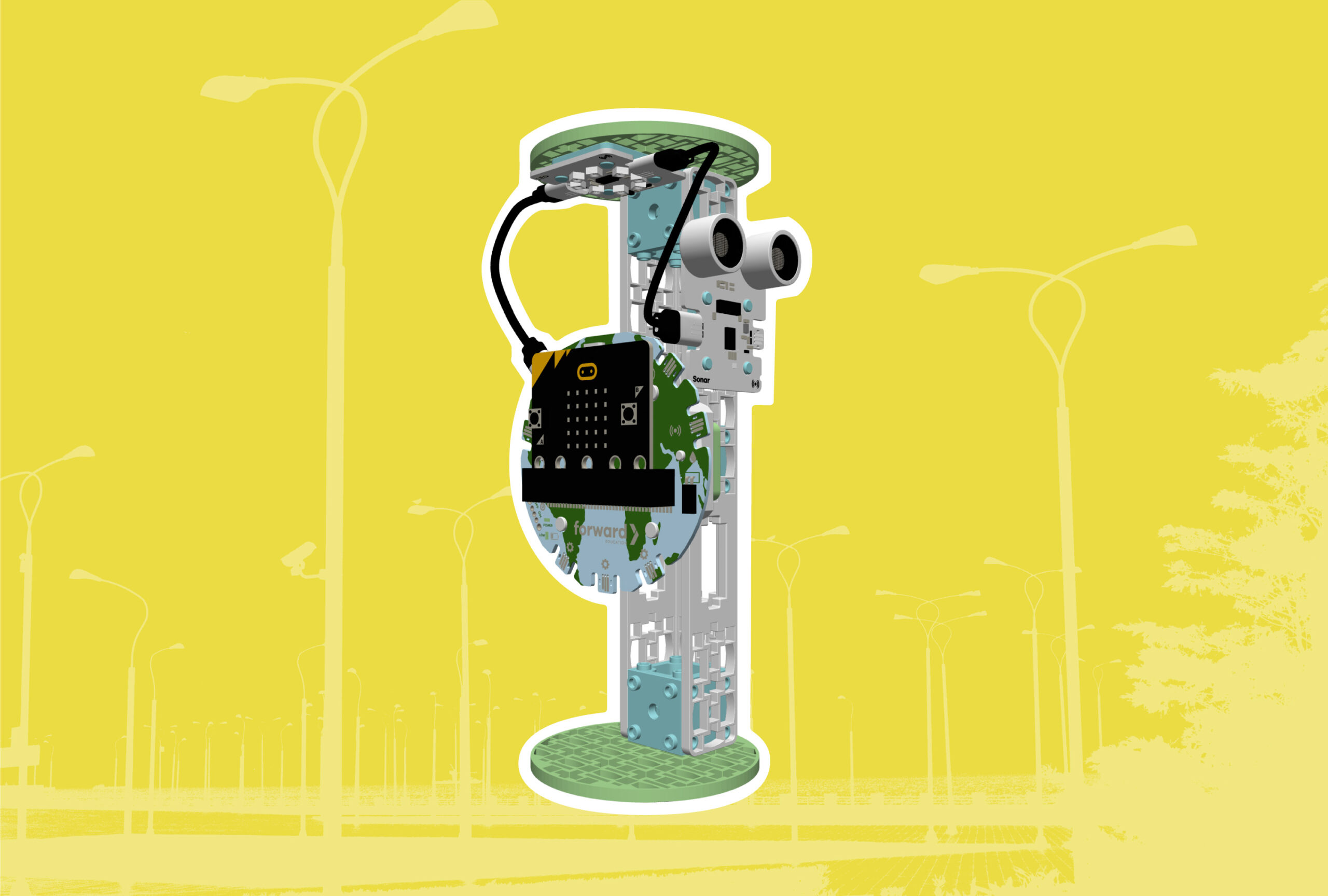 Smart StreetlightsSustainable CitiesCCSSCSTANGSSGr 3 to 5Coding for Good Kit+1
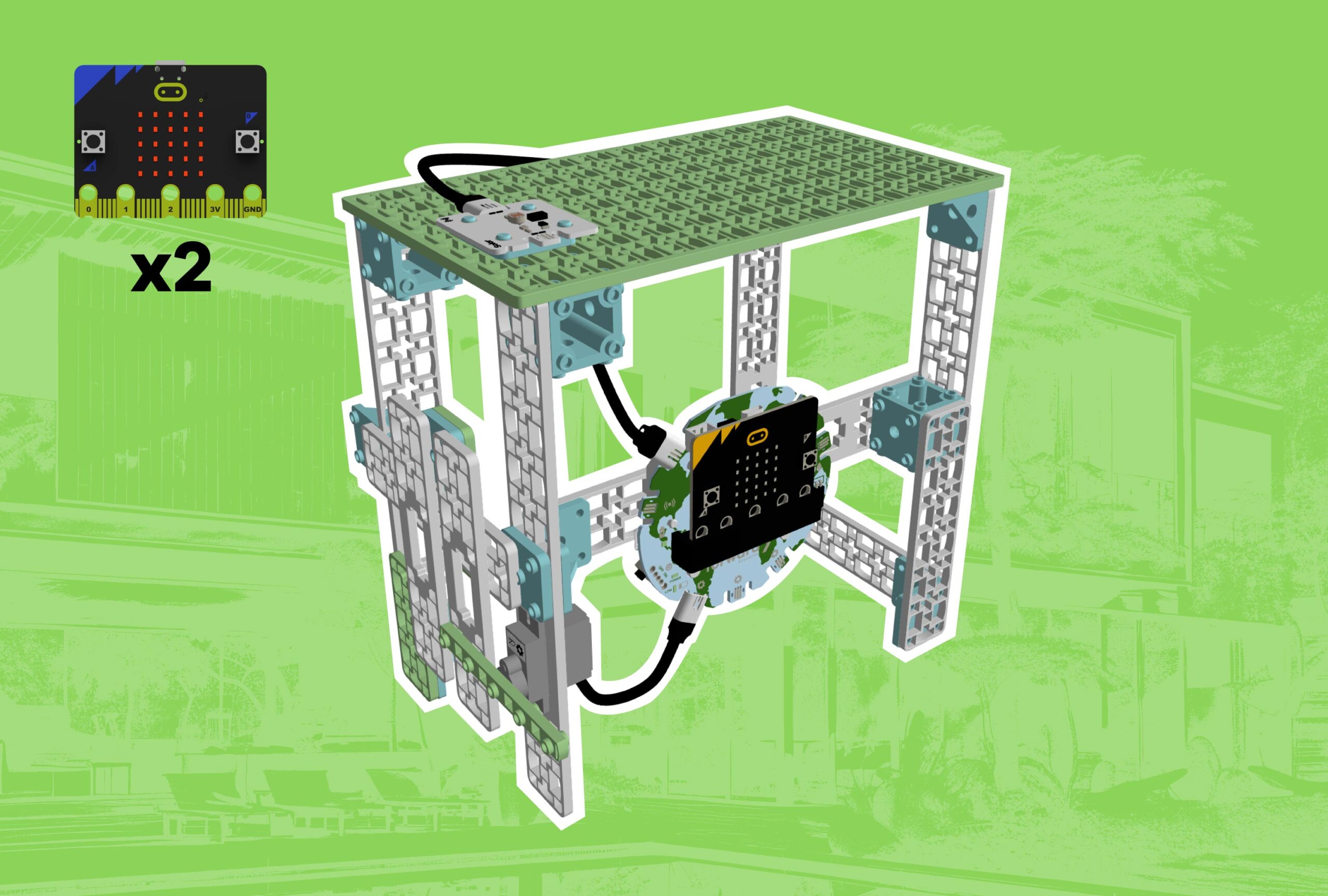 Sustainable Smart HomeSustainable CitiesCCSSNGSSGr 6 to 8Coding for Good Kit+1
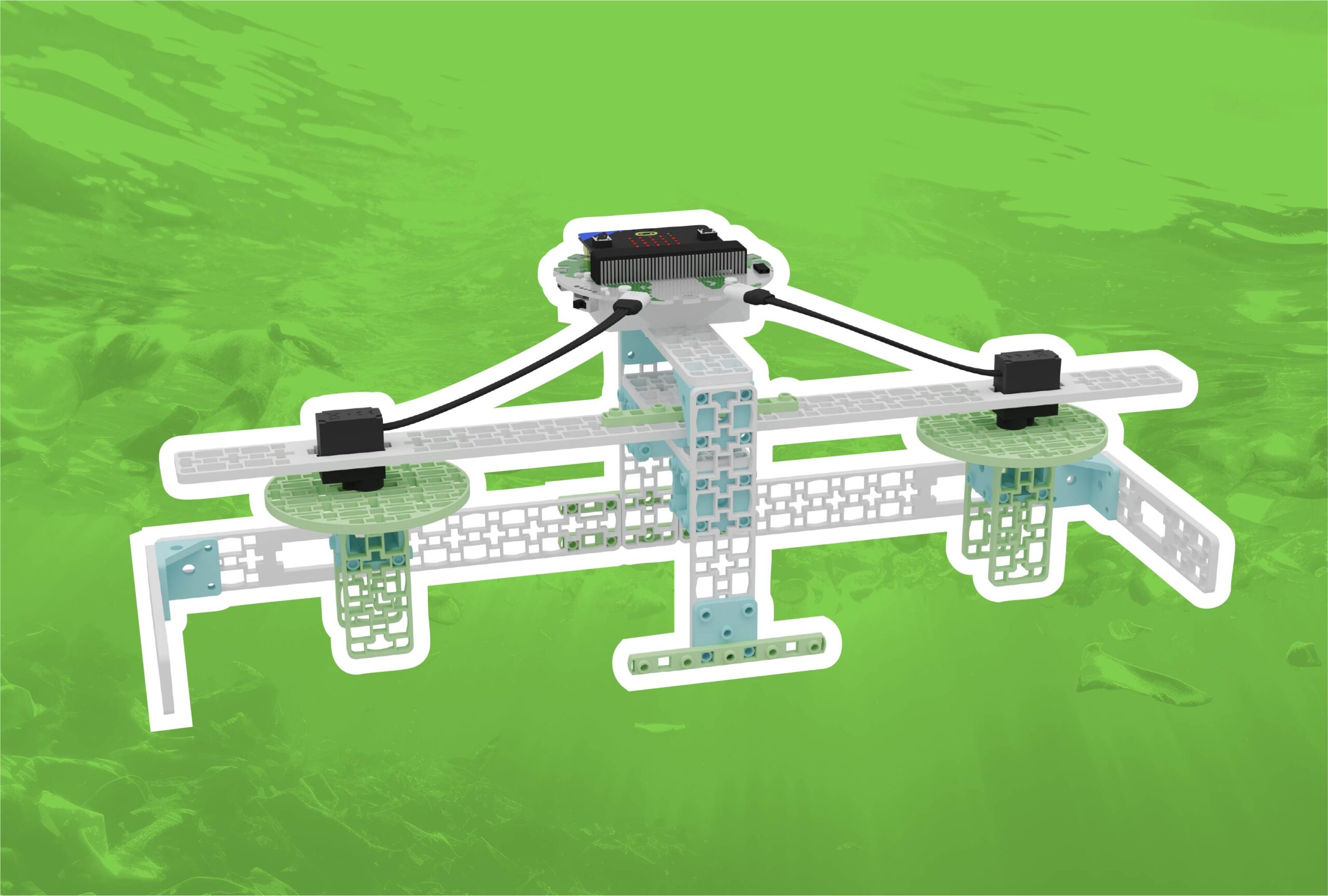 Ocean Clean UpOceans, FIIRE Indigenous PerspectivesCCSSNGSSGr 6 to 8Coding for Good Kit+1
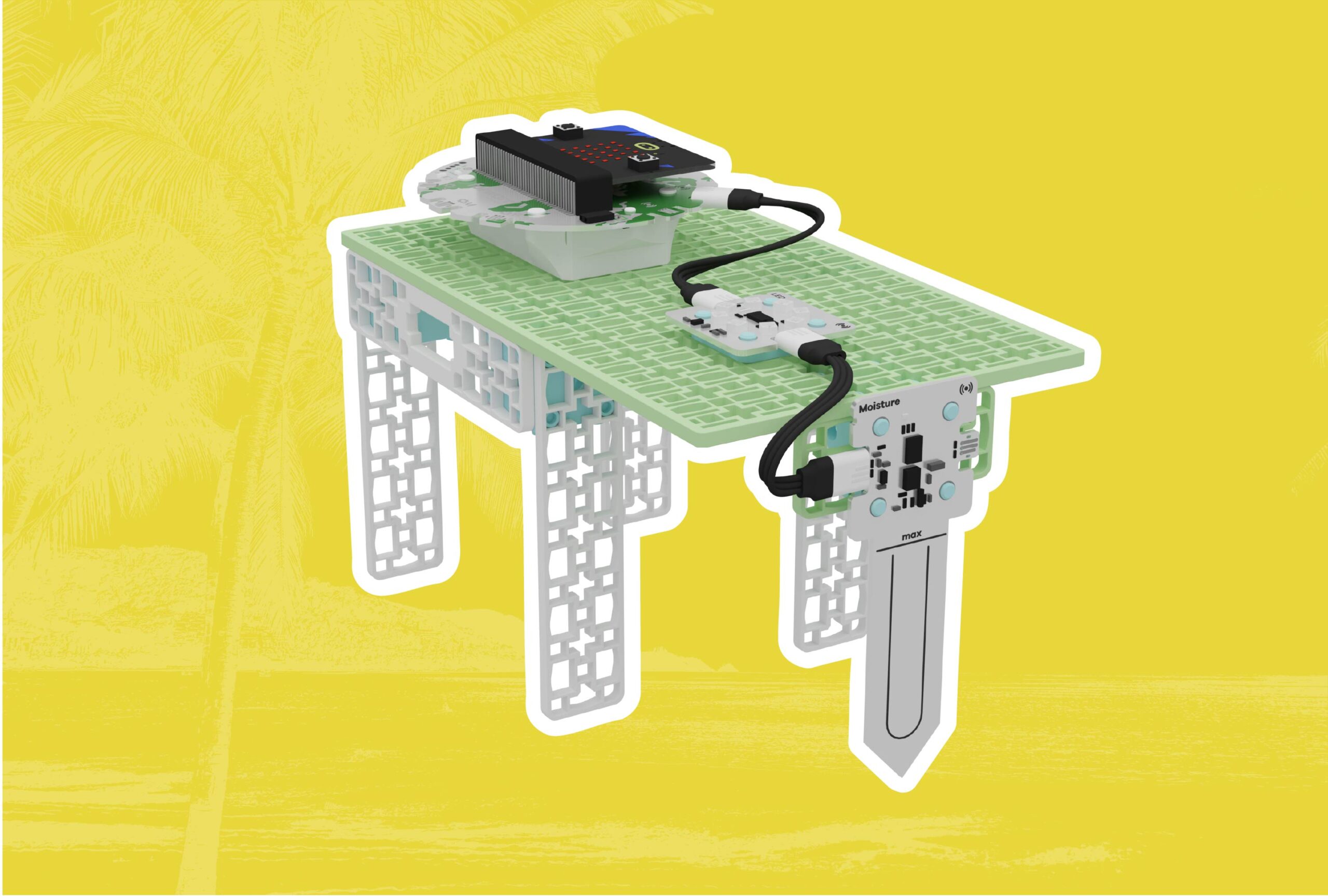 Flood AlarmsOceansCCSSCSTANGSSGr 3 to 5Coding for Good Kit+1
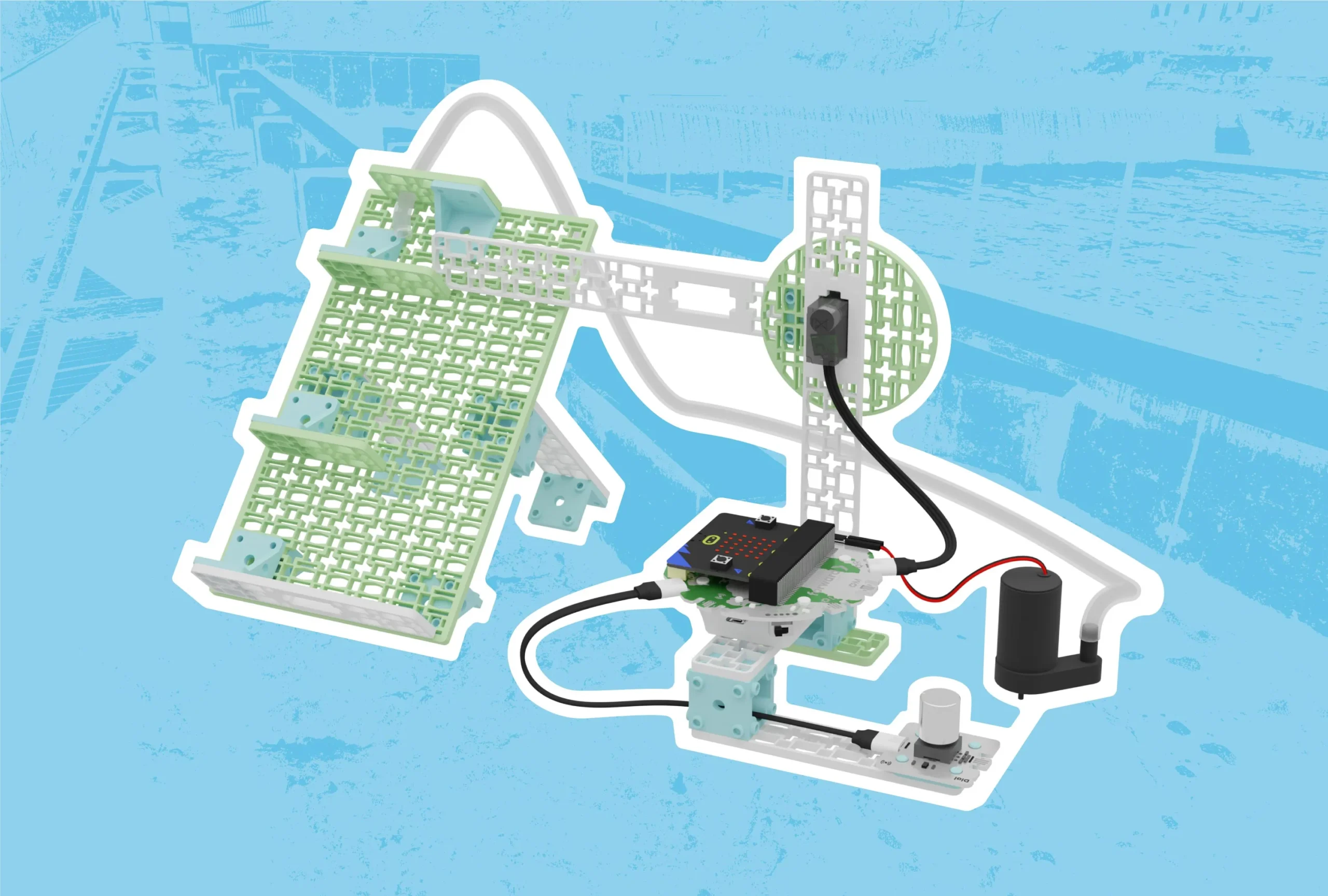 Preserving Fish Migration Routes with FishwaysOceans, EcosystemsCCSSCSTANGSSGr 9 to 12Coding for Good Kit+1
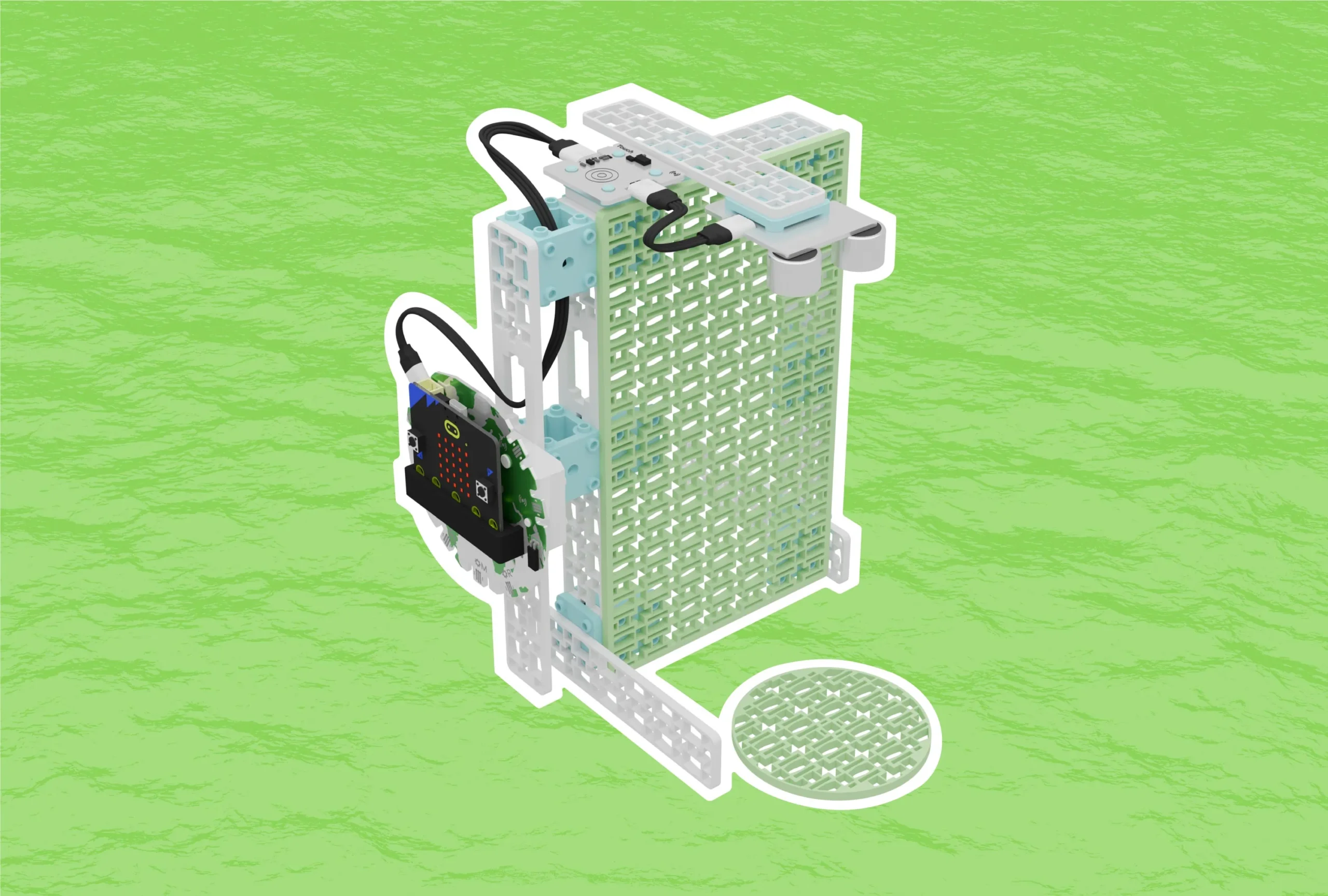 Monitoring Sea Level RiseOceans, FIIRE Indigenous PerspectivesCCSSNGSSGr 6 to 8Coding for Good Kit+1
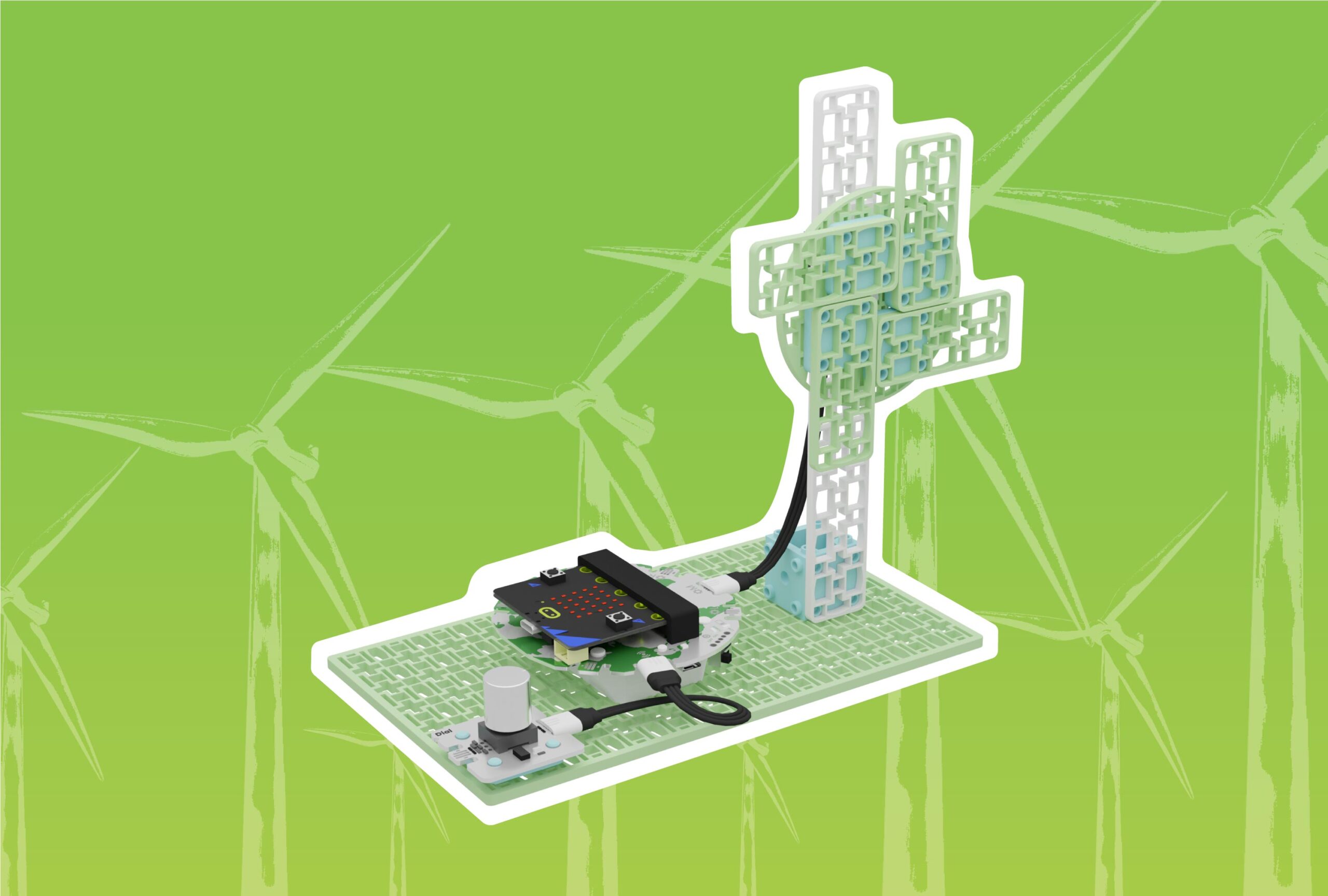 Wind Energy in Action: Generating and Storing PowerRenewable Energy, Wind TurbineCCSSNGSSGr 6 to 8Coding for Good Kit+1
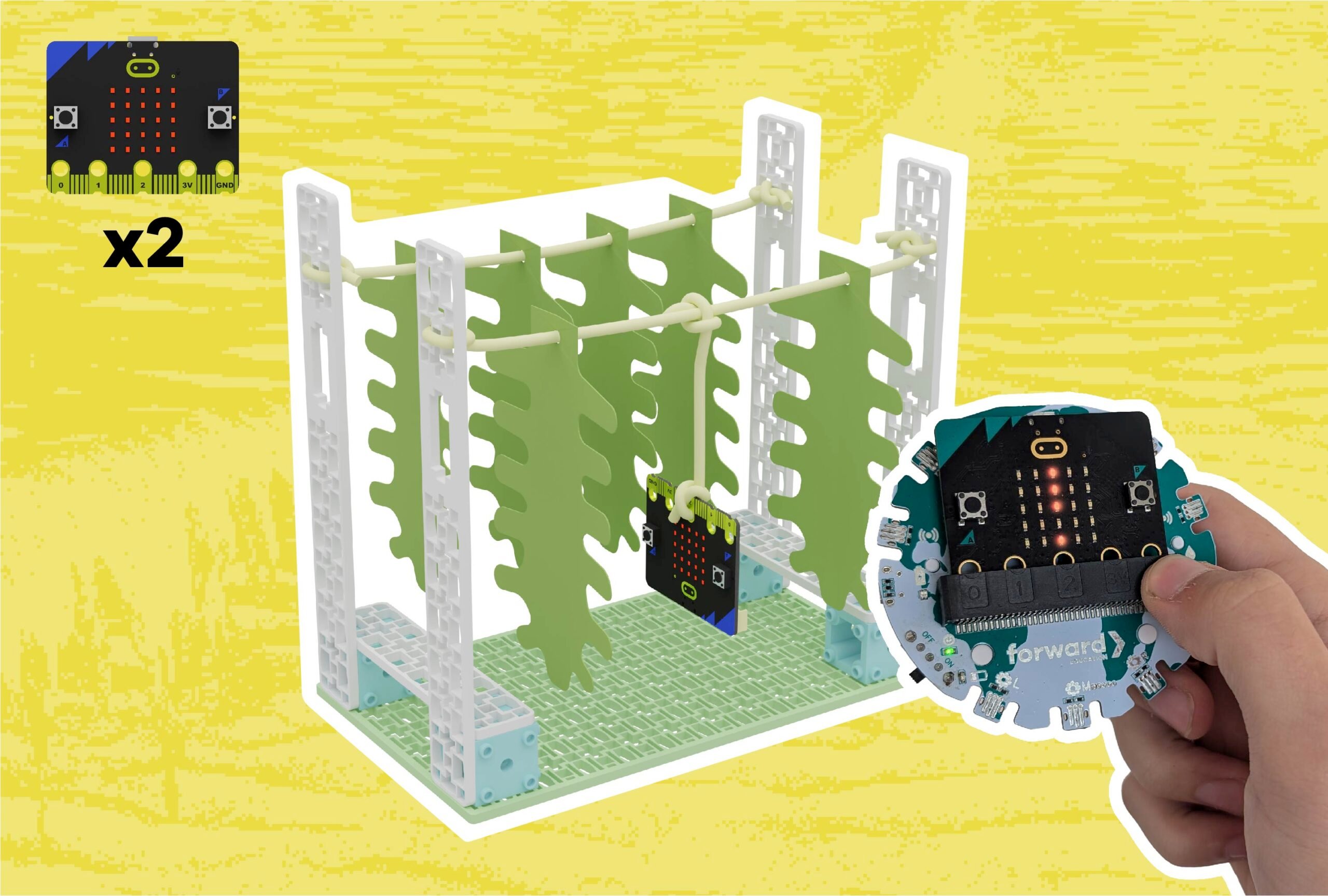 Seaweed FarmingSmart Farming, OceansCCSSCSTANGSSGr 3 to 5Coding for Good Kit+2
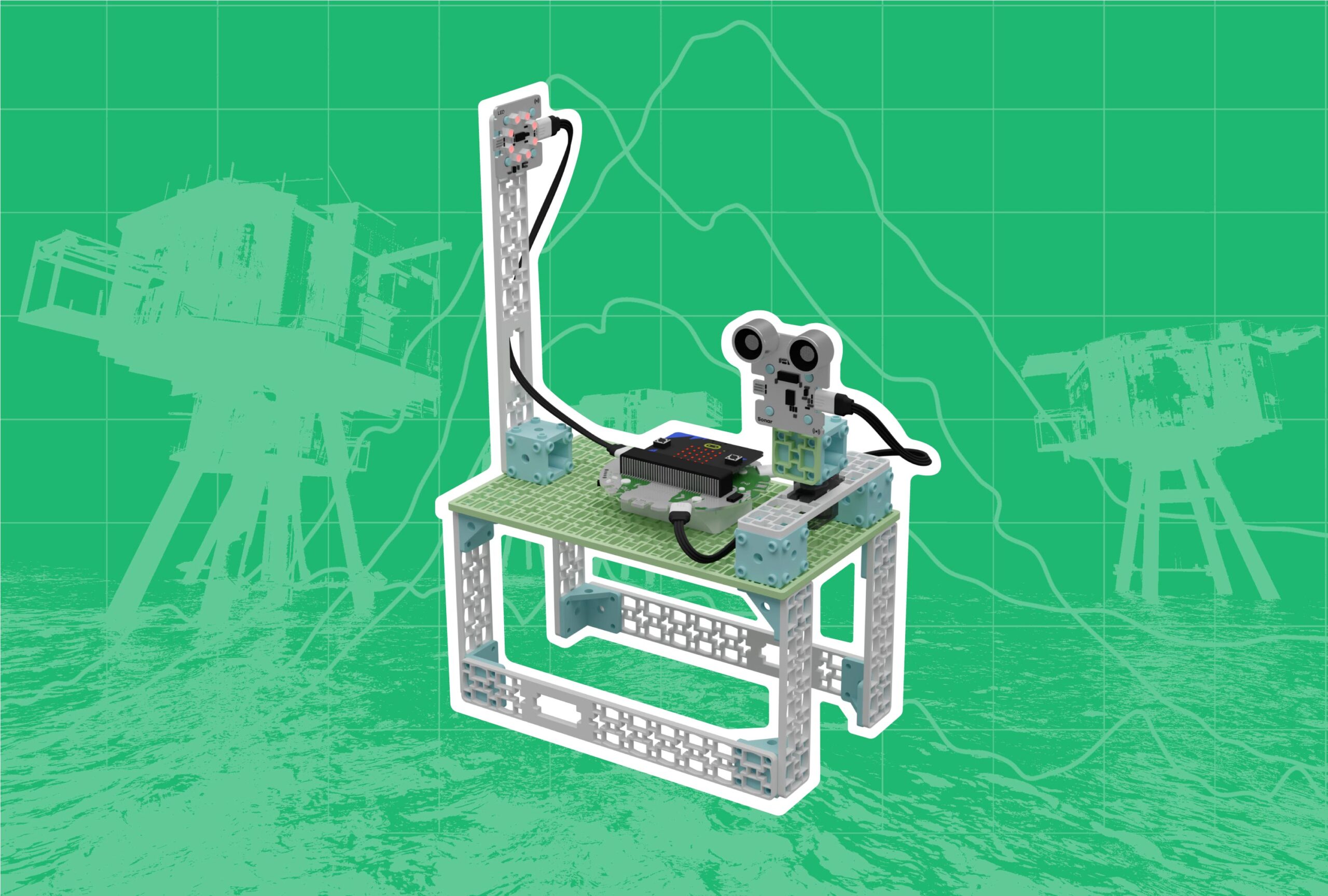 Nominate a Hope Spot: Protecting Local Marine EcosystemsOceans, EcosystemsCCSSNGSSGr 9 to 12Coding for Good Kit+1
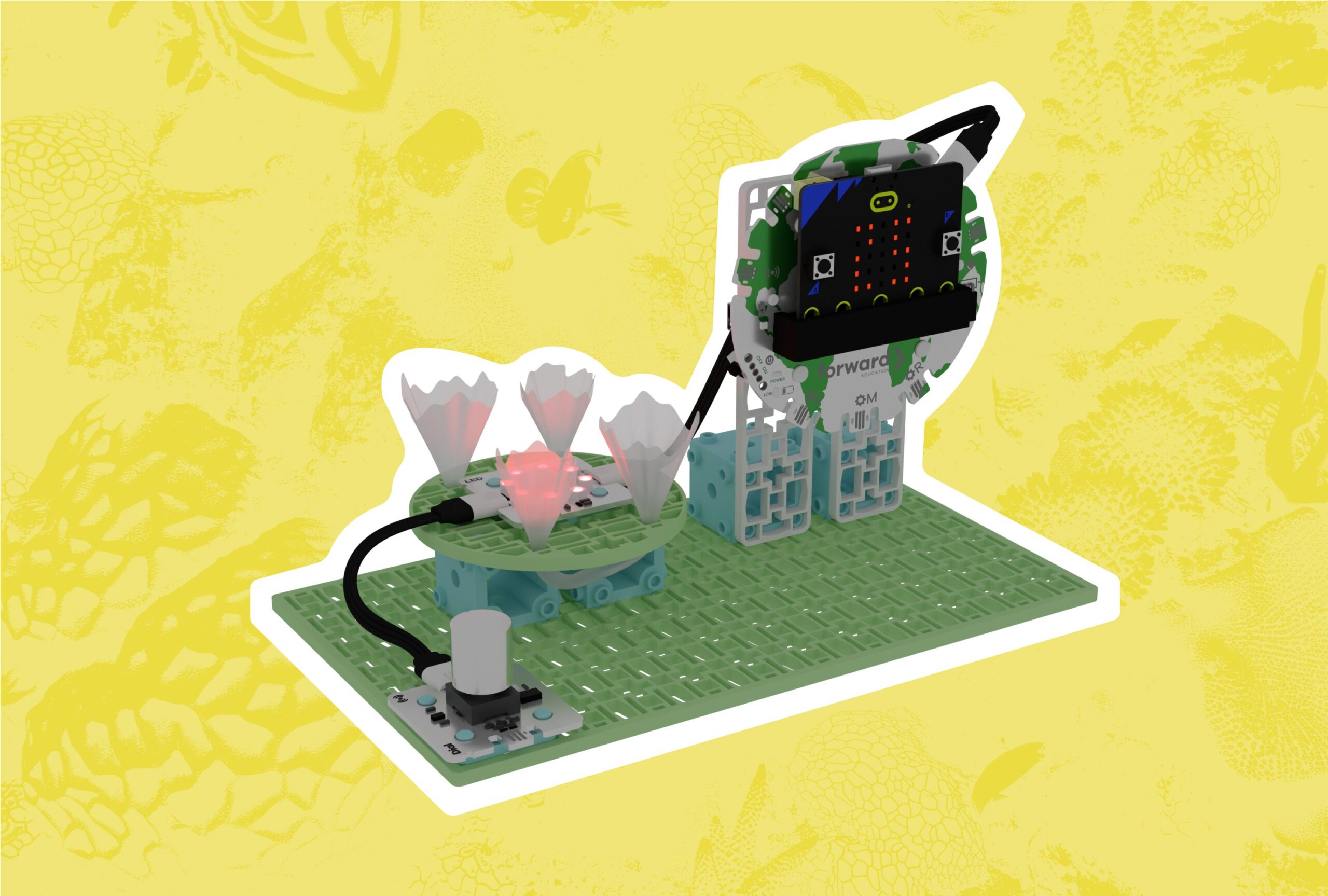 Protecting Coral ReefsOceans, EcosystemsCCSSCSTANGSSGr 3 to 5Coding for Good Kit+1
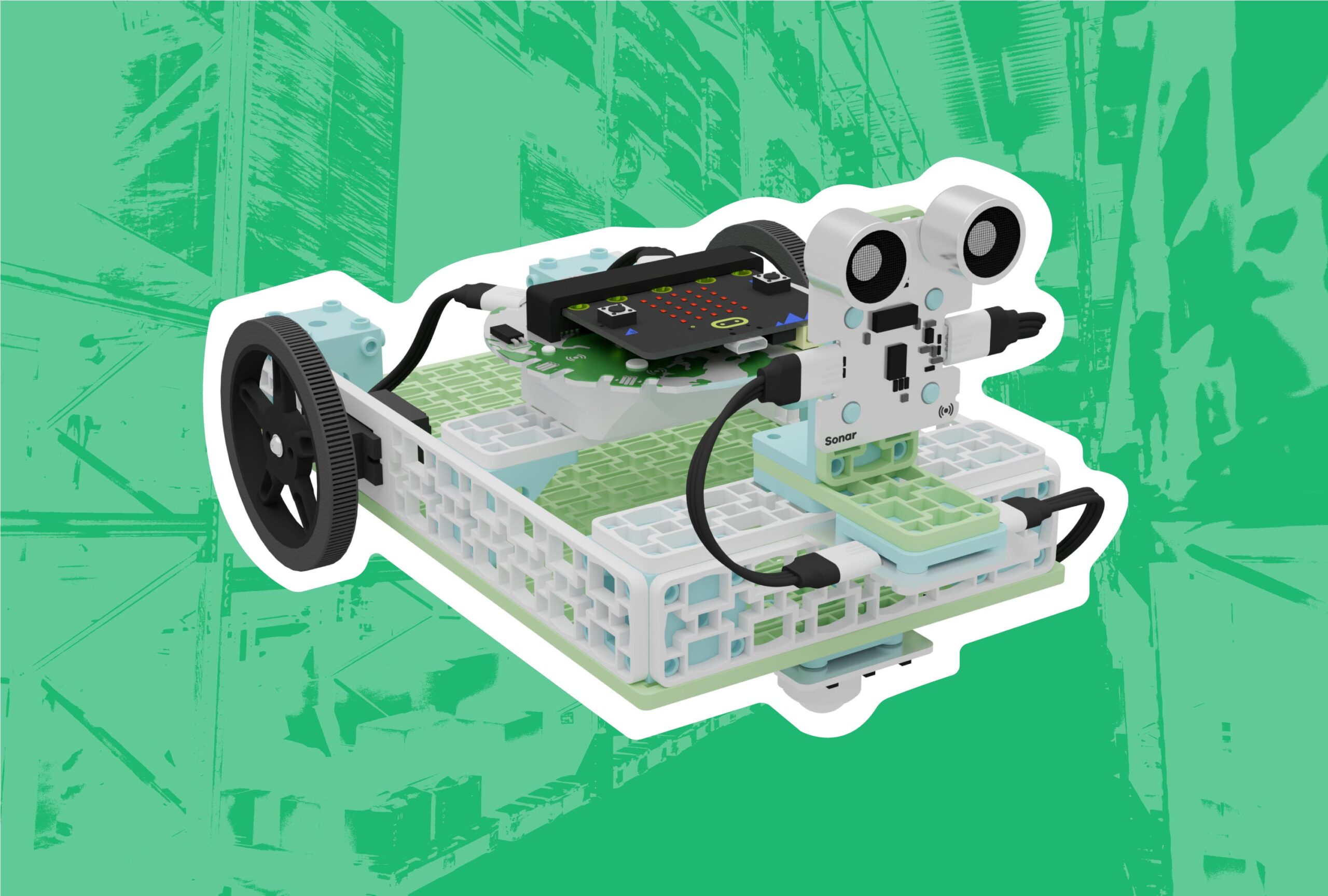 Smart Warehouse Vehicles for Industrial EfficiencySmart Vehicles, Sustainable CitiesCCSSCSTANGSSGr 9 to 12Coding for Good Kit+1
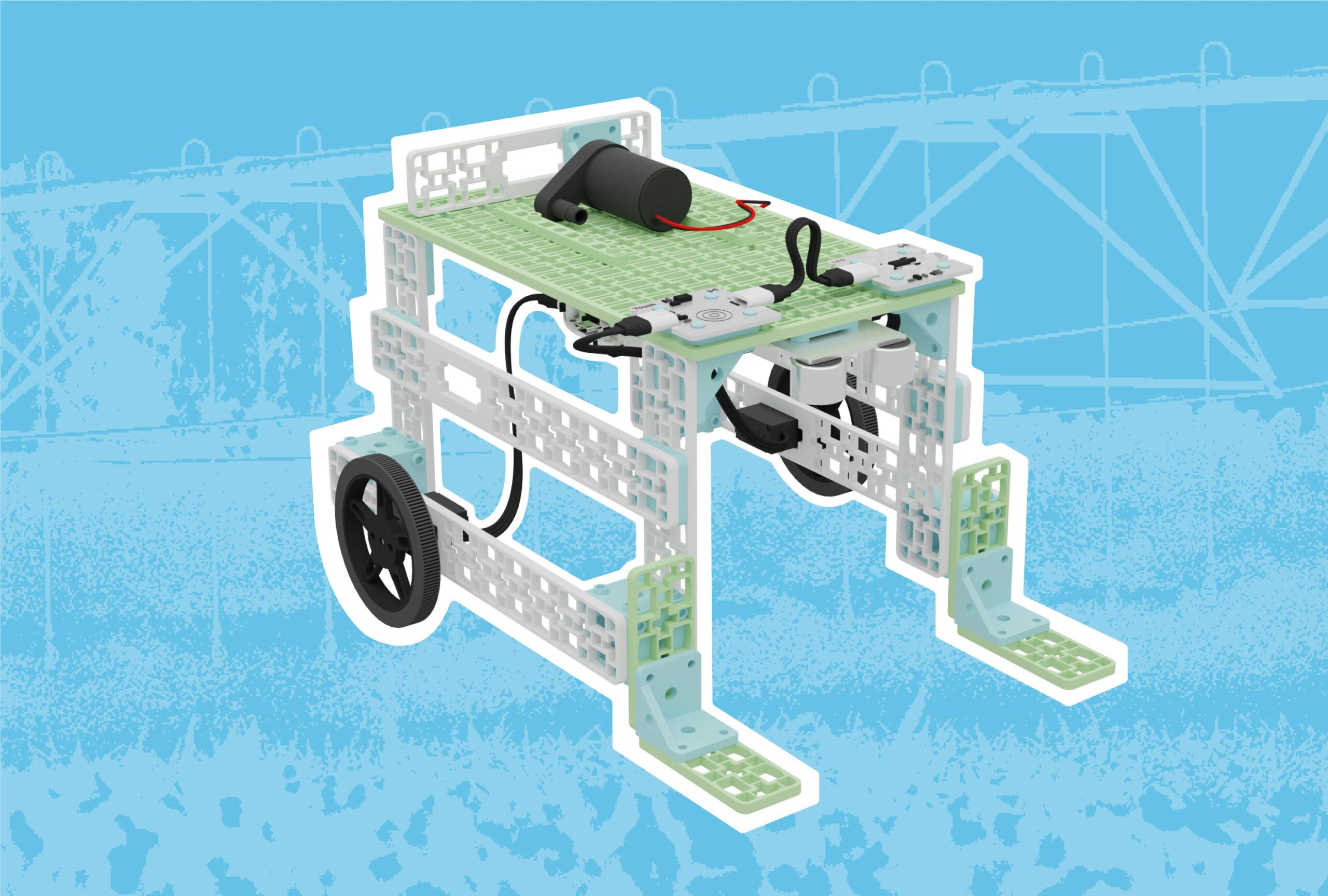 Precision Watering with Mobile Irrigation VehiclesSmart Vehicles, Smart FarmingCCSSCSTANGSSGr 9 to 12Coding for Good Kit+1
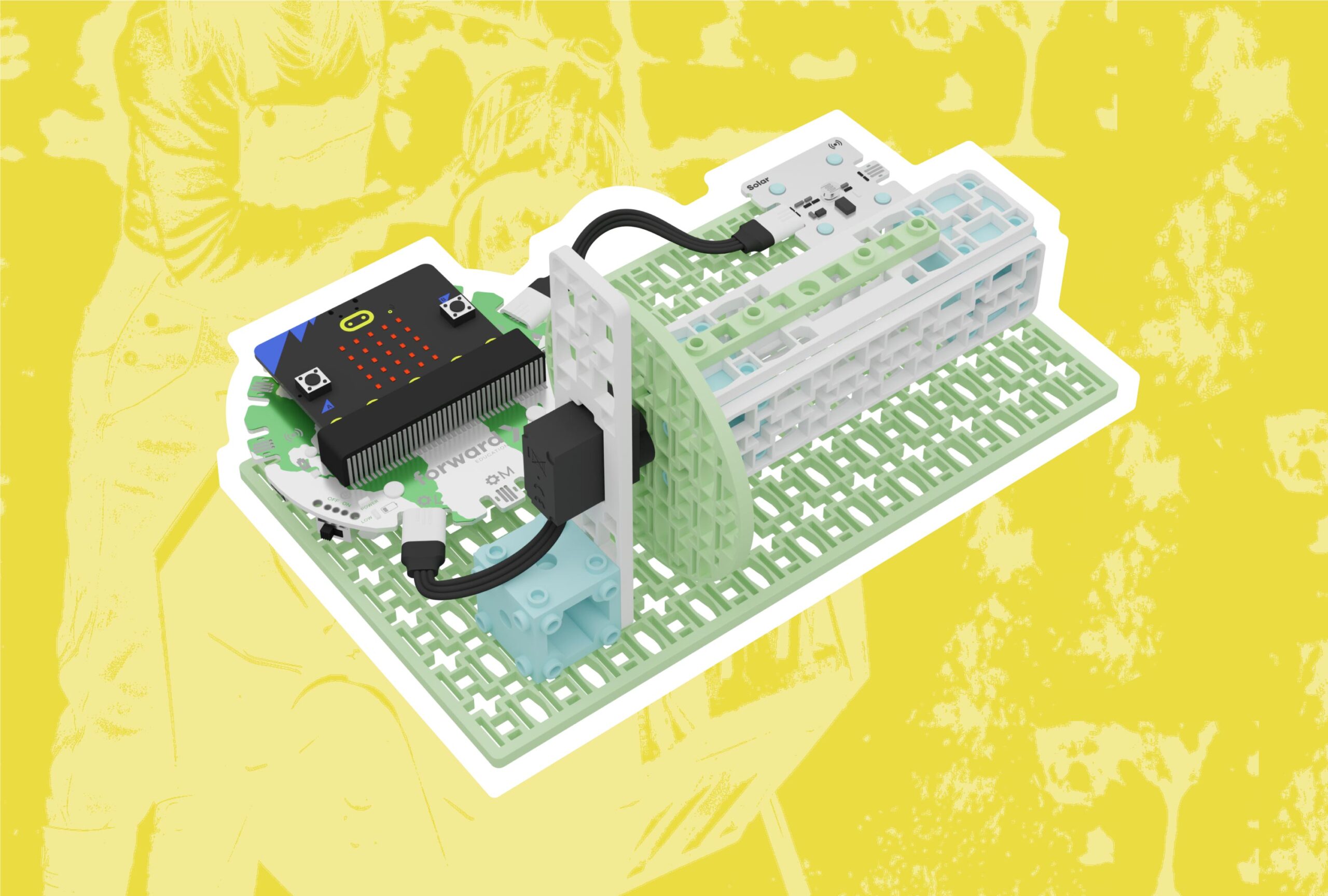 Soil CompostingSmart Farming, EcosystemsCCSSCSTANGSSGr 3 to 5Coding for Good Kit+1
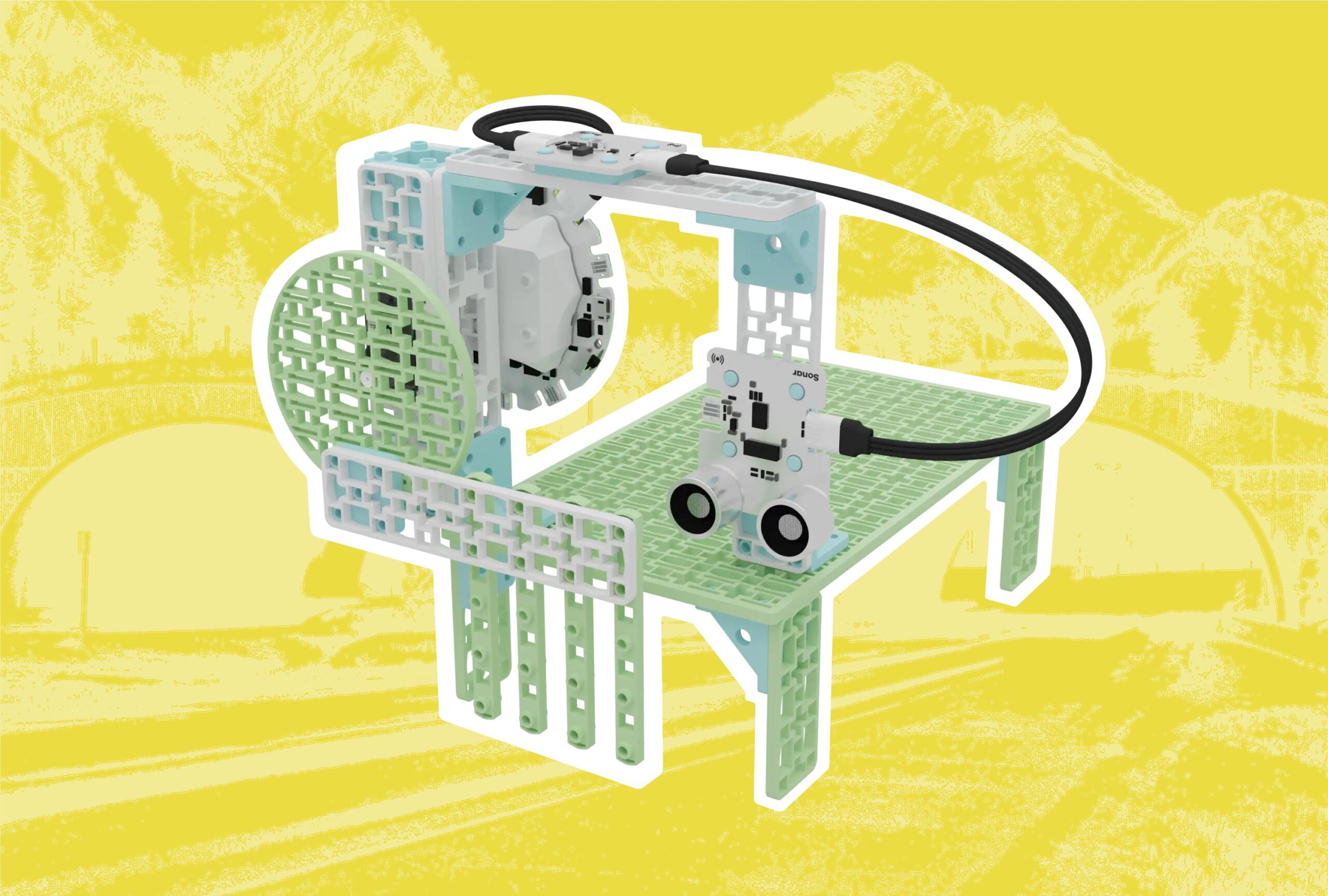 Safe Animal CrossingsSustainable CitiesCCSSCSTANGSSGr 3 to 5Coding for Good Kit+1
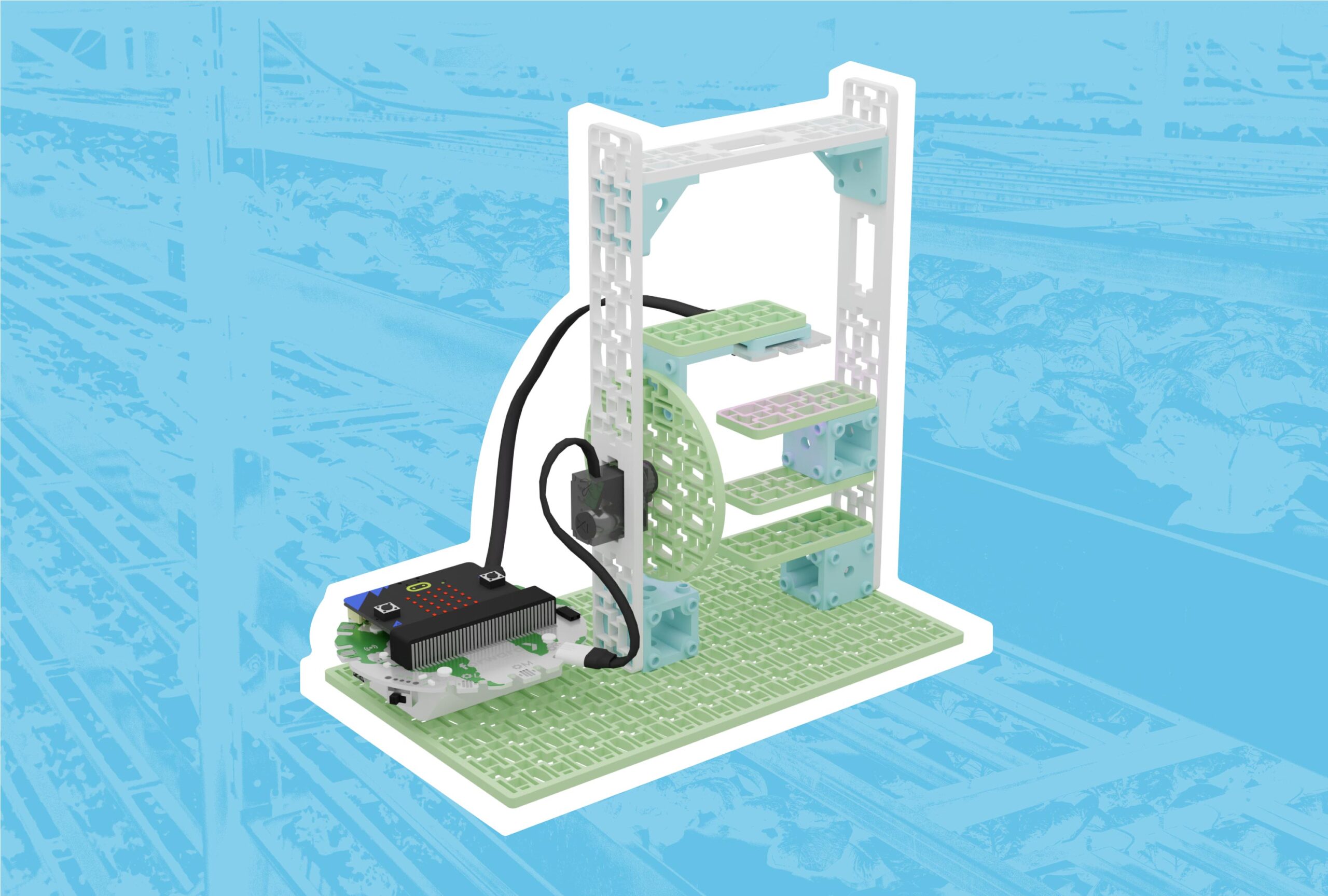 Optimizing Plant Growth with LED Grow LightsSmart Farming, Sustainable CitiesCCSSCSTANGSSGr 9 to 12Coding for Good Kit+1
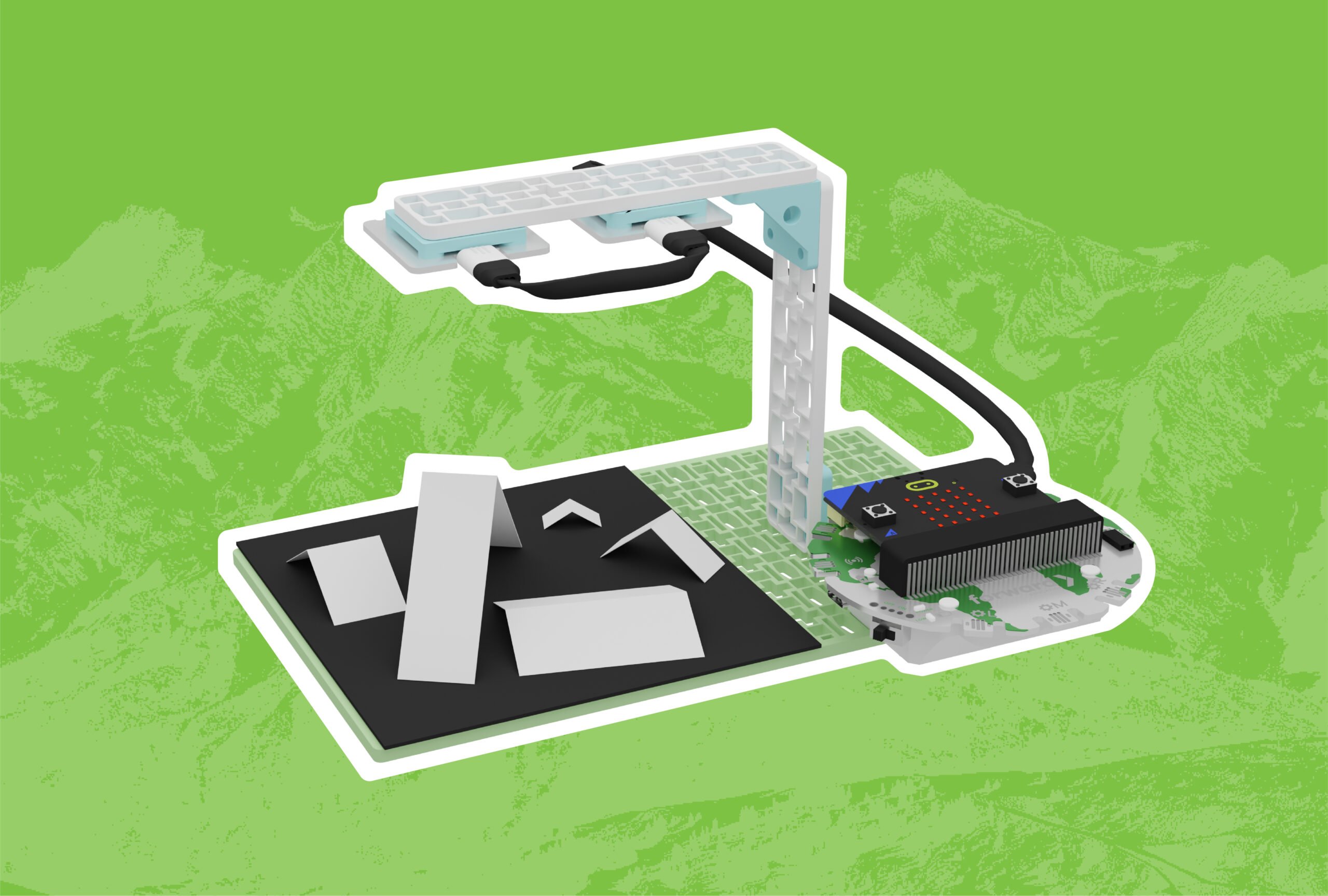 Glacier Tracking with SatellitesOceansCCSSCSTANGSSGr 6 to 8Coding for Good Kit+1
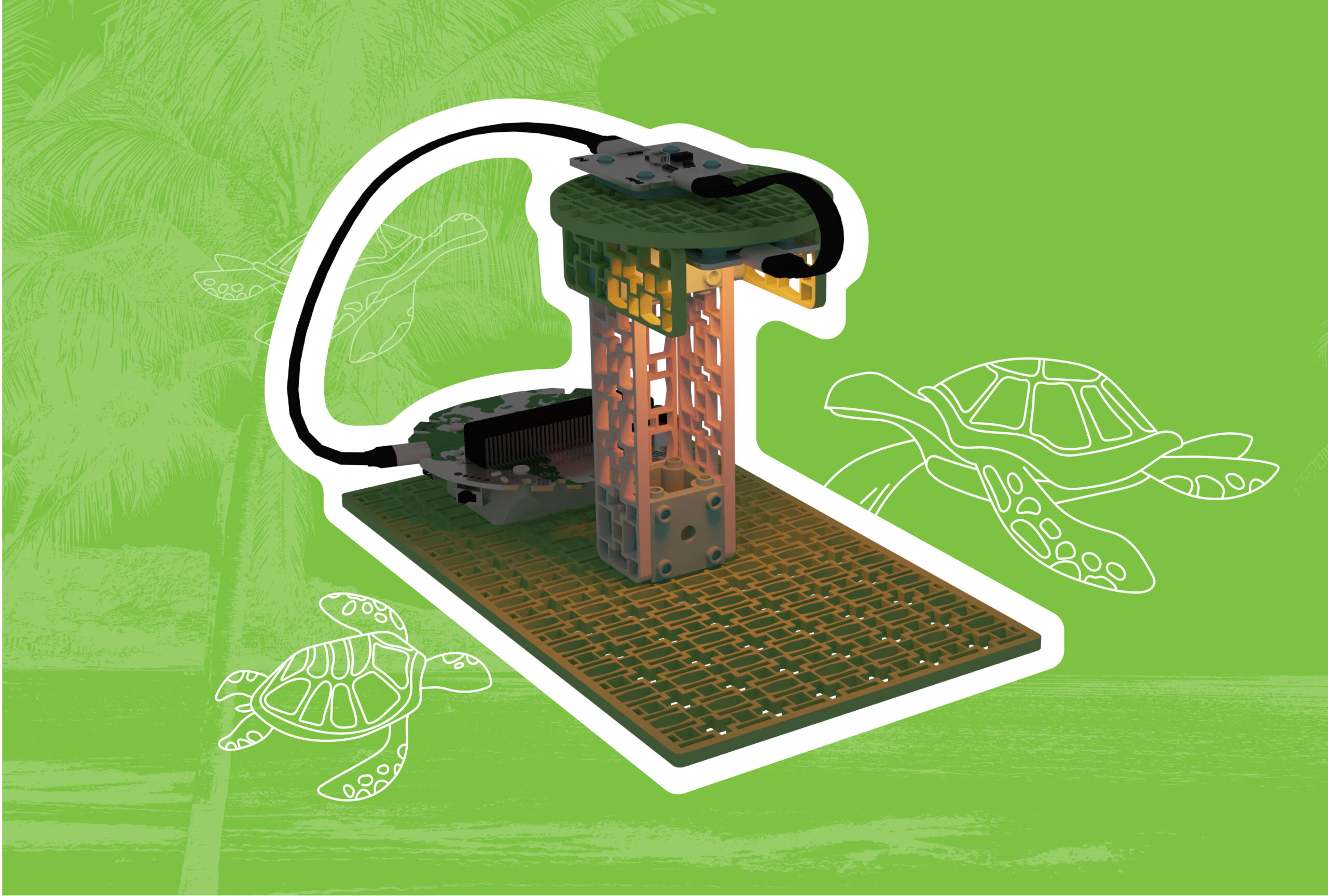 Beach Lighting for Sea Turtle ConservationOceans, EcosystemsCCSSCSTANGSSGr 6 to 8Coding for Good Kit+1
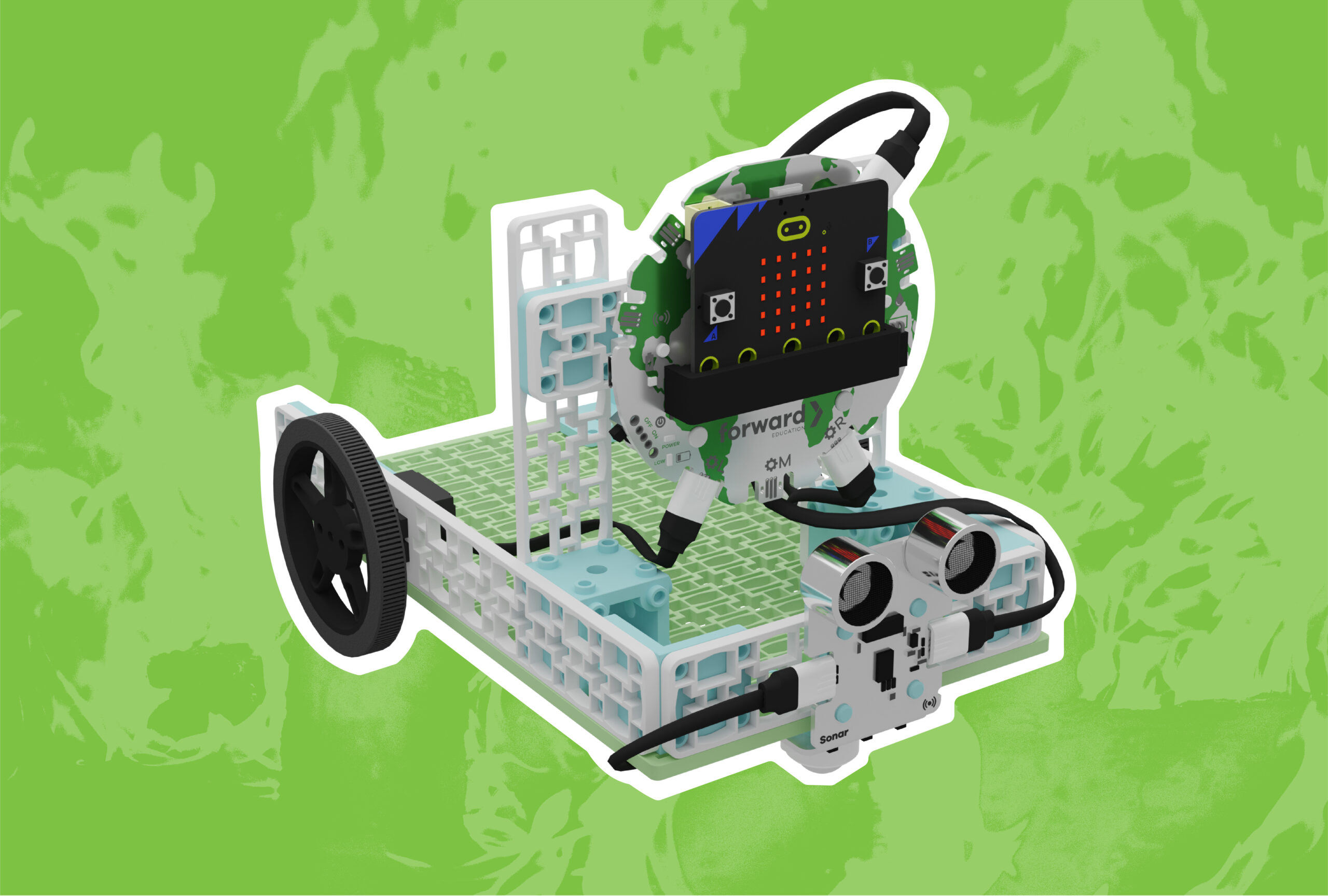 Wildfire Detection with Autonomous VehiclesSmart Vehicles, EcosystemsNGSSGr 6 to 8Coding for Good Kit+1
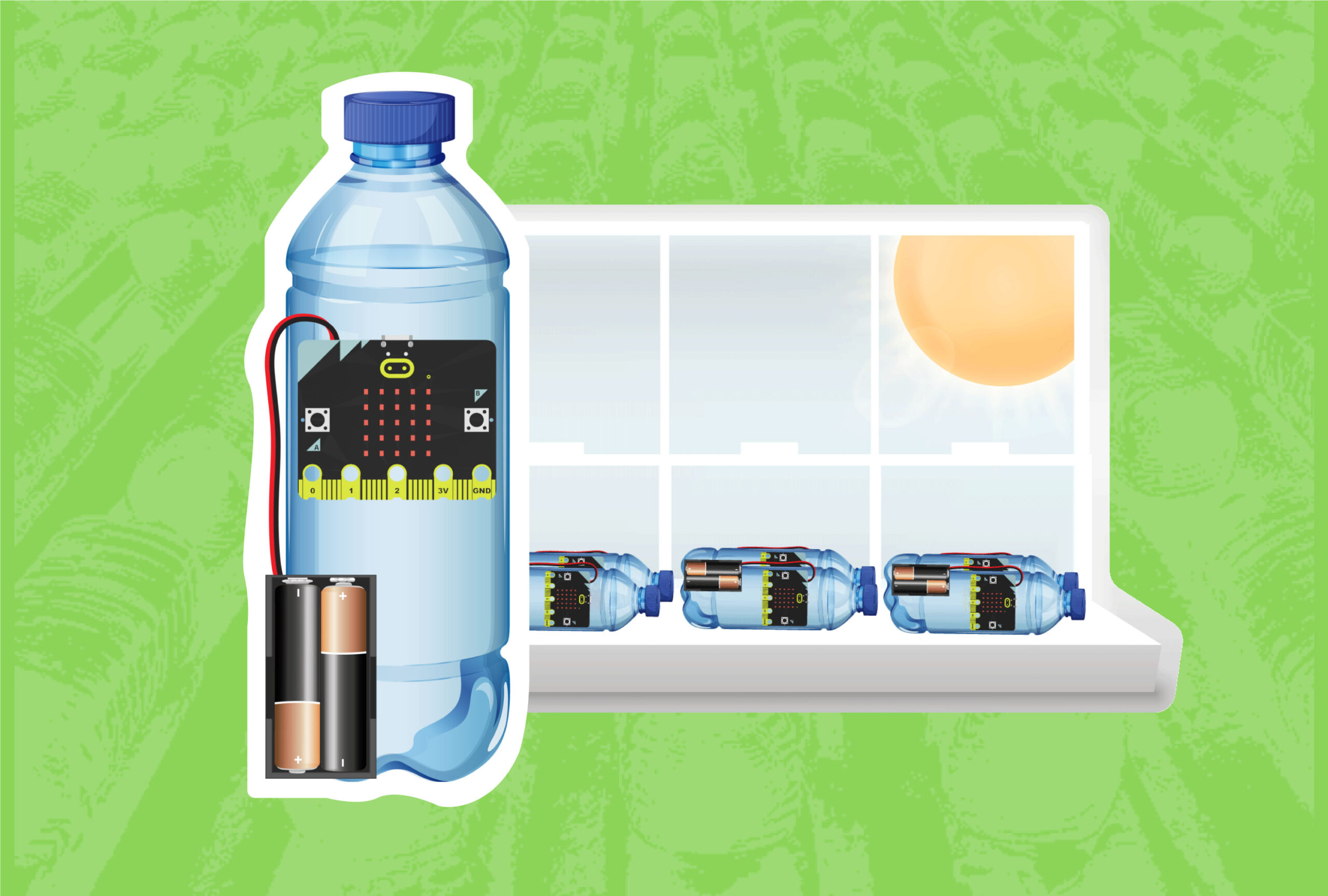 Solar Water Disinfection (SODIS)Sustainable CitiesGr 6 to 8Coding for Good Kit+5
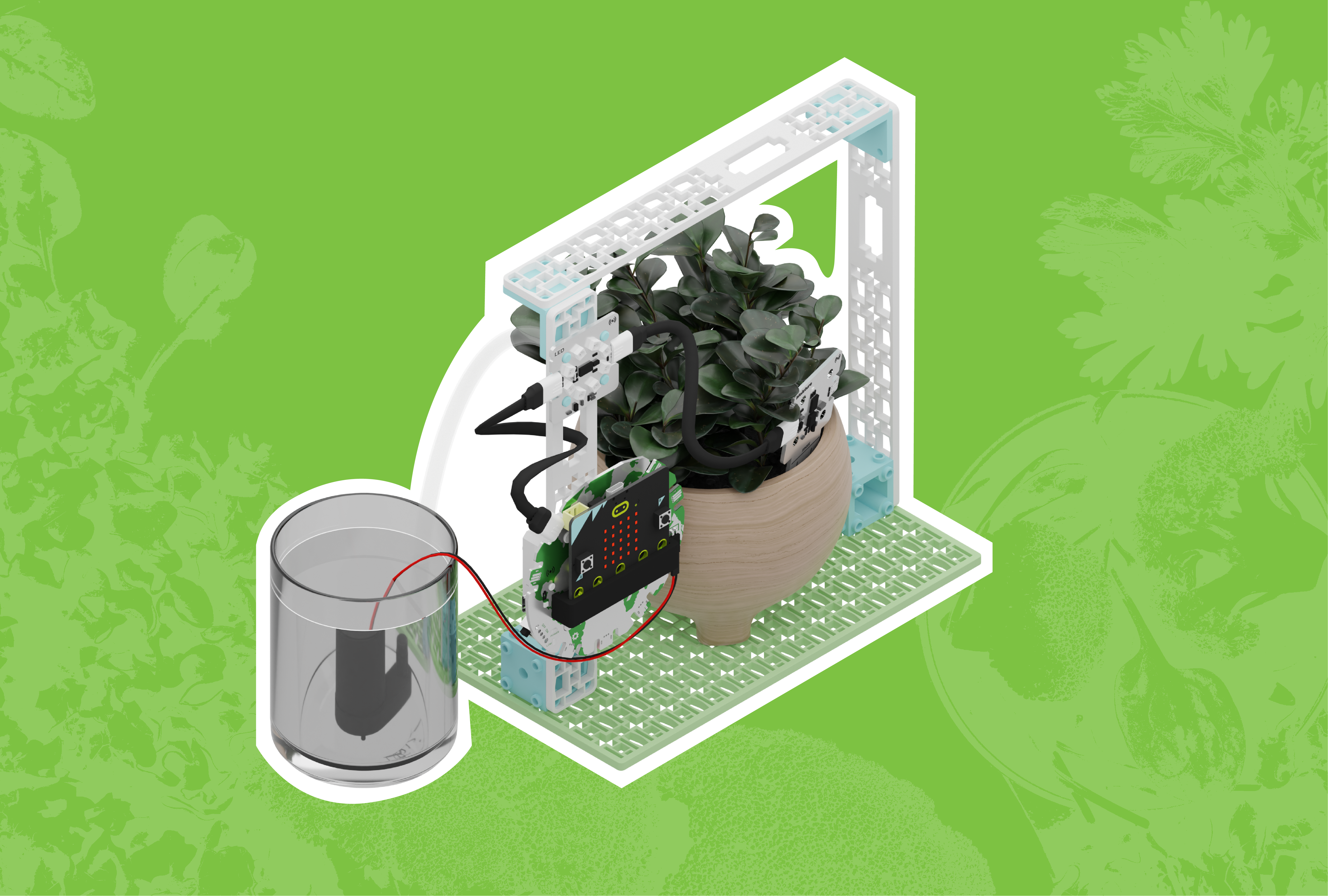 Data-driven Smart FarmingSmart Farming, FIIRE Indigenous PerspectivesCCSSCSTANGSSGr 6 to 8Coding for Good Kit+1
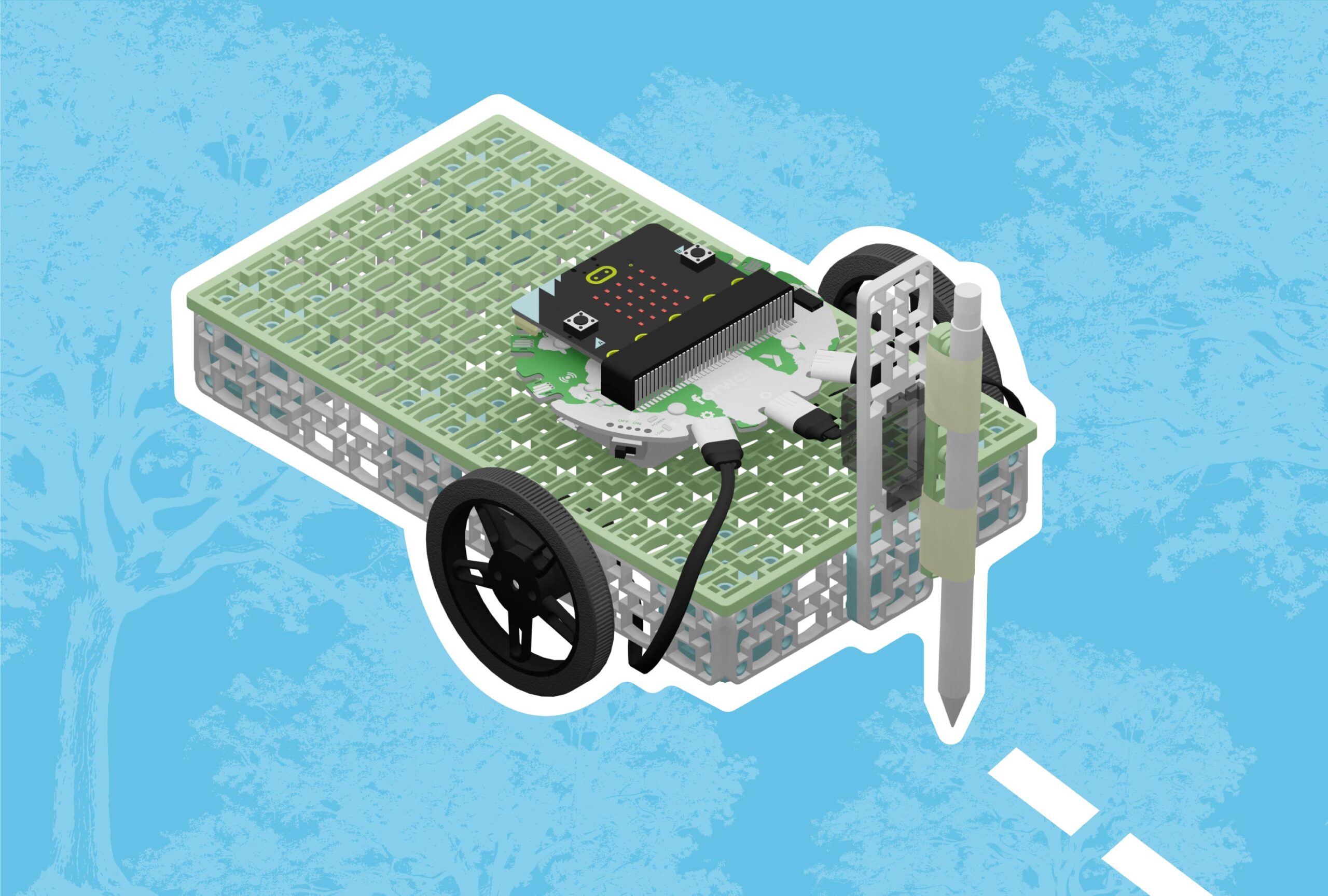 Replanting Our Forests with Automated Tree SeedersSmart VehiclesCCSSCSTANGSSGr 9 to 12Coding for Good Kit+1
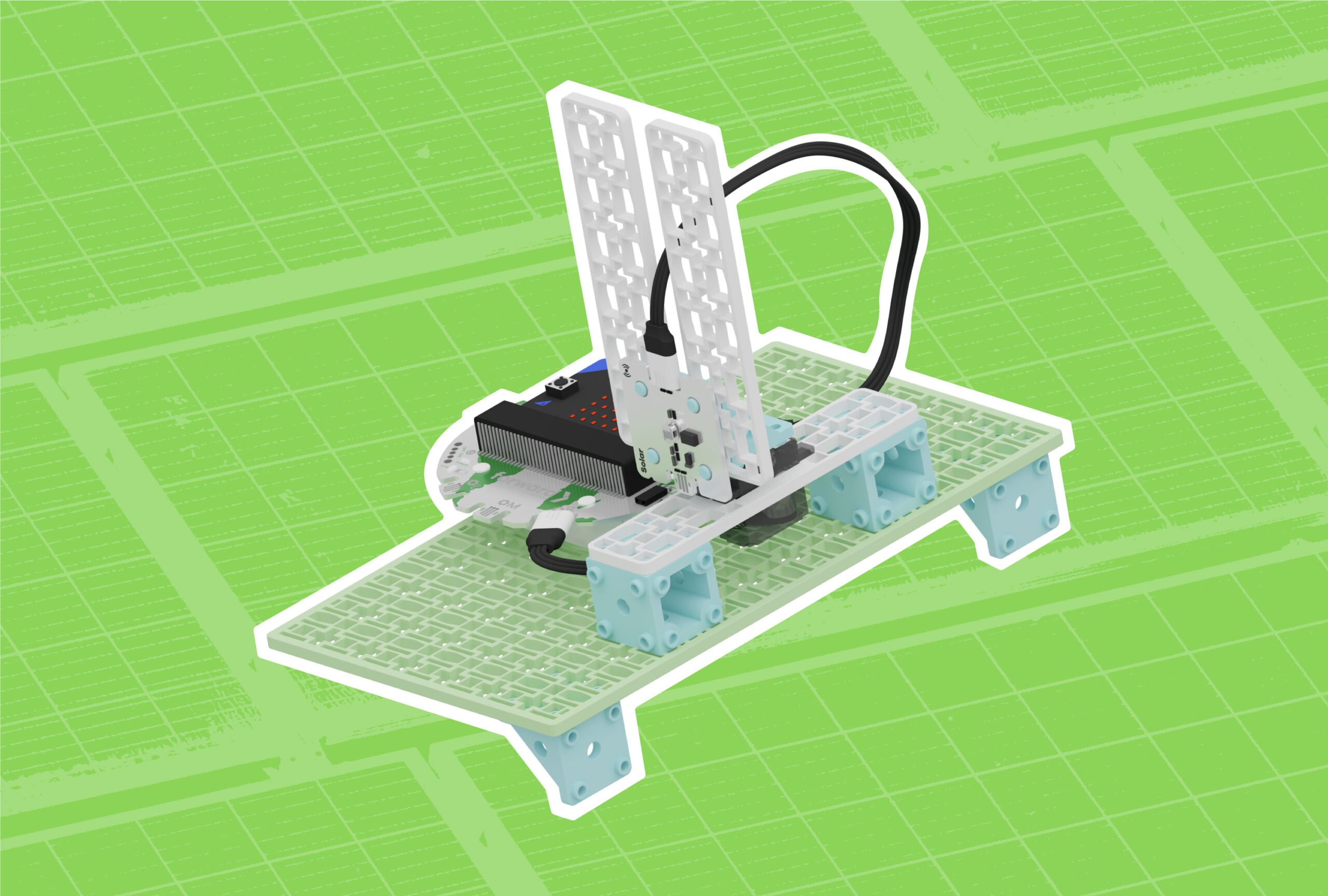 Harnessing the Sun’s Energy with Solar PanelsRenewable Energy, Sustainable CitiesGr 6 to 8Coding for Good Kit+1
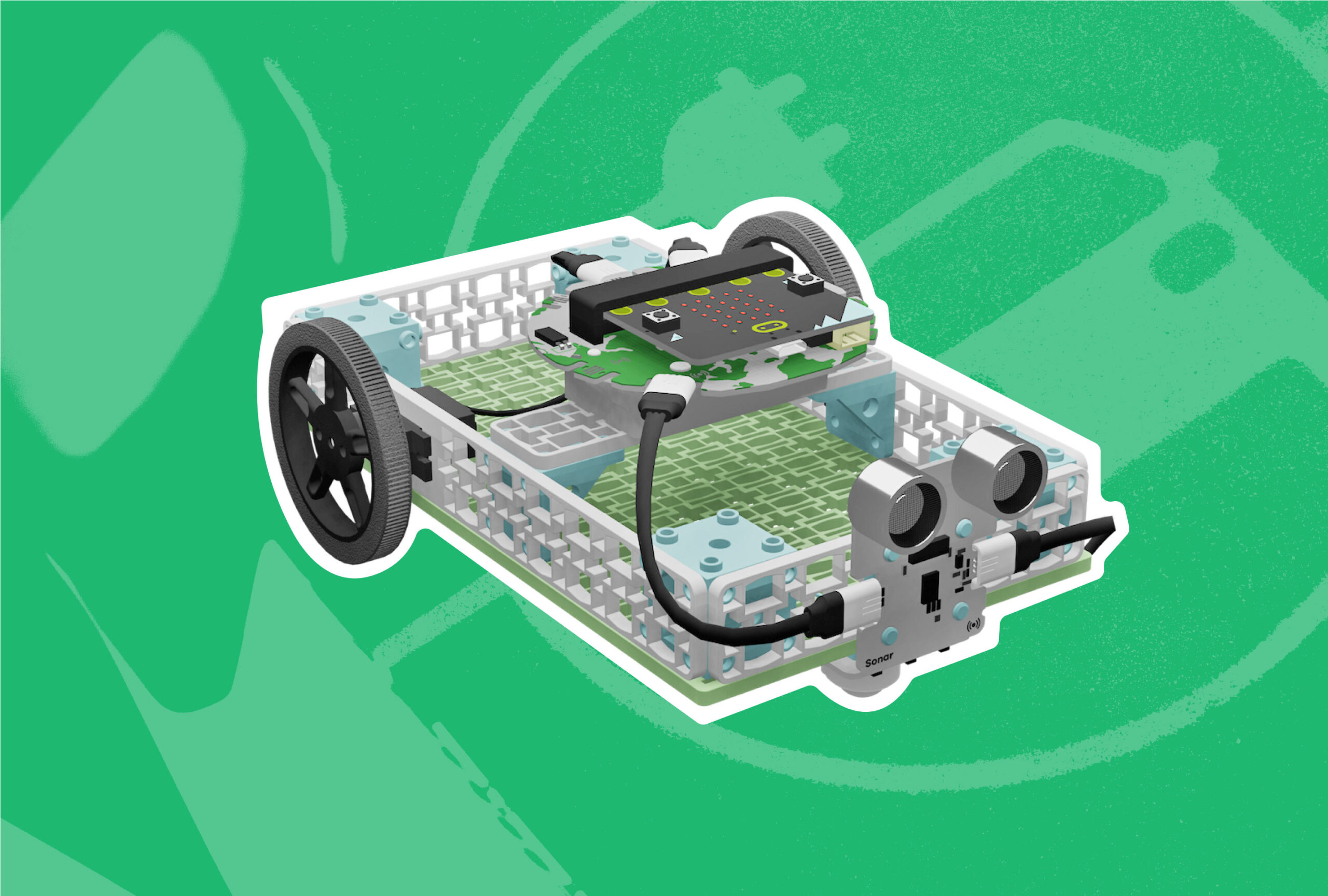 Autonomous Electric Vehicles of the FutureSmart Vehicles, Sustainable CitiesCCSSCSTANGSSGr 9 to 12Coding for Good Kit+1
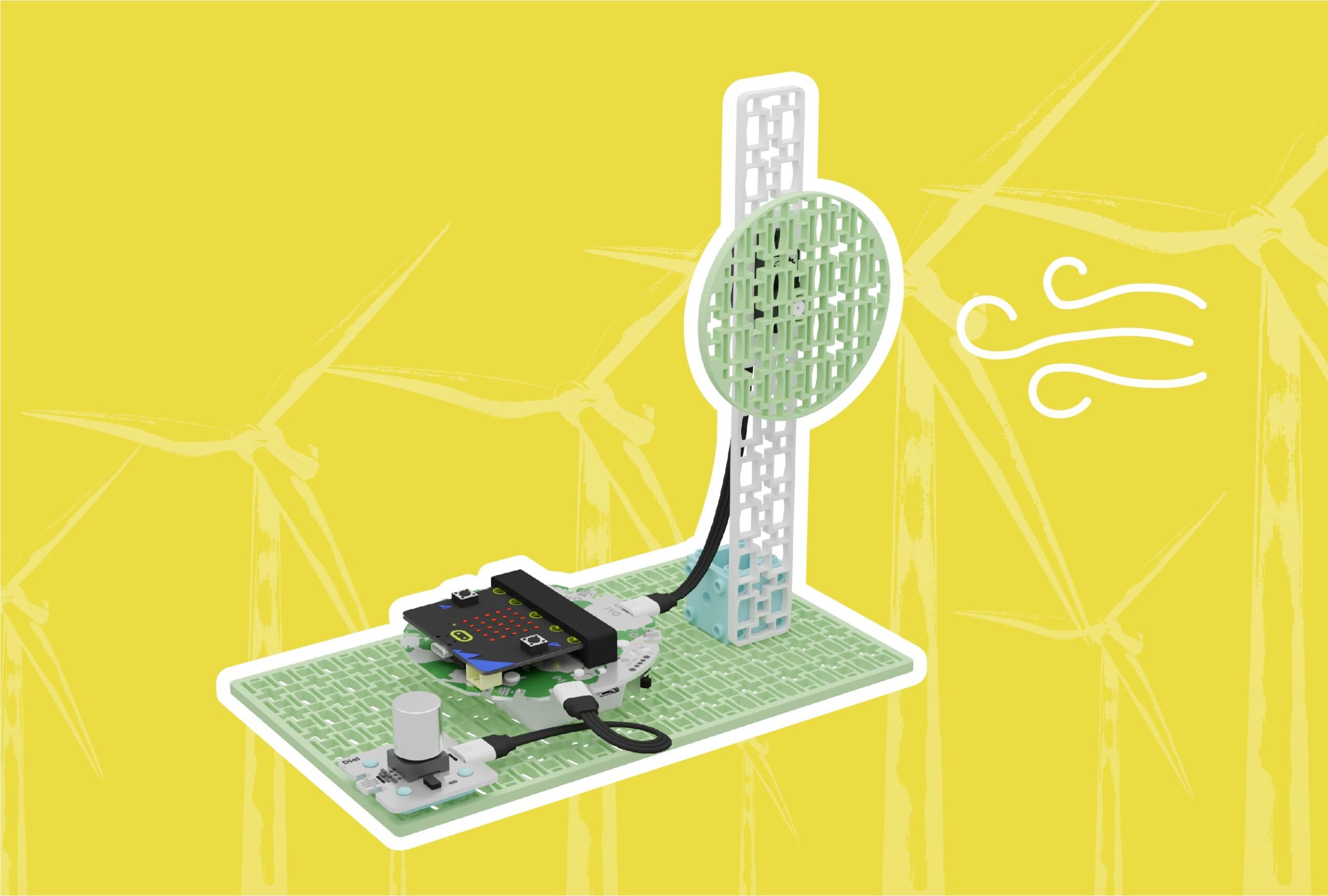 The Powerful Force of WindRenewable Energy, Wind TurbineNGSSGr 3 to 5Coding for Good Kit+1
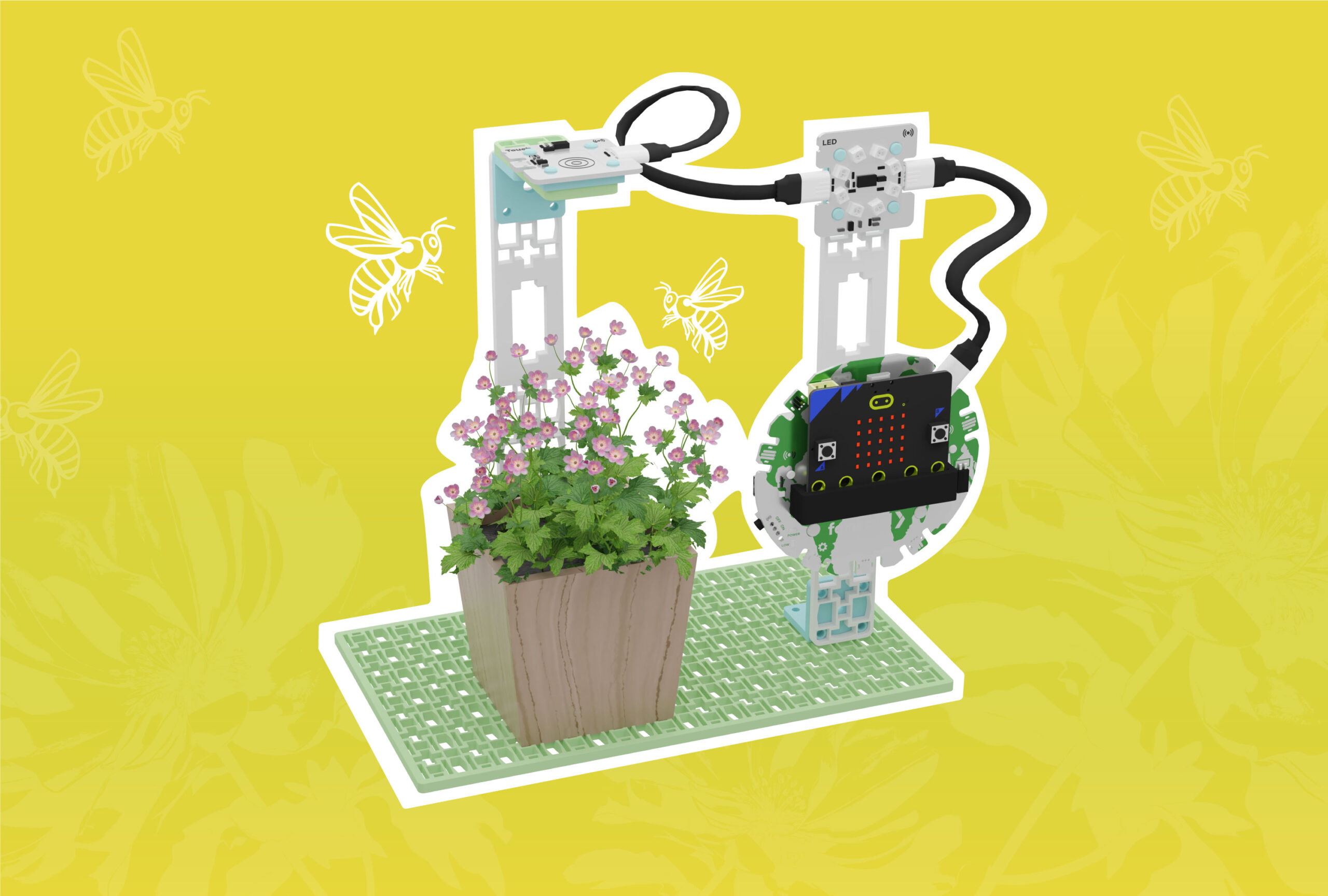 Protecting Pollinators with a Bee CounterSmart Farming, EcosystemsCCSSCSTANGSSGr 3 to 5Coding for Good Kit+1
Nothing in lessons matches these filters.
Explore all 35 lessons on the Lesson Library →Projects 63
Build-along activities. These work at any grade.
 Automatic Door Sensor with MicroChatCoding for Good KitAny gradeBeginnerCoding for Good Kit+1
 Sunlight Exposure Alert with MicroChatAny gradeBeginner
 Disco Pixel Party with MicroChatCoding for Good KitAny gradeBeginnerCoding for Good Kit+2
 Entry AlertCodingCSTANGSSAny gradeBeginnerCoding for Good Kit+1
 Motion Sensing LightsCodingAny gradeBeginnerCoding for Good Kit
 Soil Temperature TestingCodingCCSSAny gradeBeginnerCoding for Good Kit
 Shake-to-Roll Dice & Probability Lab with MicroChatMicroChatAny gradeIntermediateMicroChat
 The Nature Explorer with MicroChatMicroChatAny gradeBeginnerMicroChat
 The Mood Badge with MicroChatMicroChatAny gradeBeginnerMicroChat
 Compass Navigator with MicroChatMicroChatAny gradeBeginnerMicroChat
 Including Audio Recordings with Funny Voice Recordermicro:bitCCSSAny gradeBeginnermicro:bit
 Number Patterns with the micro:bitmicro:bitCCSSCSTAAny gradeBeginnermicro:bit
 Paraphrasing Quantitative Information with Survey Data Loggermicro:bitCCSSCSTAAny gradeBeginnermicro:bit
 Measurement and Conversion with Distance Calculatormicro:bitCCSSCSTAAny gradeBeginnermicro:bit
 Renewable Energy with micro:bit Light MeterCoding, ExperimentCCSSCSTANGSSAny gradeBeginnerCHARGE for micro:bit
 Energy Transfer with micro:bit Conductivity TesterCoding, ExperimentCSTANGSSAny gradeBeginnermicro:bit+1
 Narrative Writing Prompts with micro:bitCodingCCSSAny gradeBeginnermicro:bit+1
 Opinion Writing with the micro:bit Data LoggerCoding, ExperimentCCSSCSTAAny gradeBeginnermicro:bit+1
 Environmental Datalogging with micro:bit – Data-Based Solutionsmicro:bitAny gradeBeginnermicro:bit+1
 Interactive Math Practice with micro:bit Activity PickerCoding, ExperimentCCSSAny gradeBeginnermicro:bit+1
 Apparent Brightness with Energy Light Metermicro:bitCCSSCSTANGSSAny gradeBeginnermicro:bit+1
 Artemis II – Mission to the Moon with micro:bitArtemis II, CodingAny gradeIntermediateCoding for Good Kit+1
 Artemis II – Lunar Rover DesignArtemis II, CodingAny gradeIntermediateCoding for Good Kit+2
 Artemis II – Hello Moon with micro:bitArtemis II, CodingAny gradeBeginnerCoding for Good Kit+2
 Calibrate & Log pHCodingCSTANGSSAny gradeBeginnerSmart Hydroponics Kit
 Simple pH MonitoringCodingCSTAAny gradeBeginnerSmart Hydroponics Kit
 Dimming Lights for HydroponicsCodingCSTAAny gradeBeginnerSmart Hydroponics Kit
 Automatic Light Timer for HydroponicsCodingAny gradeIntermediateSmart Hydroponics Kit
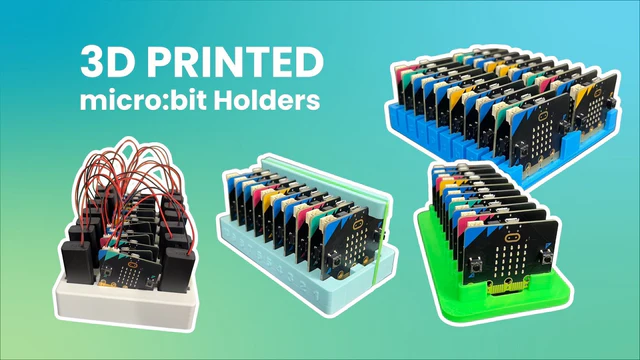 3D Printed micro:bit HoldersDesignAny gradeBeginnermicro:bit+1
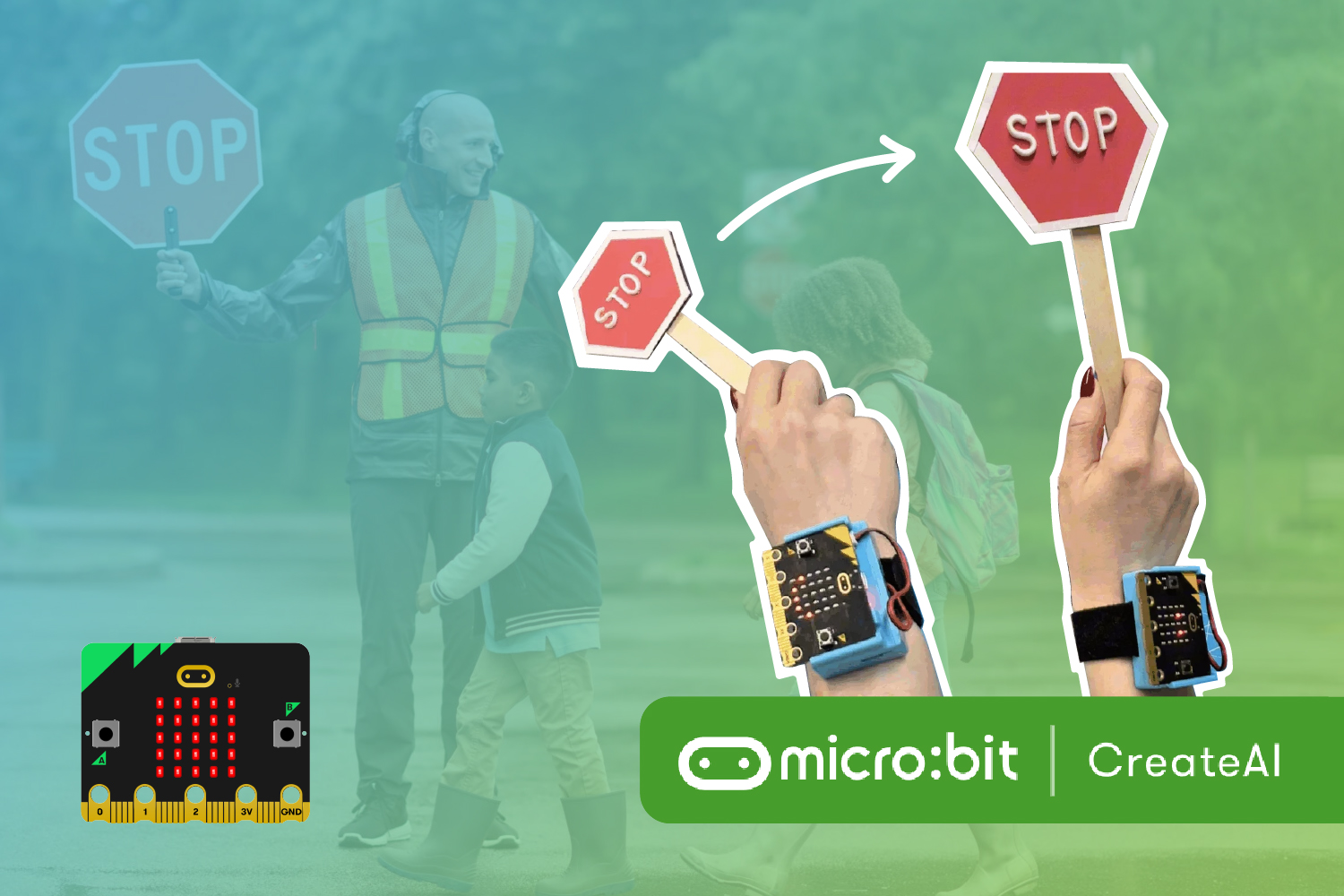 Crossing Guard AI StationAI, DesignCSTANGSSAny gradeIntermediateCoding for Good Kit+3
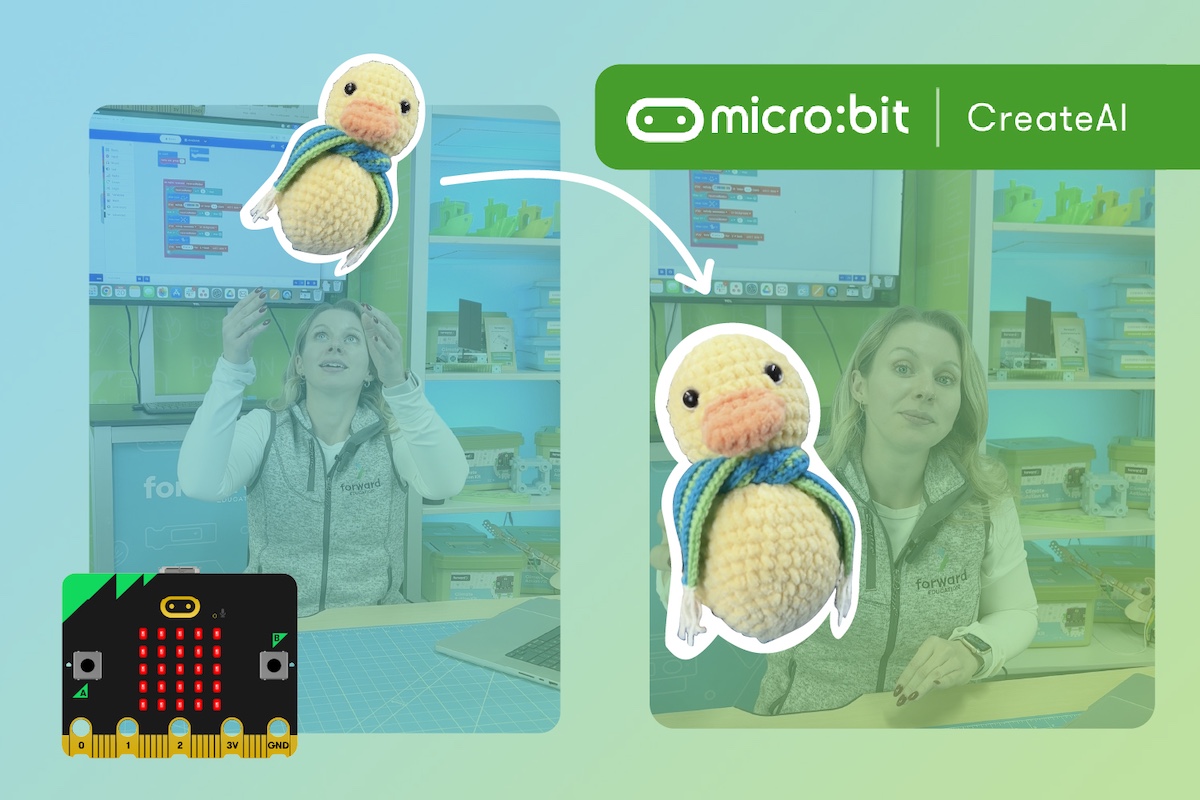 Chuck-a-Duck CreateAI GameAI, CodingCSTAAny gradeBeginnermicro:bit+1
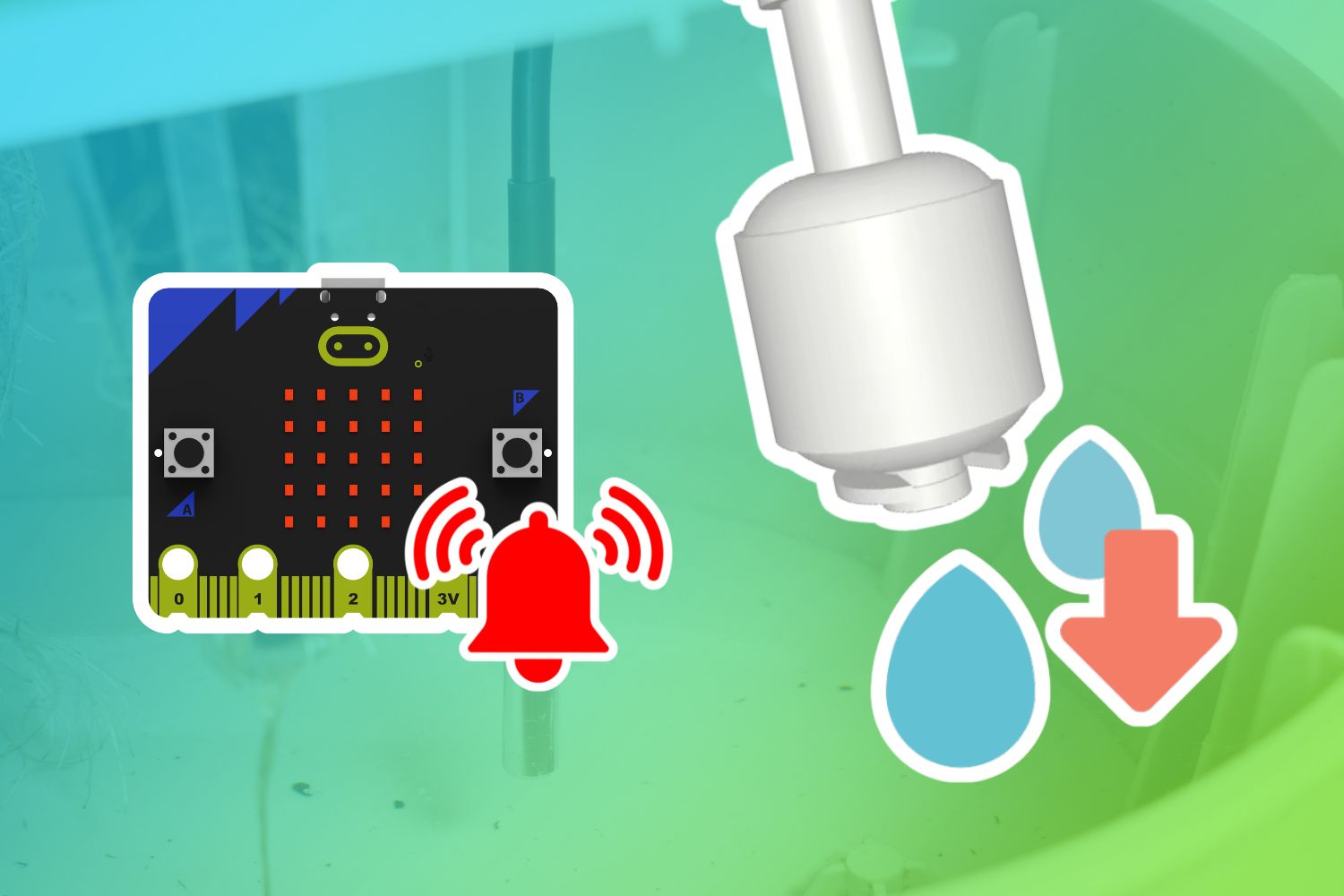 Low-Water Alarm for HydroponicsCodingAny gradeBeginnerSmart Hydroponics Kit
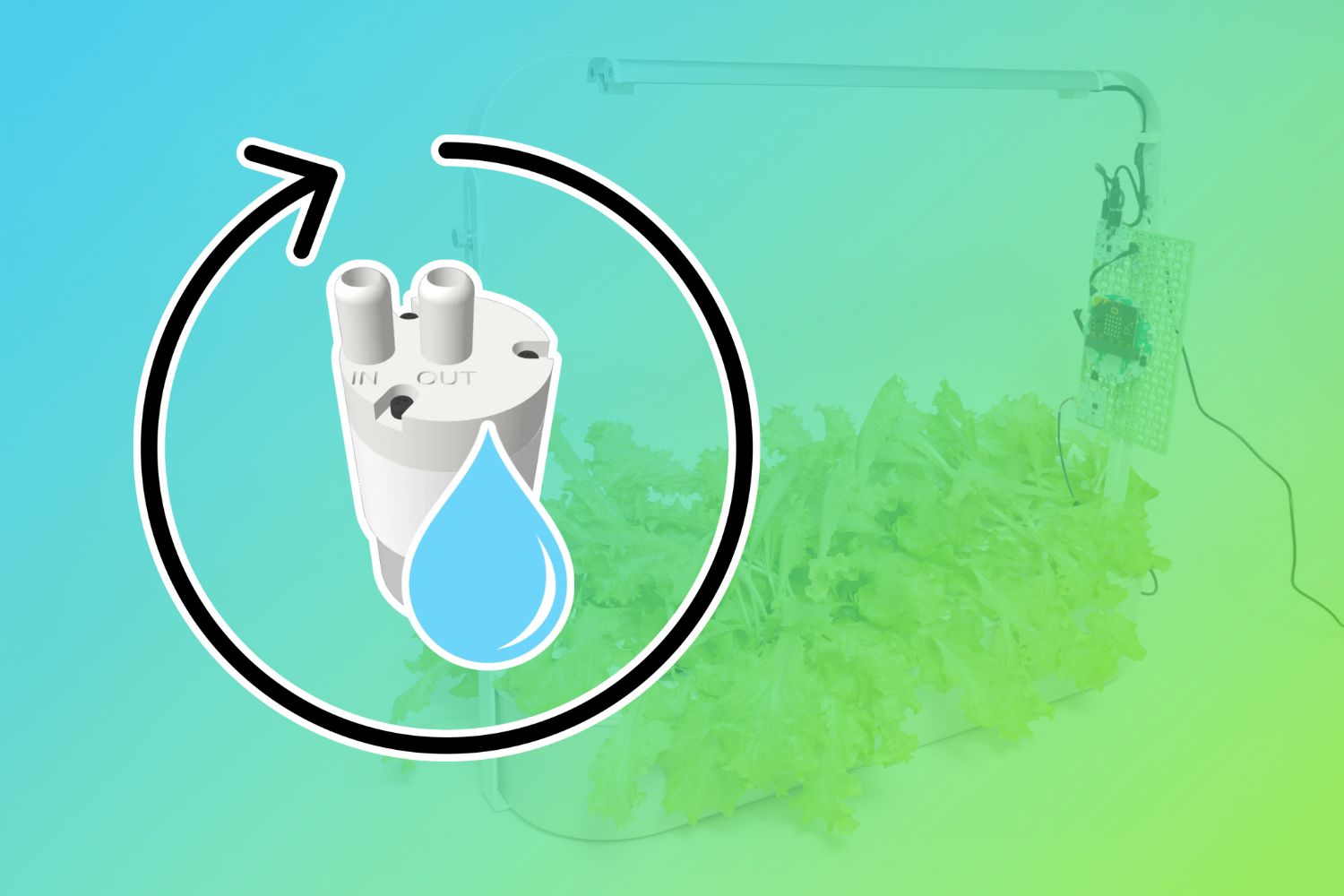 Water Recirculation for HydroponicsCodingNGSSAny gradeBeginnerSmart Hydroponics Kit
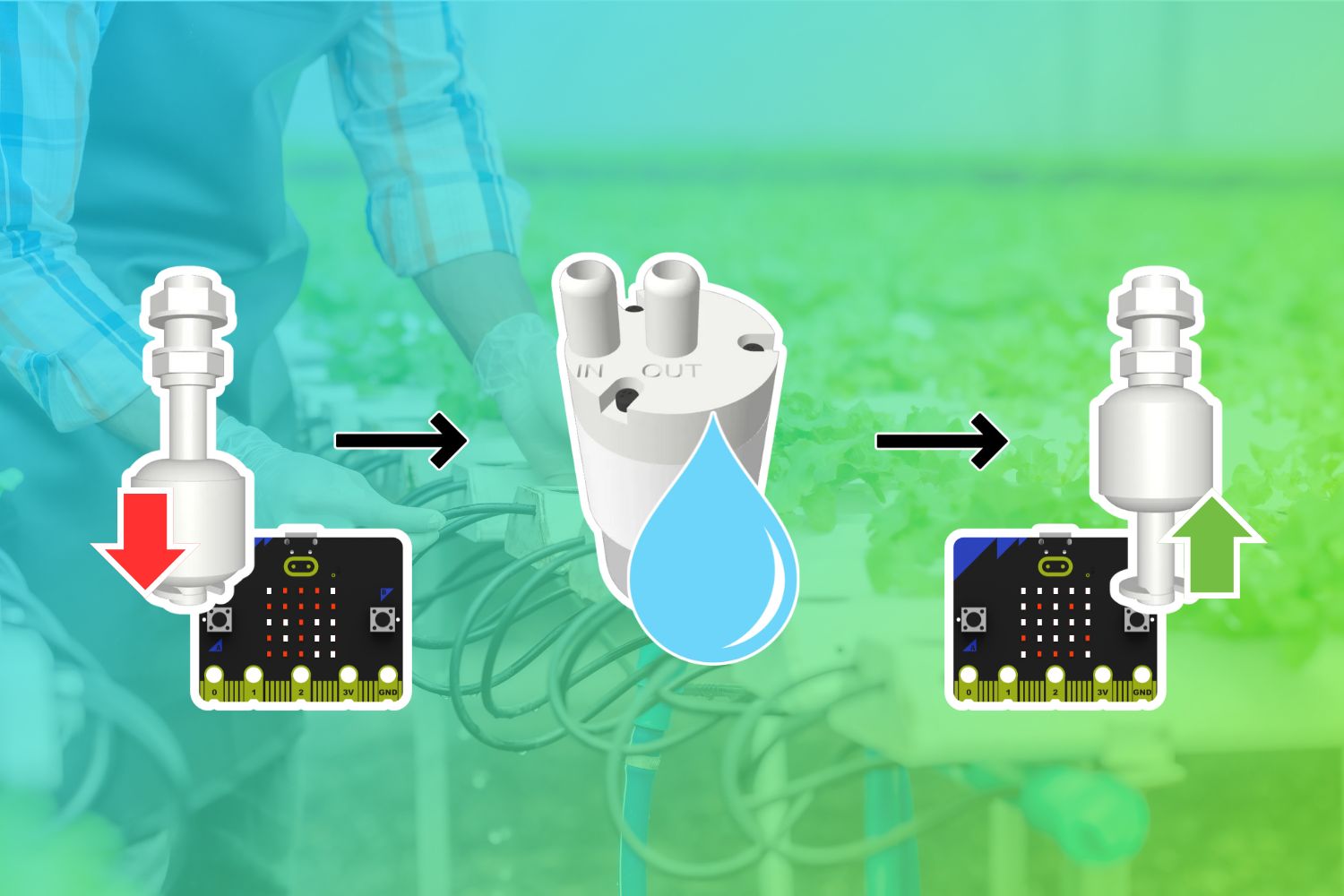 Auto-Refill Hydroponics ReservoirCodingNGSSAny gradeIntermediateSmart Hydroponics Kit
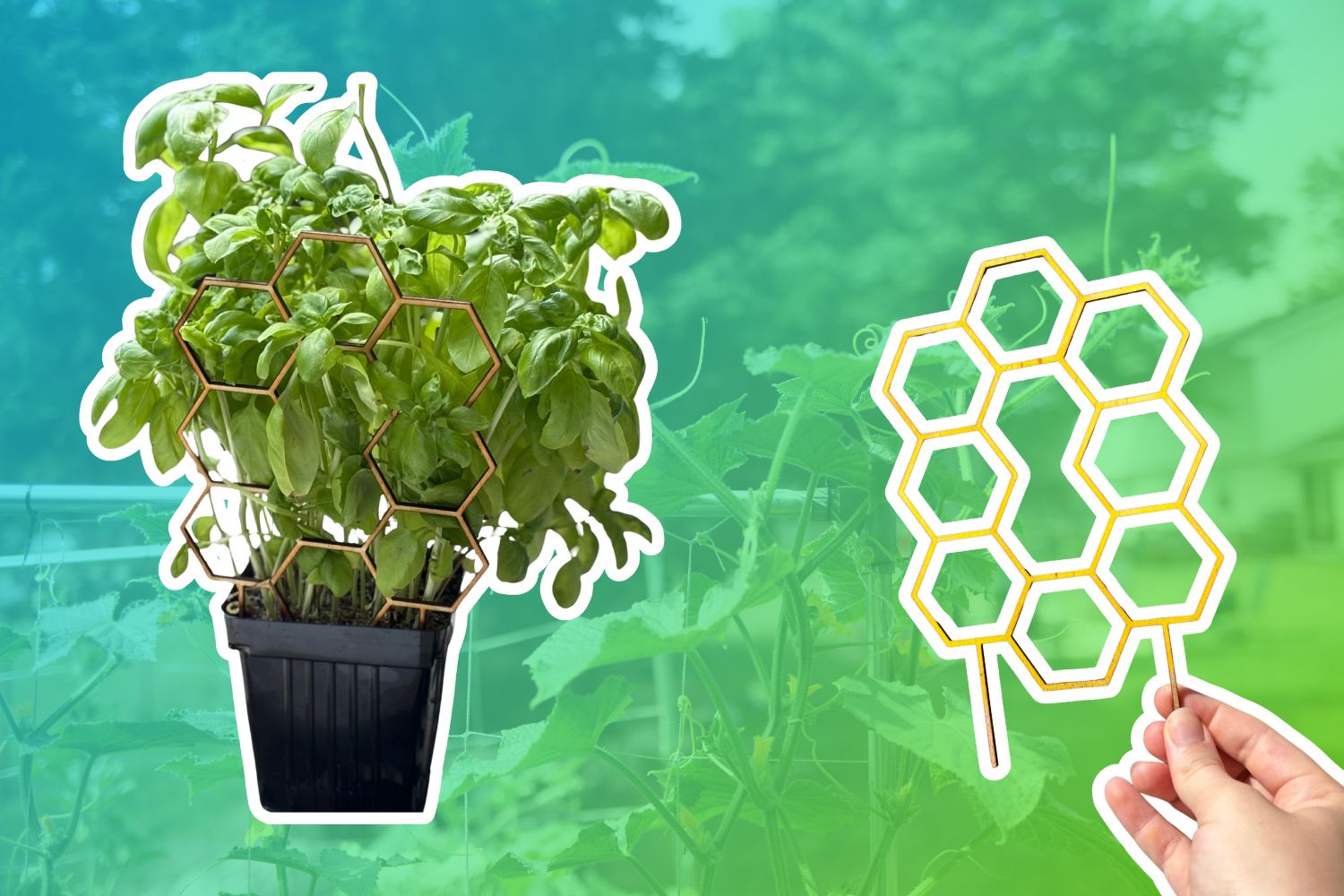 Maximize Garden Space with a TrellisDesignAny gradeBeginnerLaser Cutter
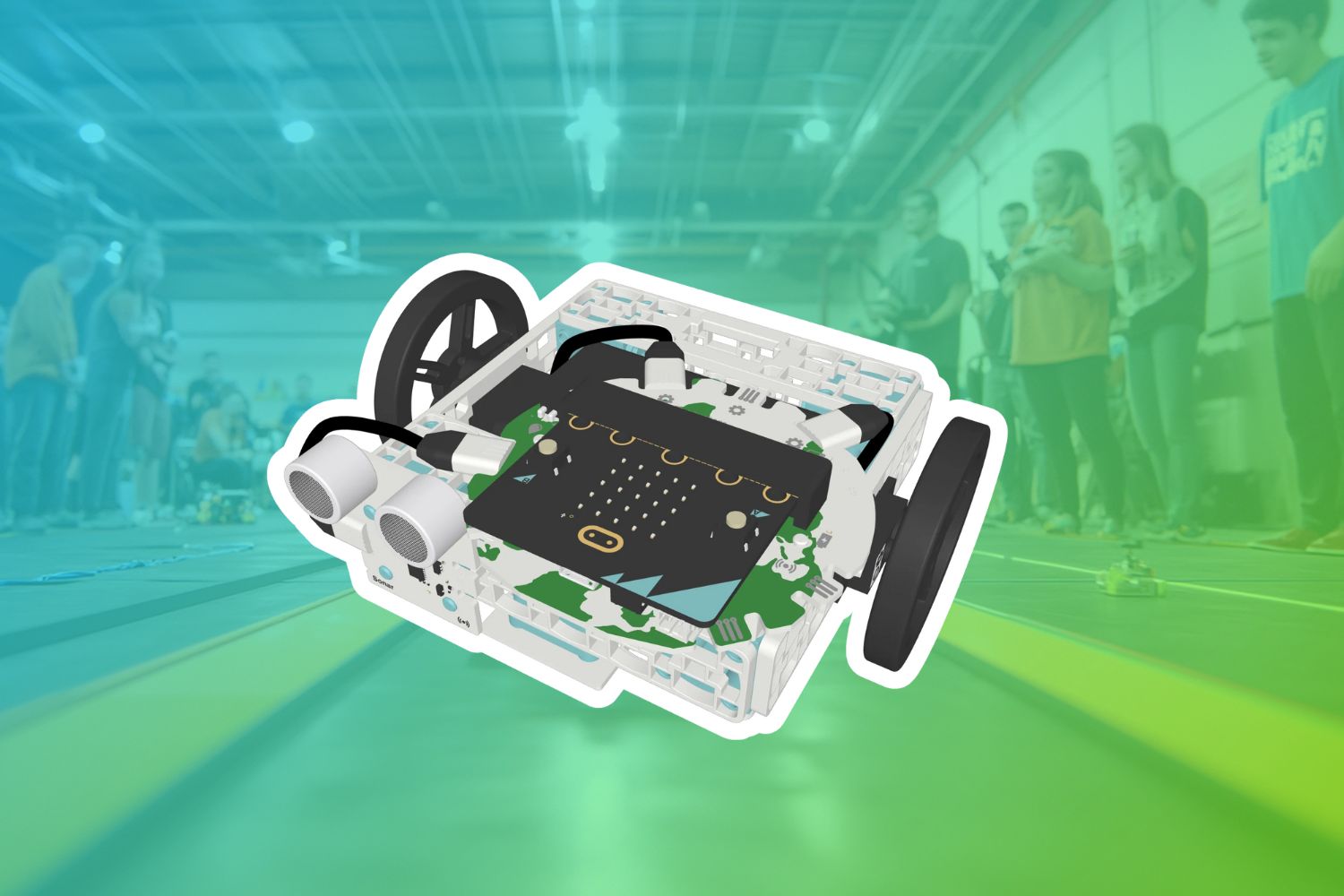 Robot TourCodingAny gradeIntermediateCoding for Good Kit+2
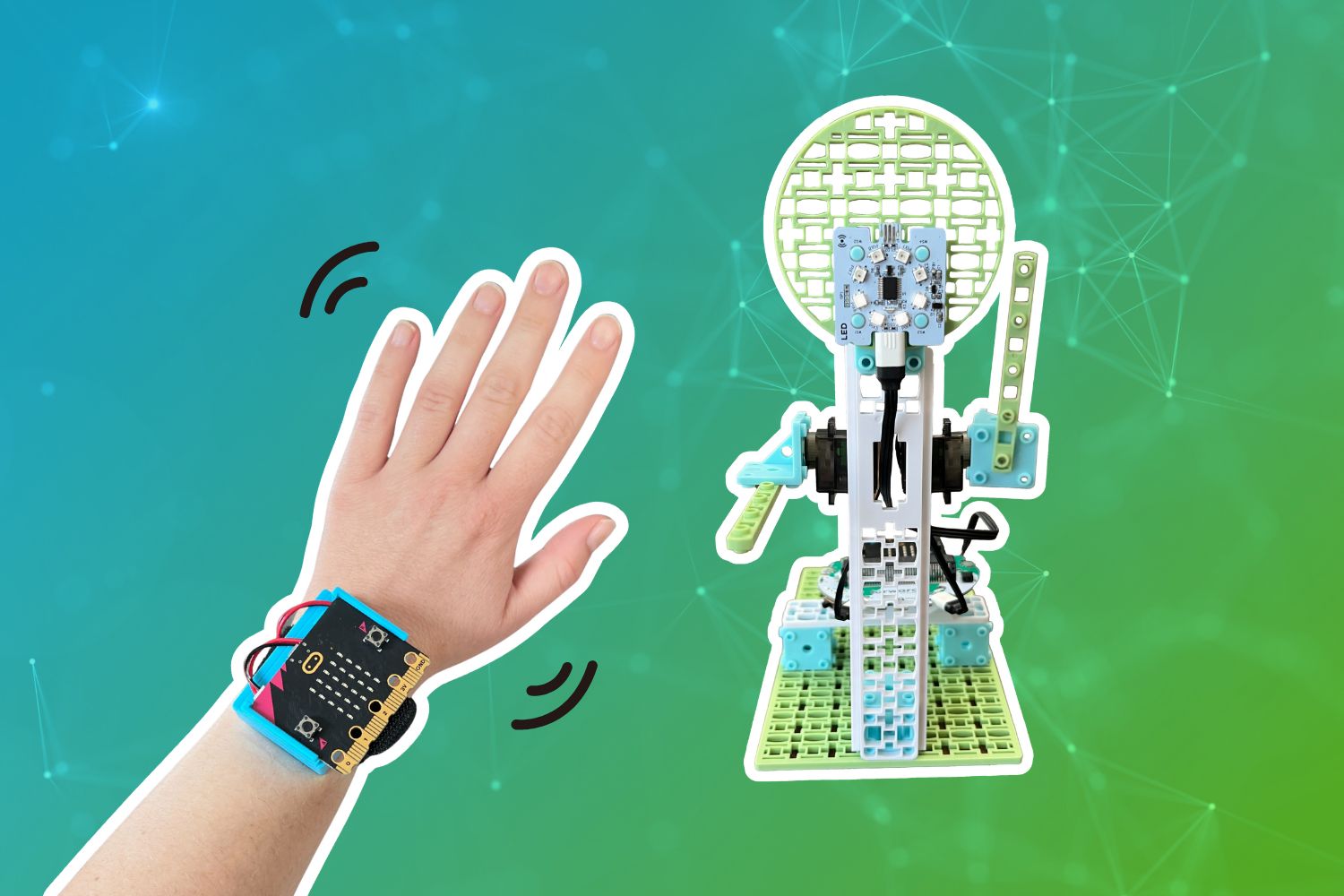 CreateAI Robot FriendAI, CodingCCSSCSTAAny gradeIntermediateCoding for Good Kit+1
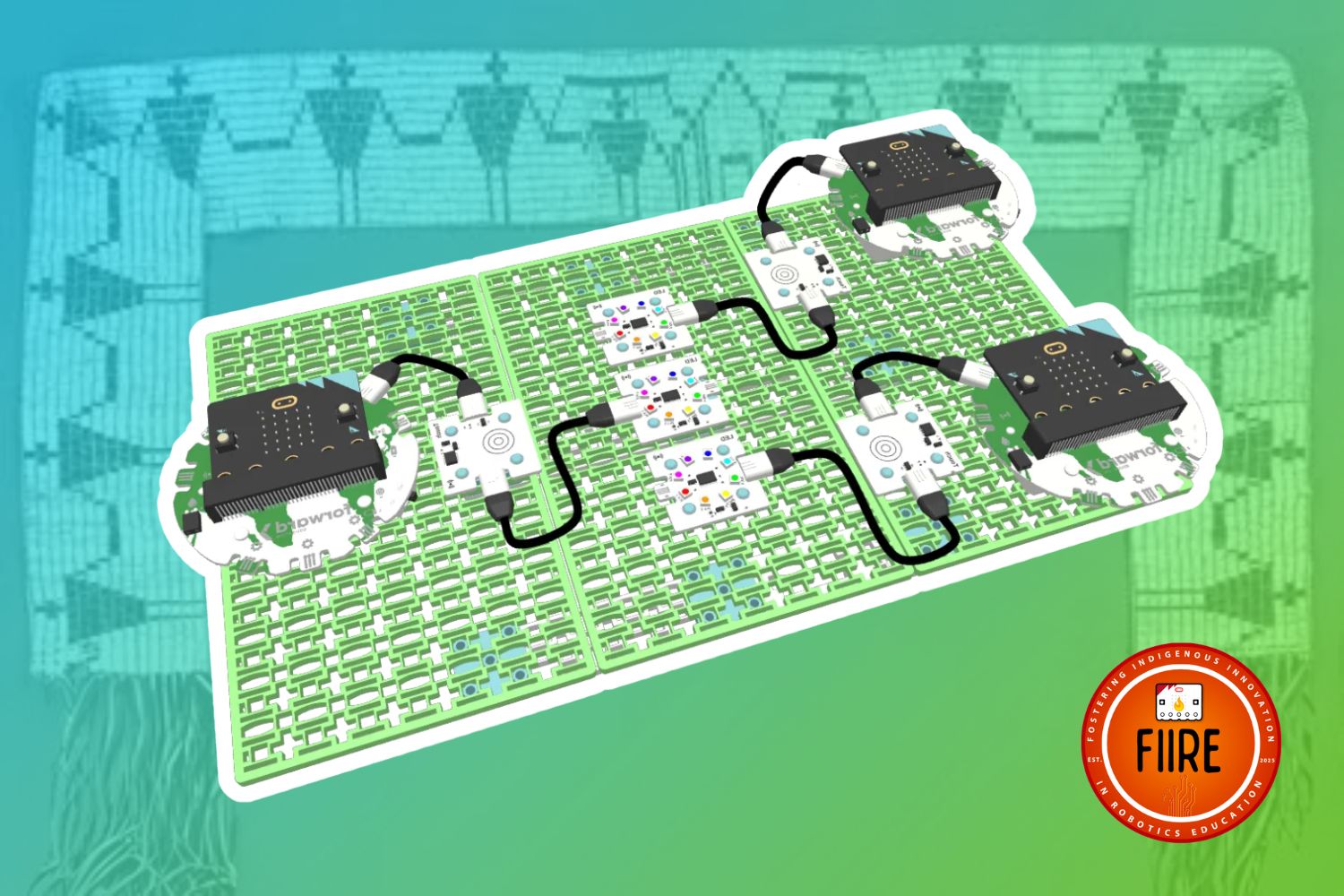 Design a Wampum BeltFIIRE Indigenous Perspectives, DesignAny gradeBeginnerCoding for Good Kit+1
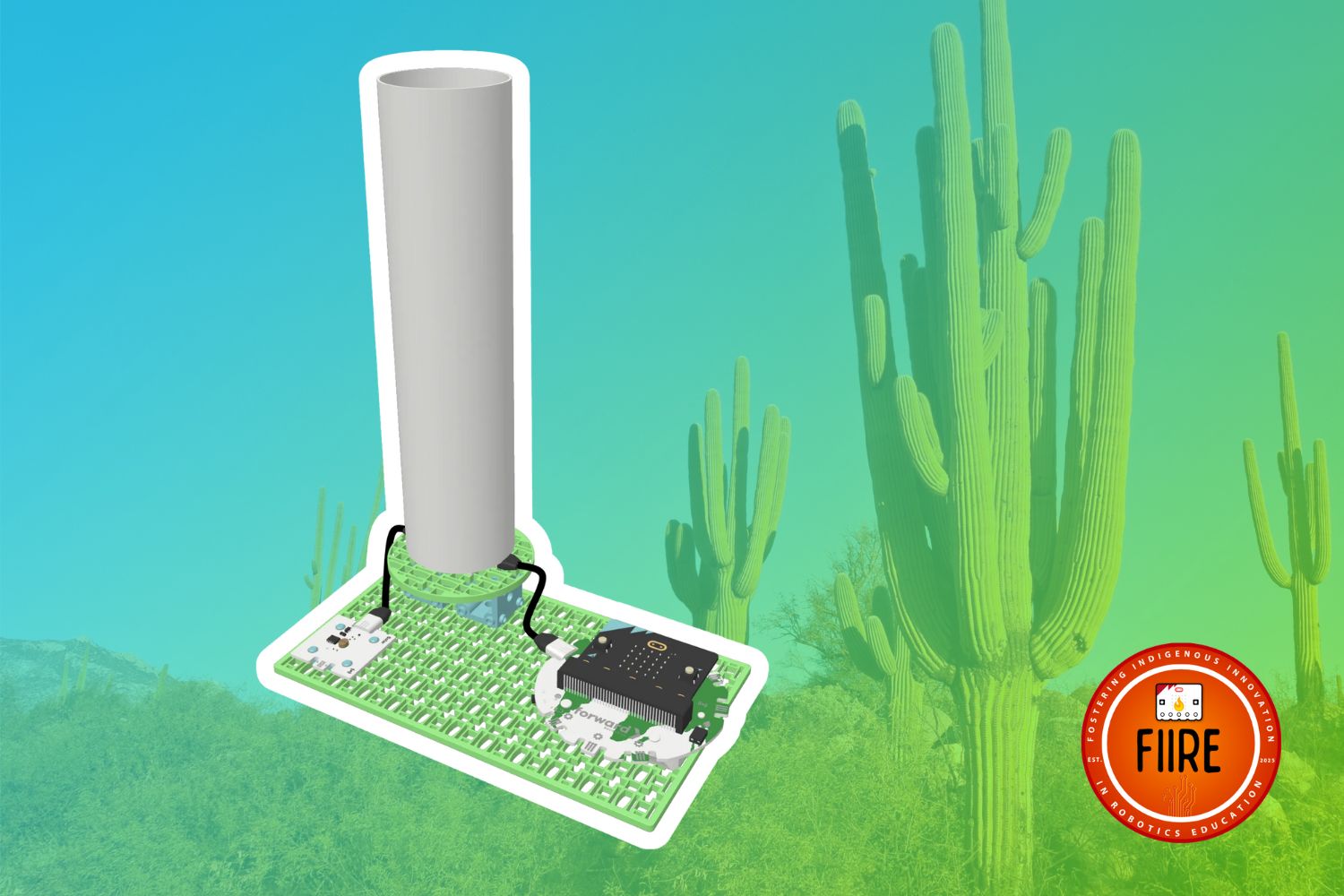 Monitoring the Ha:shañFIIRE Indigenous Perspectives, CodingAny gradeBeginnerCoding for Good Kit+1
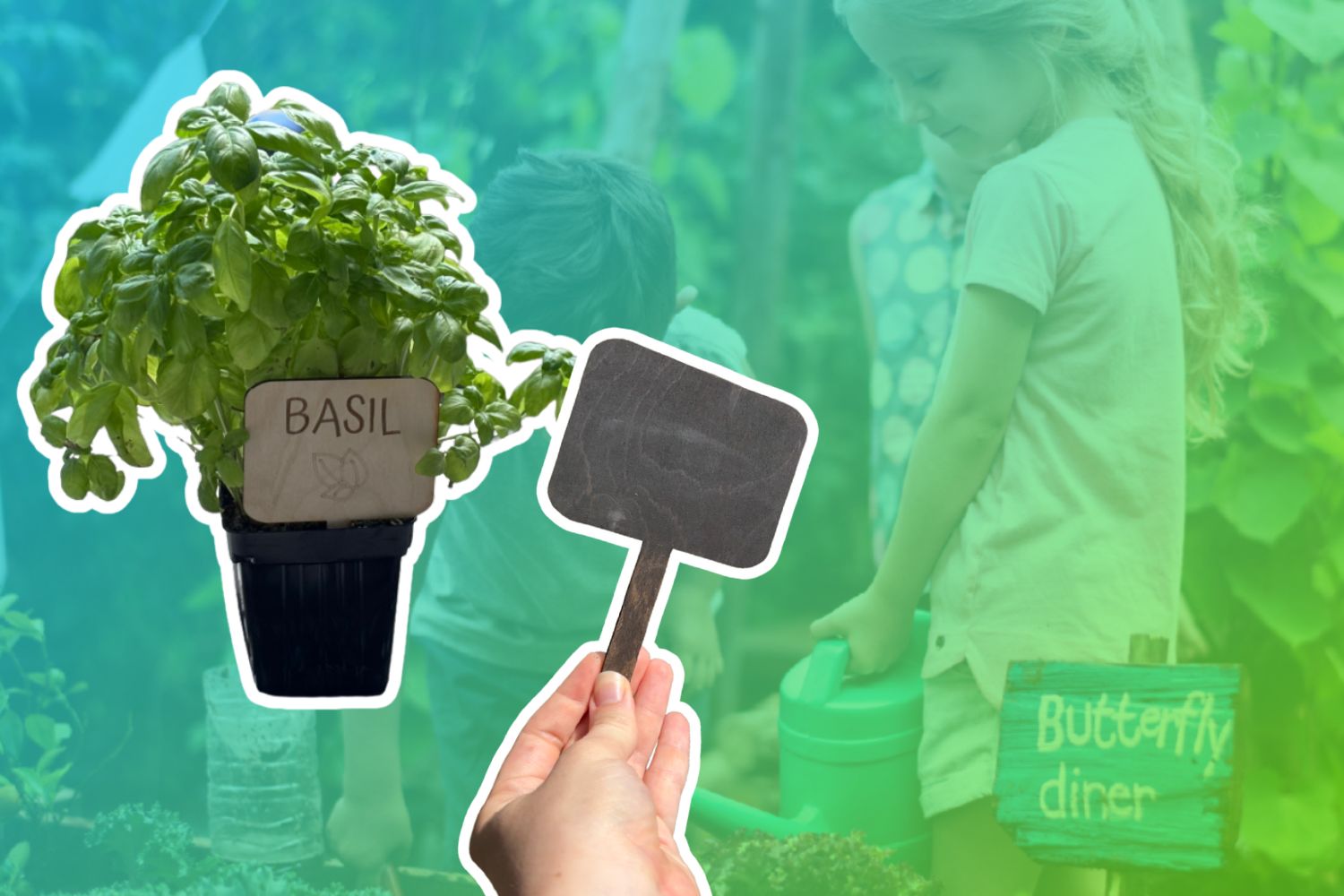 Tracking Seedlings with Plant StakesDesignAny gradeBeginnerLaser Cutter
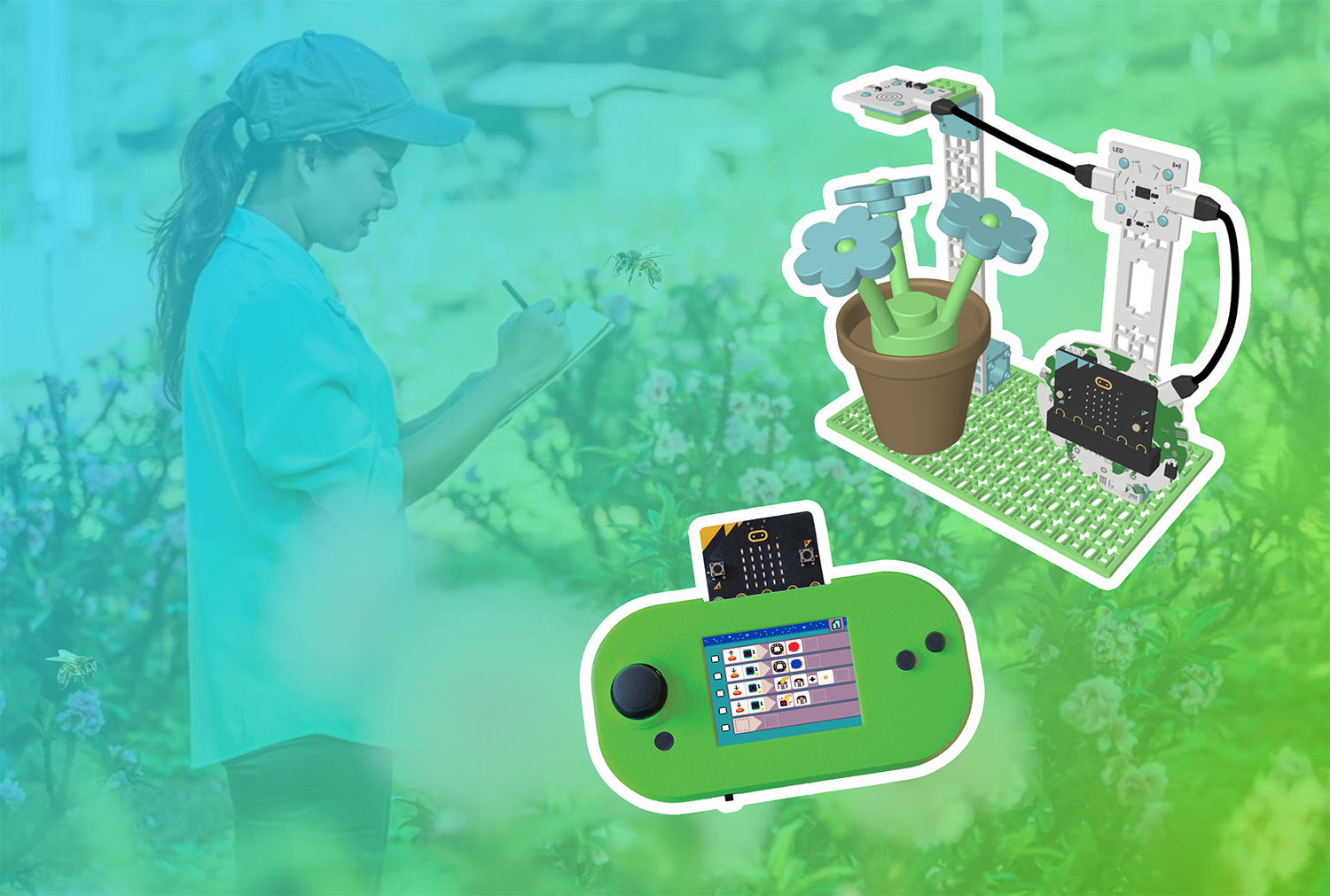 MicroCode Bee TrackerCodingCSTANGSSAny gradeBeginnerCoding for Good Kit+2
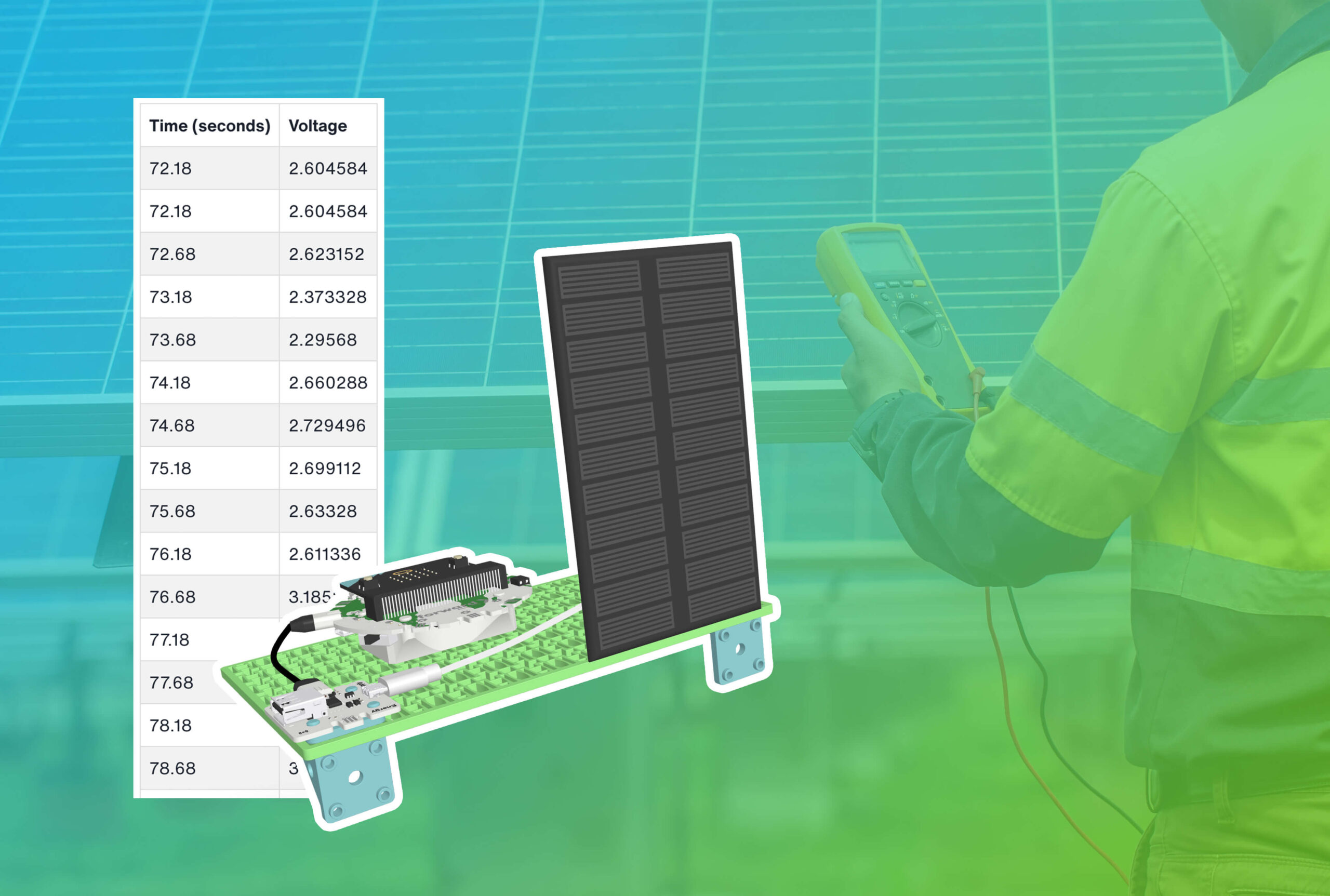 Solar Data LoggerCoding, ExperimentCCSSCSTANGSSAny gradeIntermediateSmart Solar Energy Kit
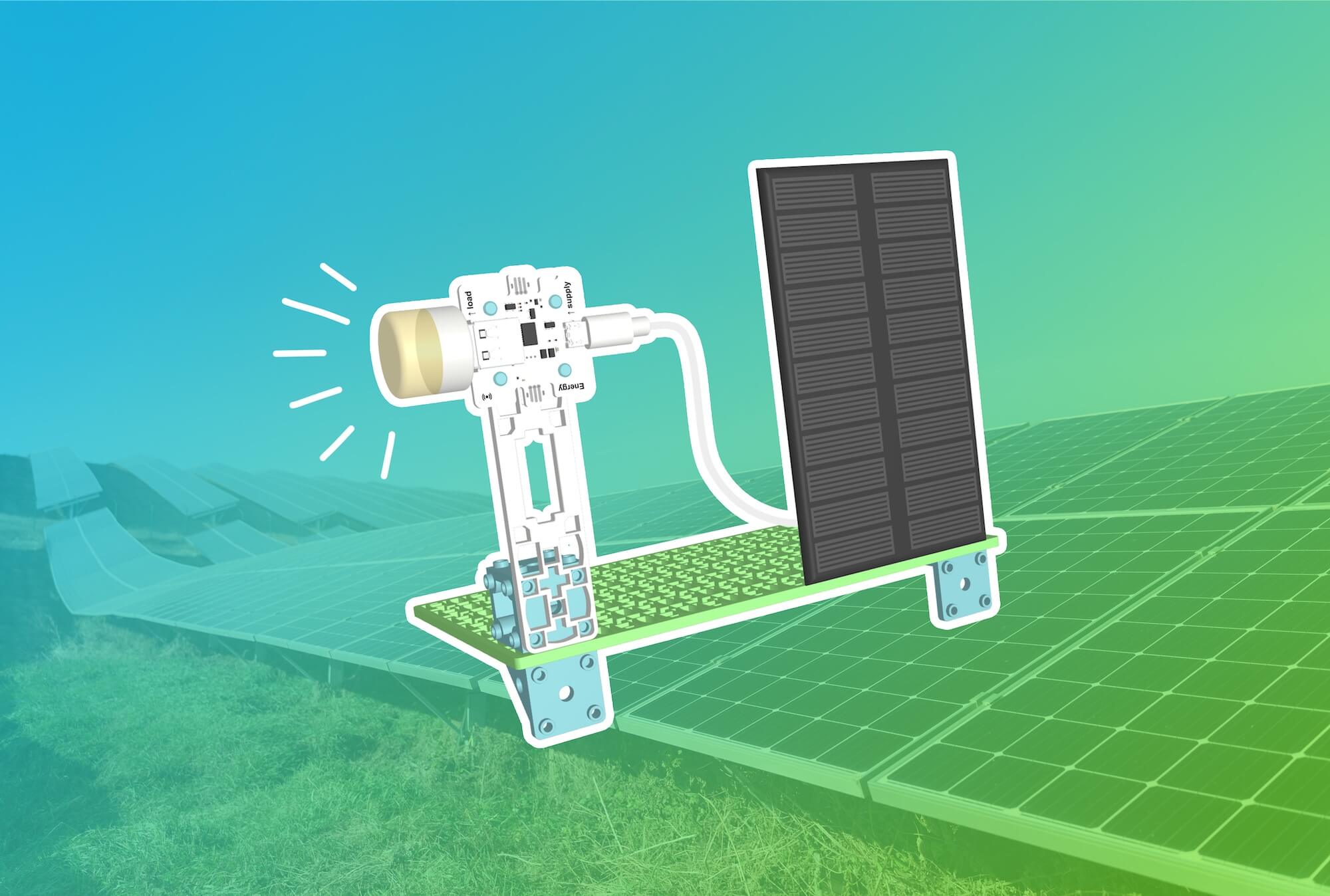 Solar-Powered USB DeviceExperimentNGSSAny gradeBeginnerSmart Solar Energy Kit
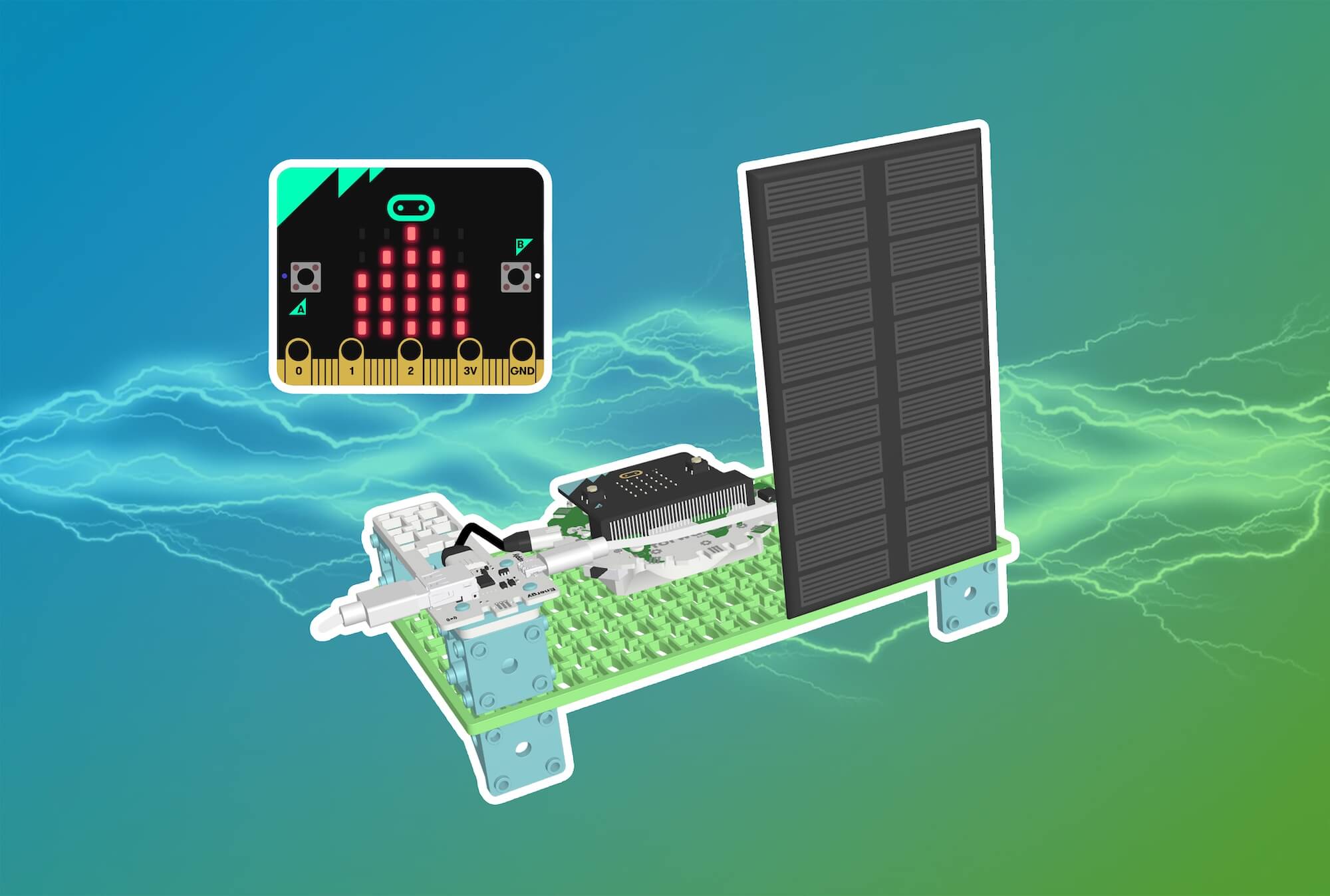 Visualize Electricity Flow with a Current MonitorCodingCCSSCSTANGSSAny gradeBeginnerSmart Solar Energy Kit
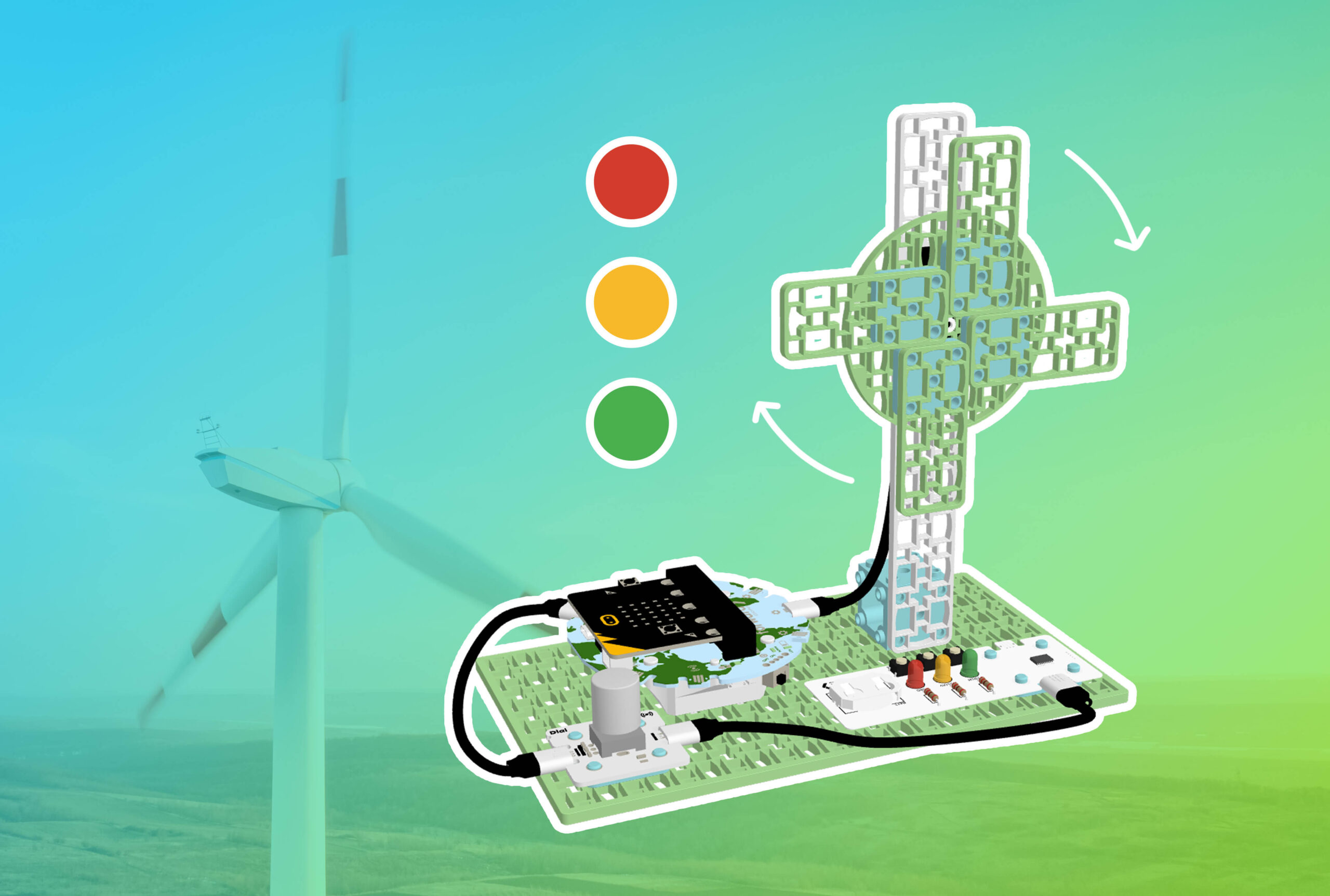 Turbine Speed Indicator With Smart Soldering KitCodingNGSSAny gradeBeginnerCoding for Good Kit+2
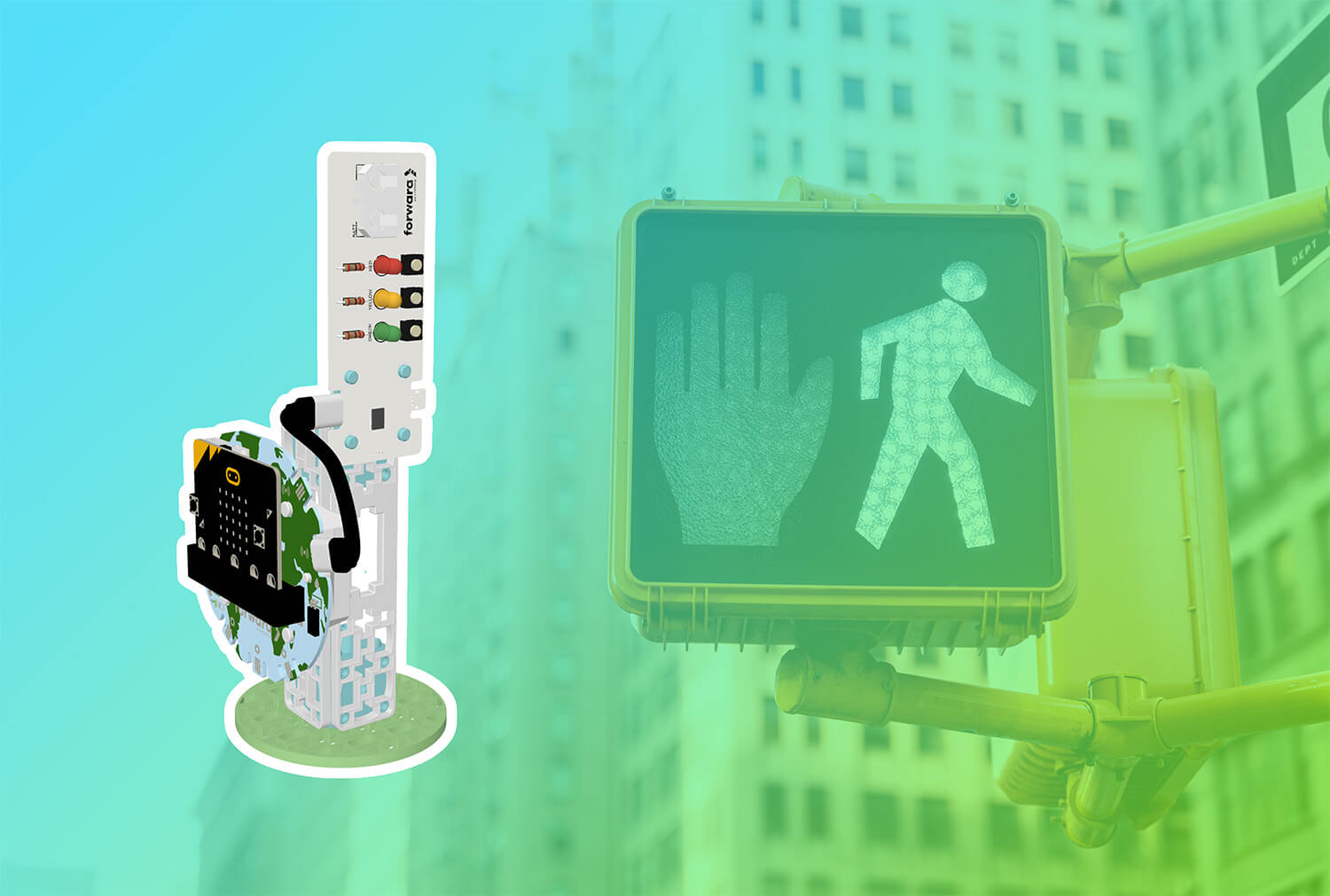 Smart Crosswalk with Smart Soldering KitCodingAny gradeIntermediateCoding for Good Kit+2
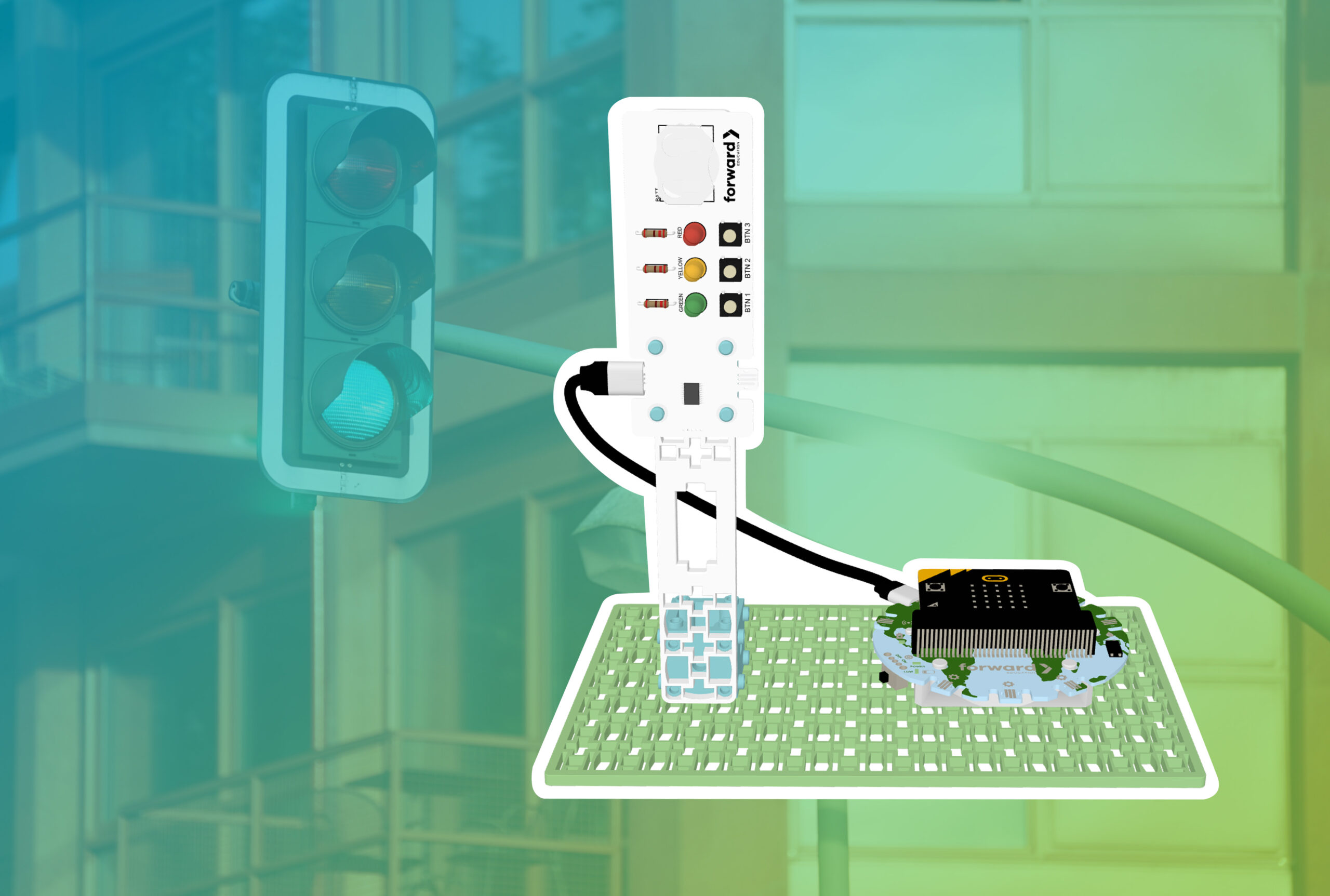 Traffic Lights with Smart Soldering KitCodingAny gradeBeginnerCoding for Good Kit+2
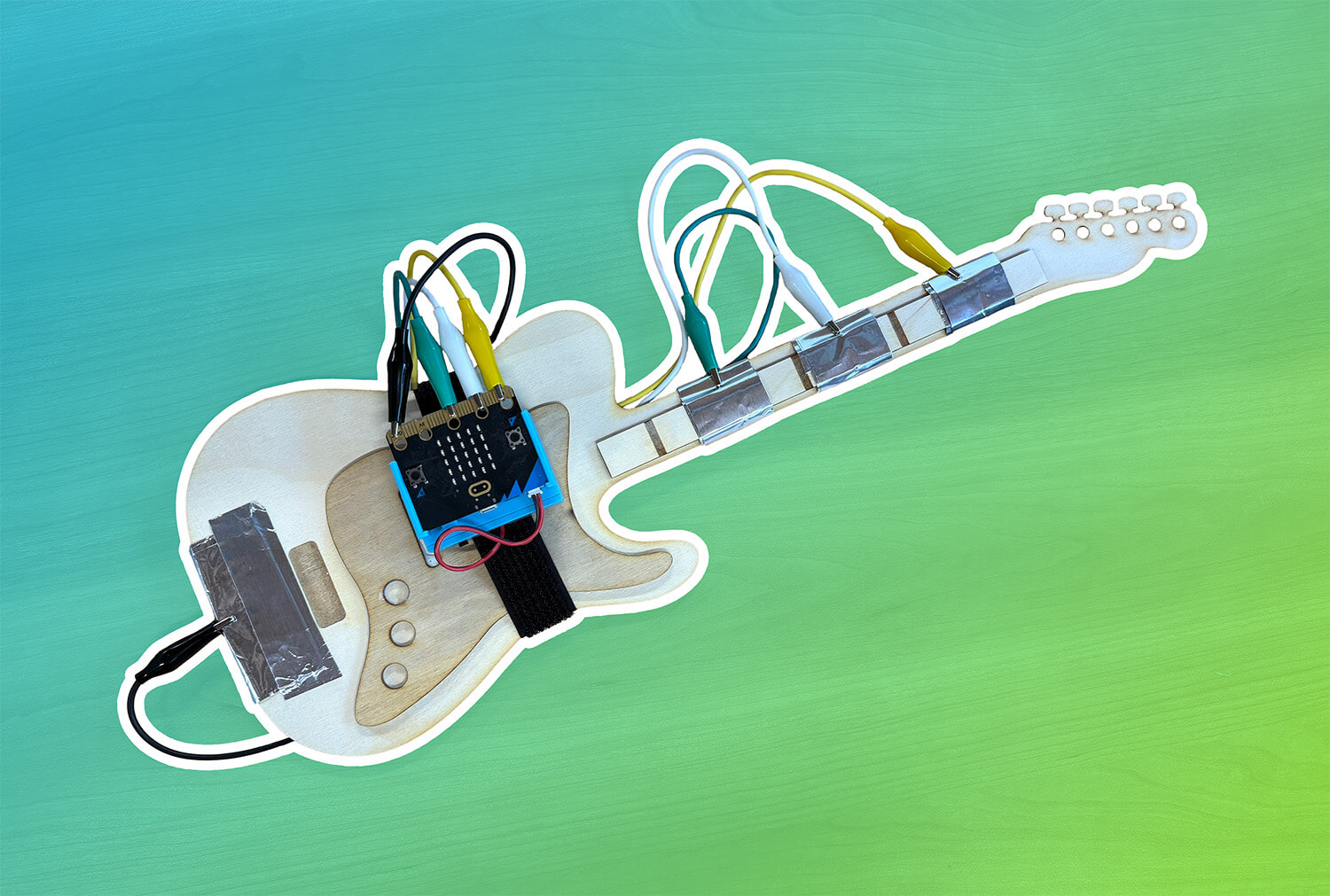 Guitar with CHARGE Power PackDesign, CodingNGSSAny gradeIntermediateCHARGE for micro:bit+1
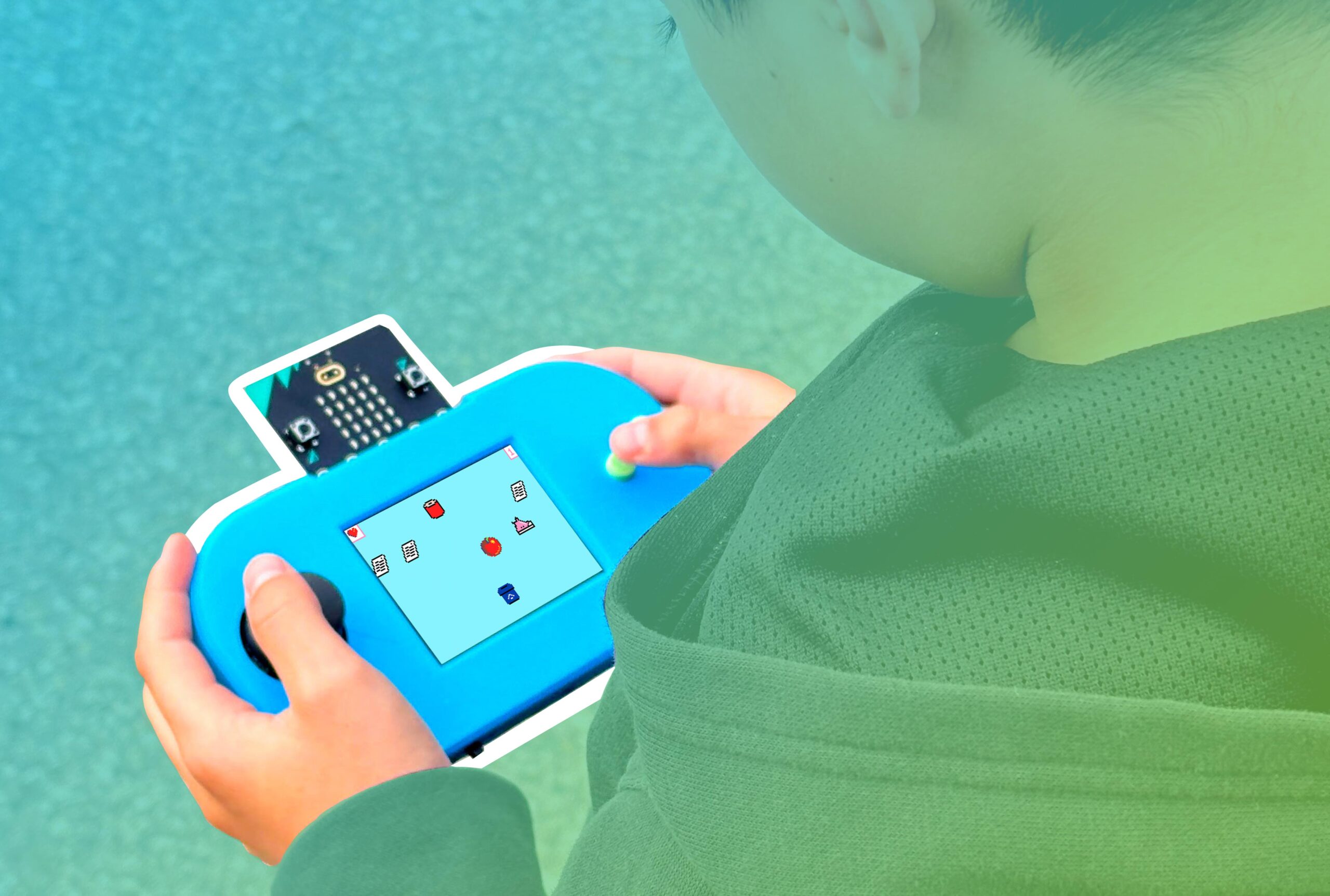 Recycle Rush with MakeCode ArcadeCodingCSTAAny gradeIntermediateCodeCTRL for micro:bit
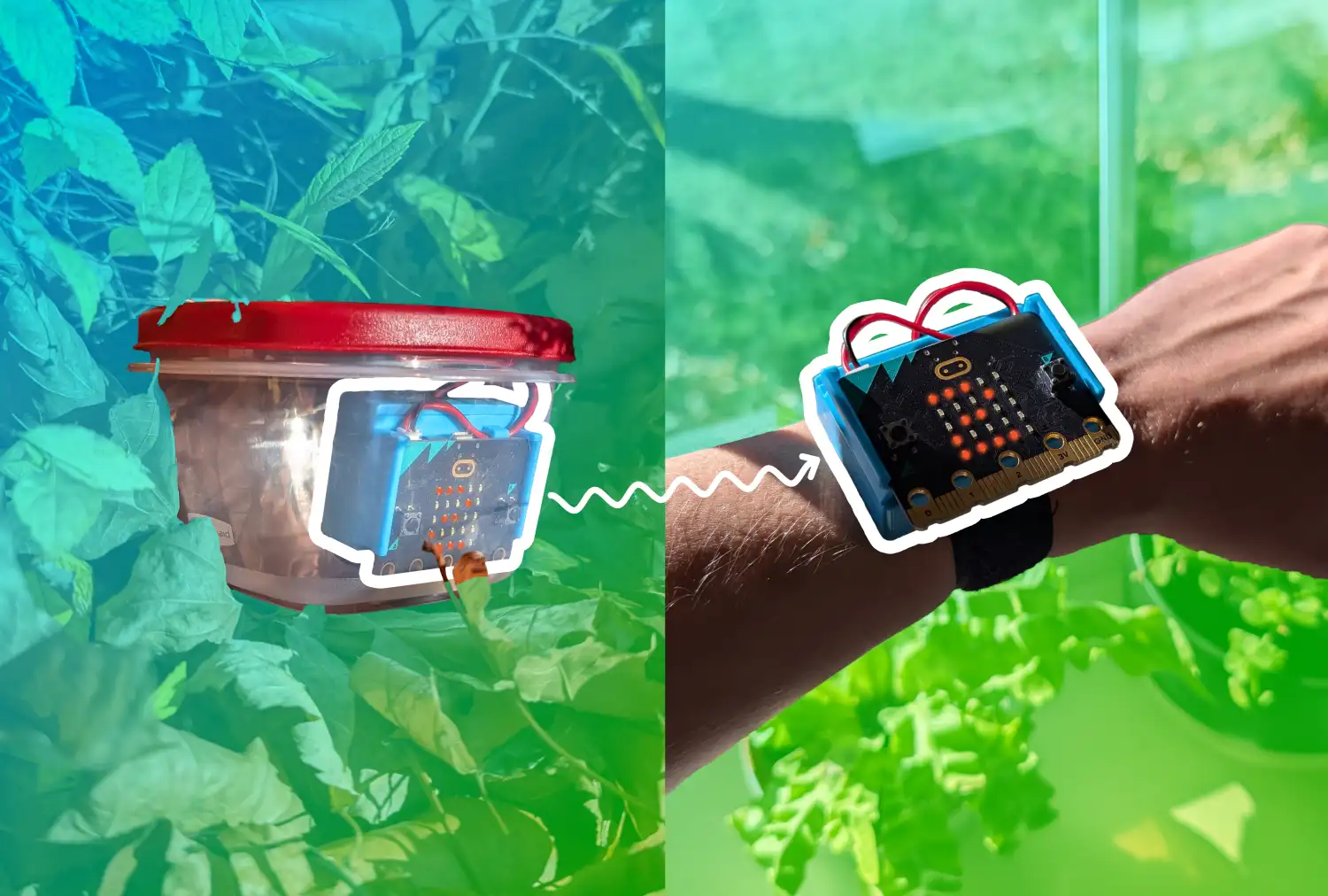 Indoor-Outdoor Thermometer with CHARGE Power PackCodingCCSSCSTAAny gradeBeginnerCHARGE for micro:bit
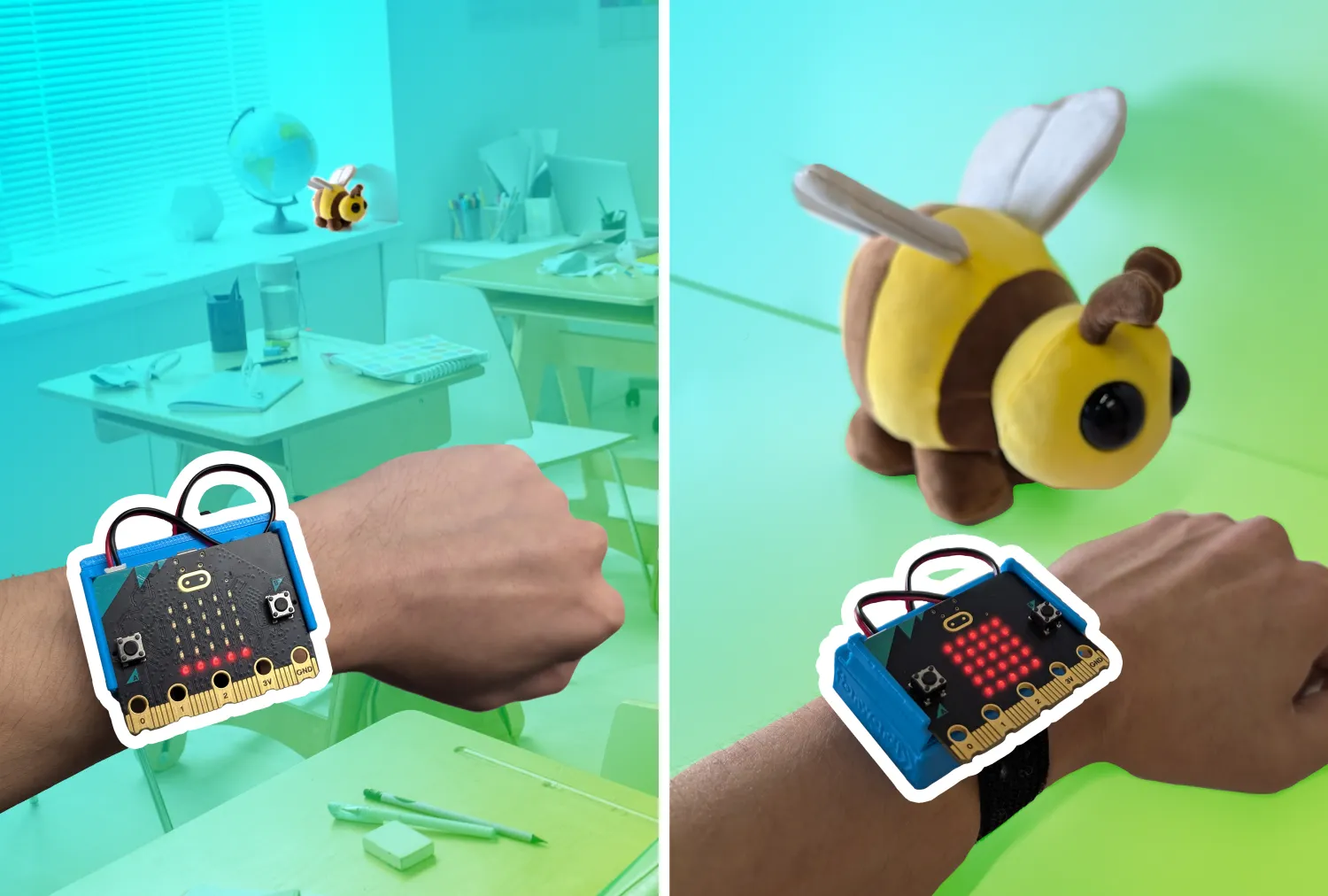 Hot-Cold Game with CHARGE Power PackCodingCSTANGSSAny gradeBeginnerCHARGE for micro:bit
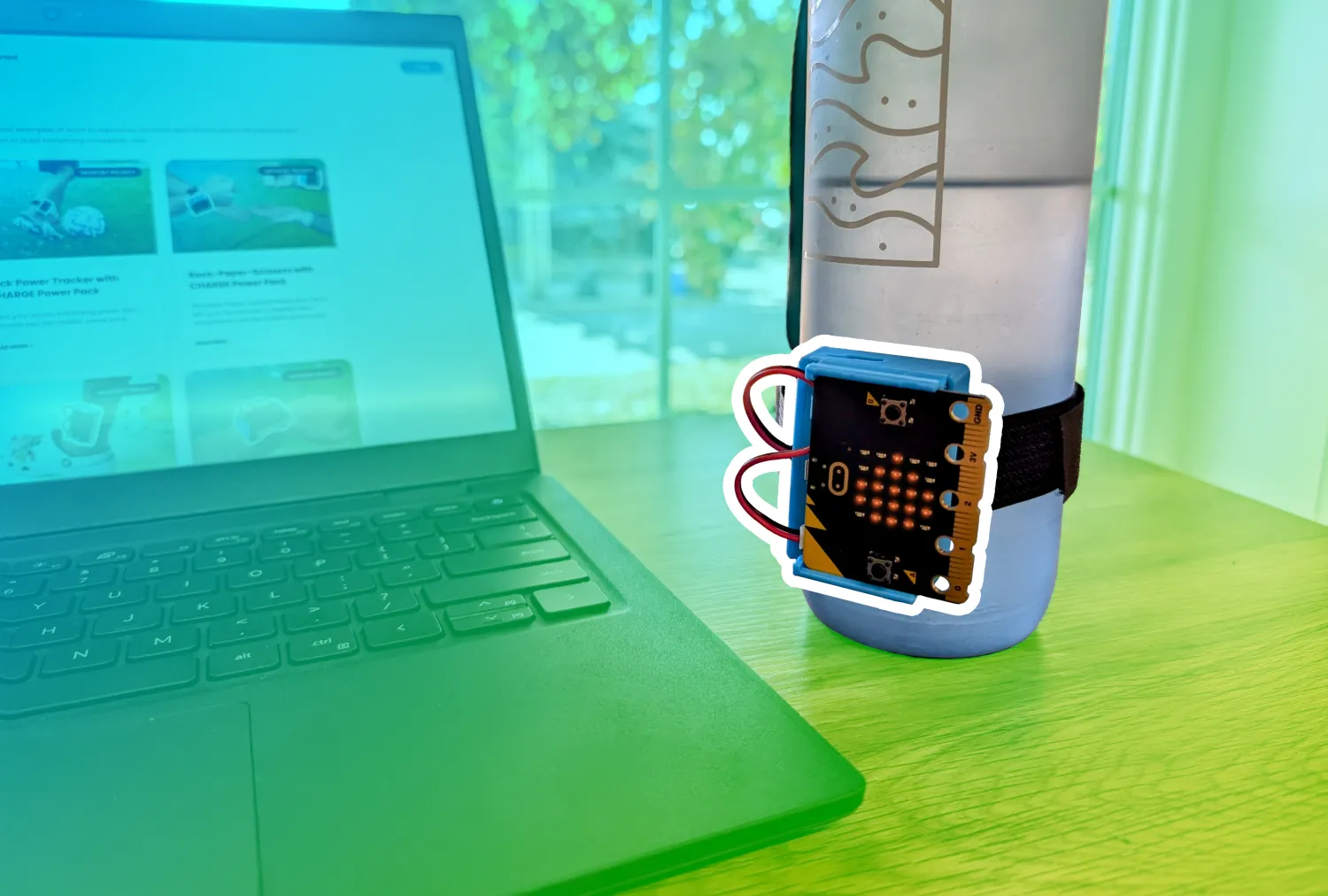 Hydration Alert with CHARGE Power PackCodingAny gradeBeginnerCHARGE for micro:bit
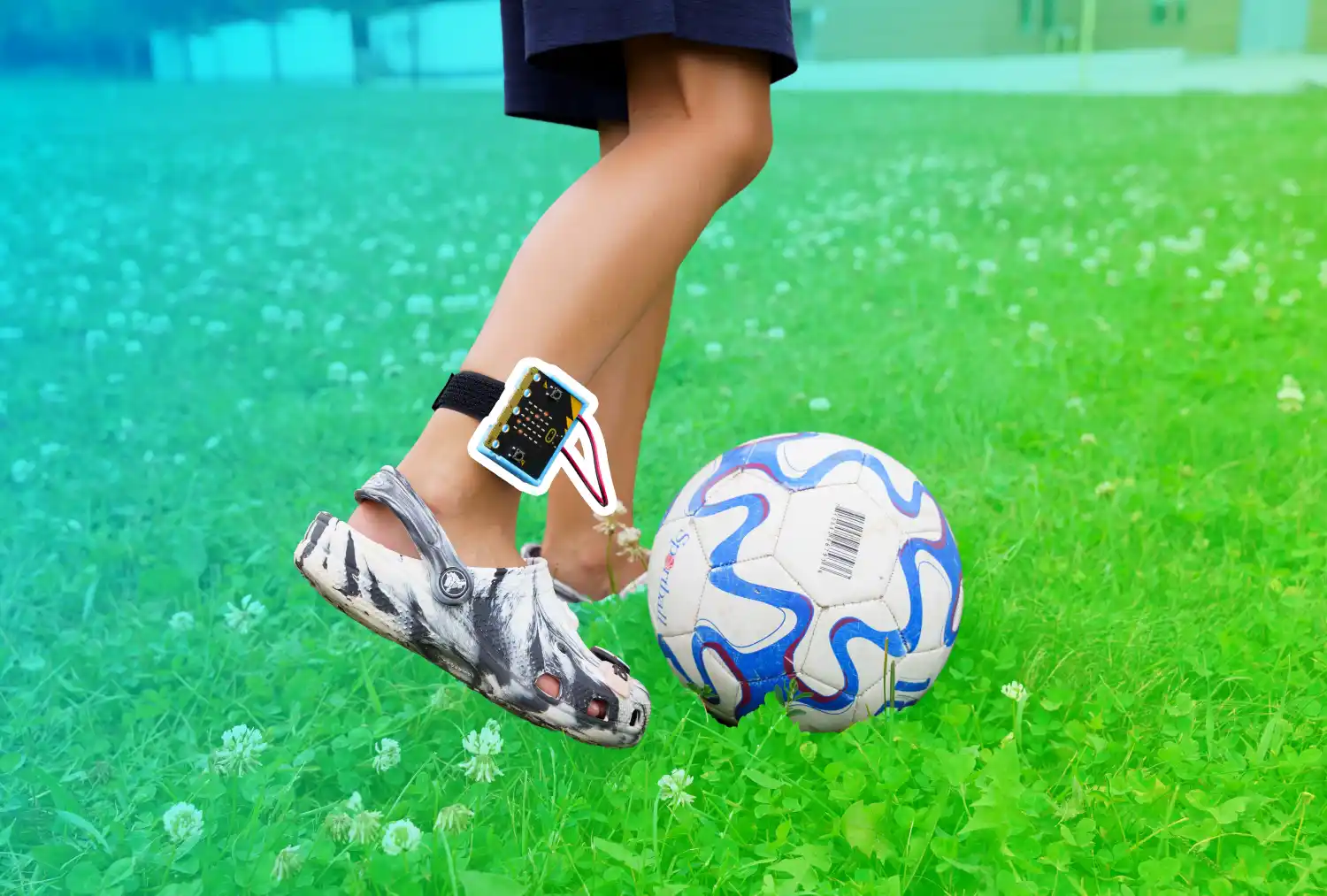 Kick Power Tracker with CHARGE Power PackCoding, ExperimentCCSSCSTAAny gradeBeginnerCHARGE for micro:bit
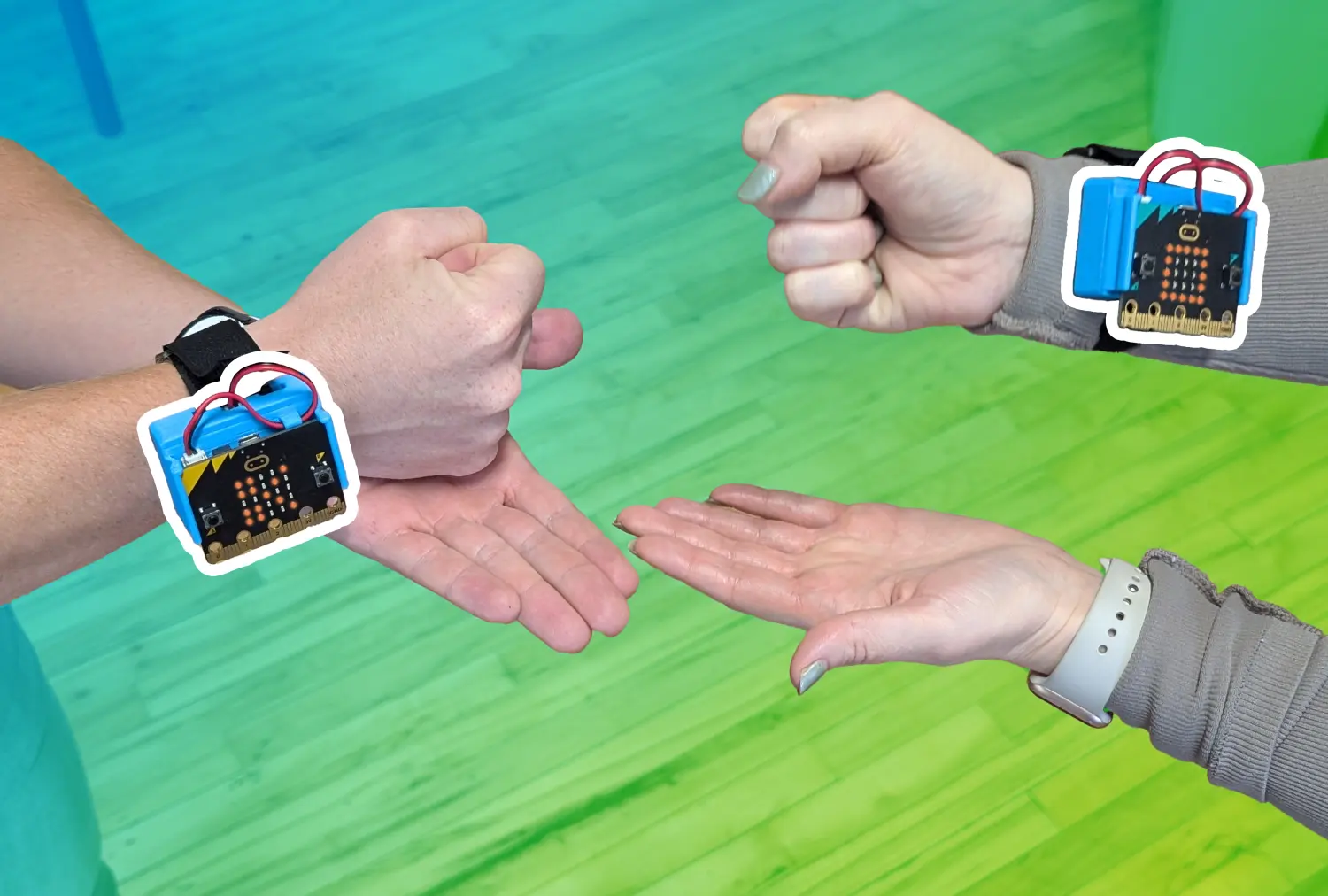 Rock-Paper-Scissors with CHARGE Power PackCodingAny gradeBeginnerCHARGE for micro:bit
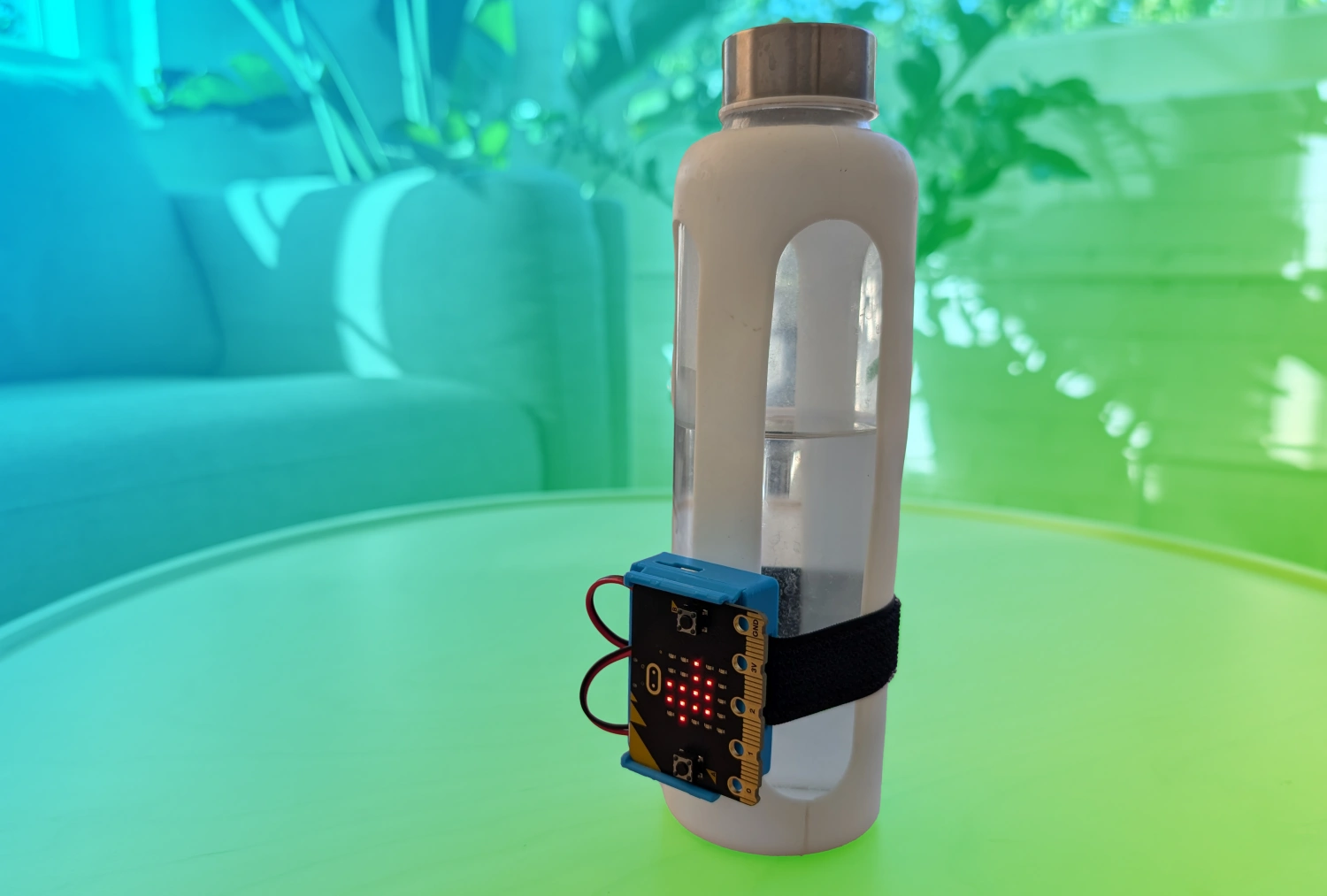 Water Bottle Signal with CHARGE Power PackCodingAny gradeBeginnerCHARGE for micro:bit
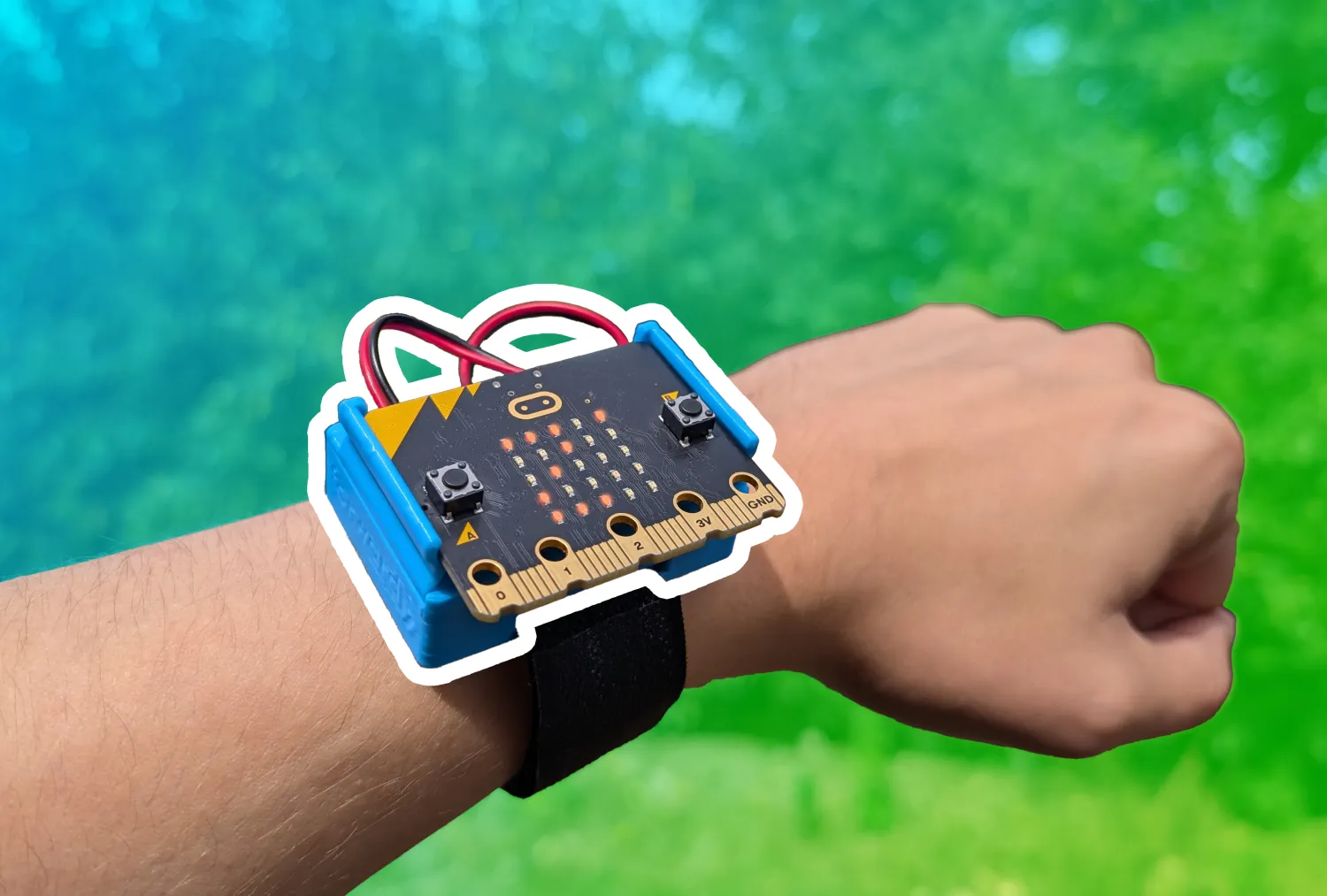 Compass with CHARGE Power PackCodingAny gradeBeginnerCHARGE for micro:bit
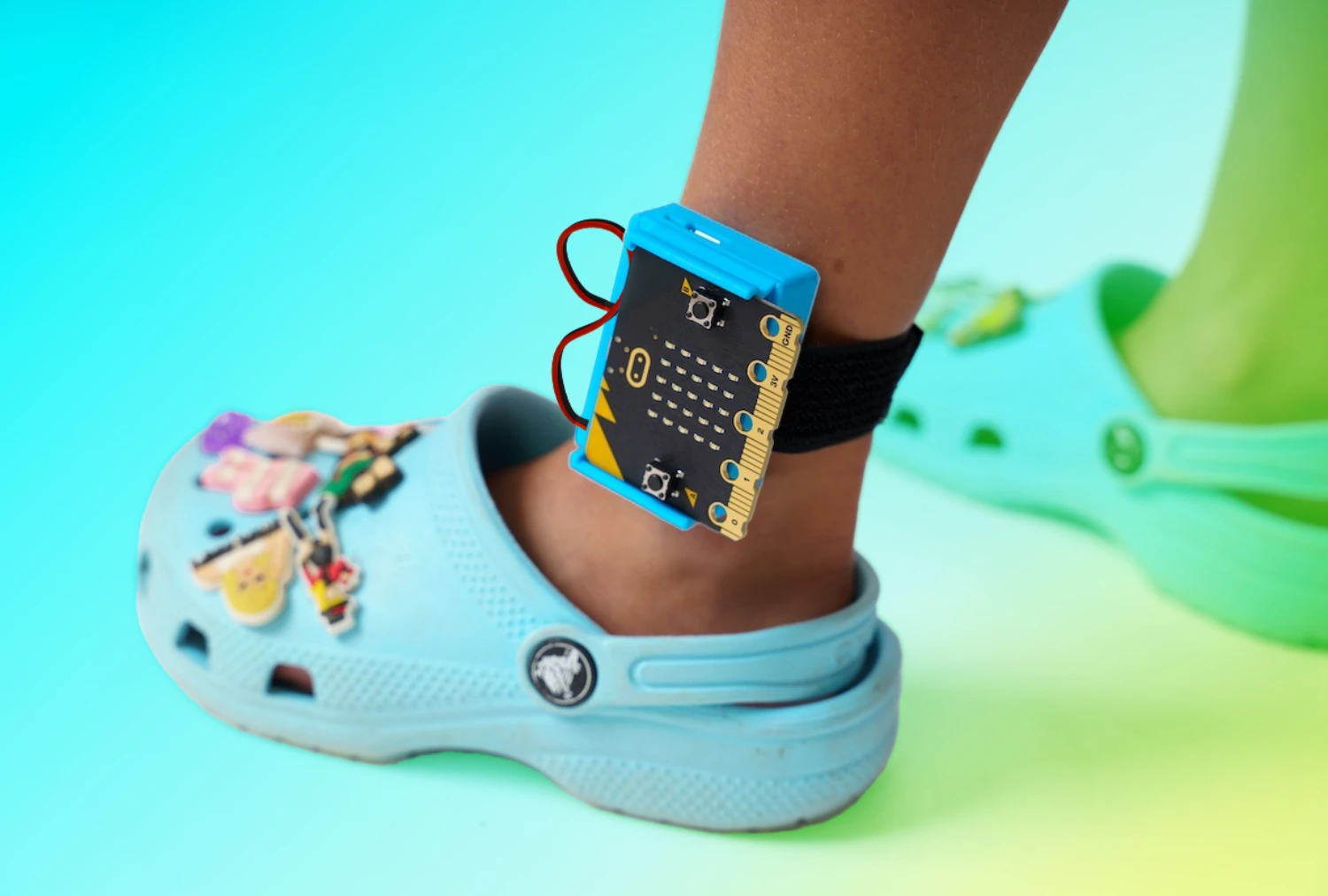 Step Counter with CHARGE Power PackCoding, ExperimentCCSSCSTAAny gradeBeginnerCHARGE for micro:bit+1
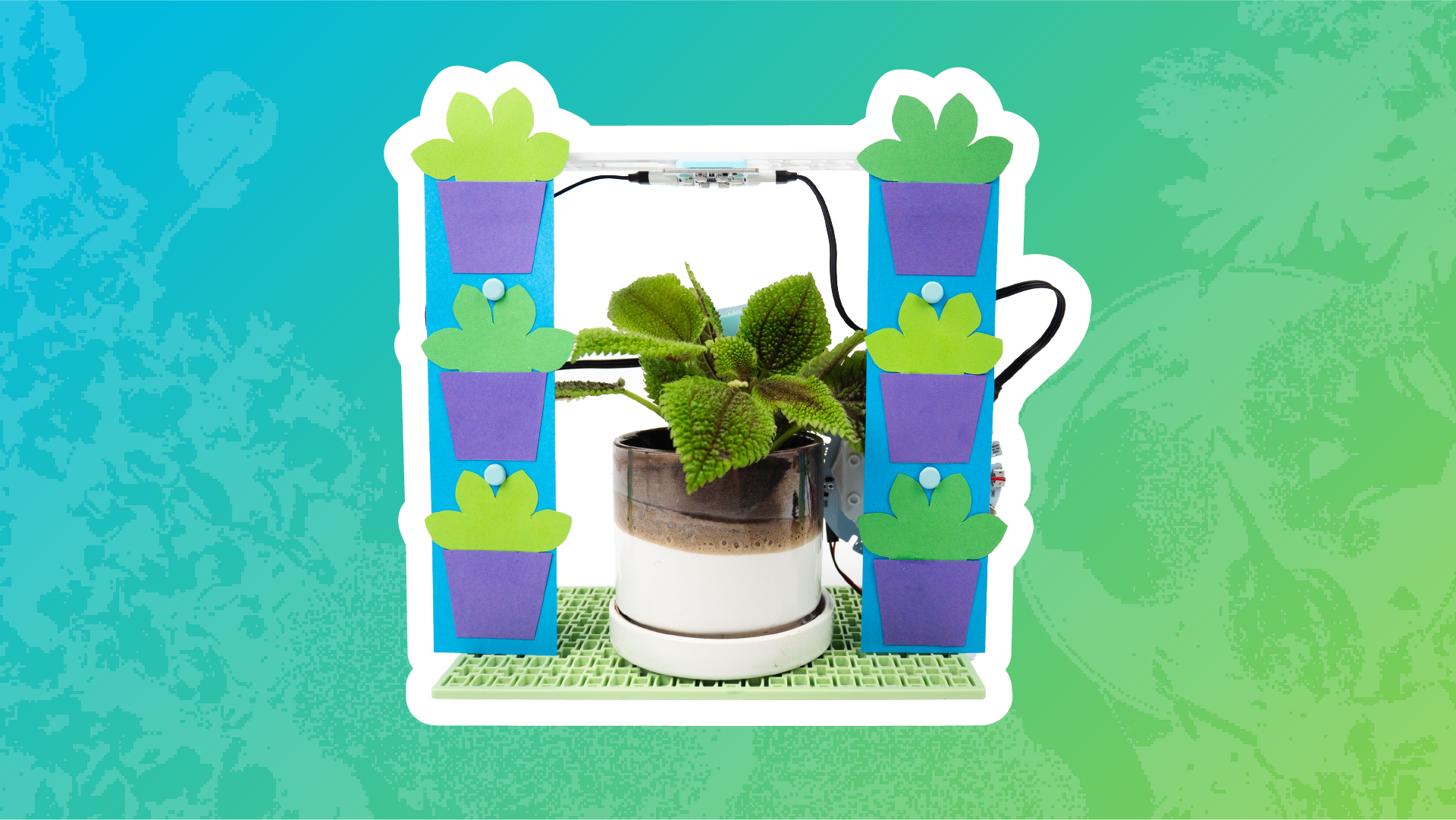 Customize Your Automated Watering StationDesignAny gradeBeginnerCoding for Good Kit+1
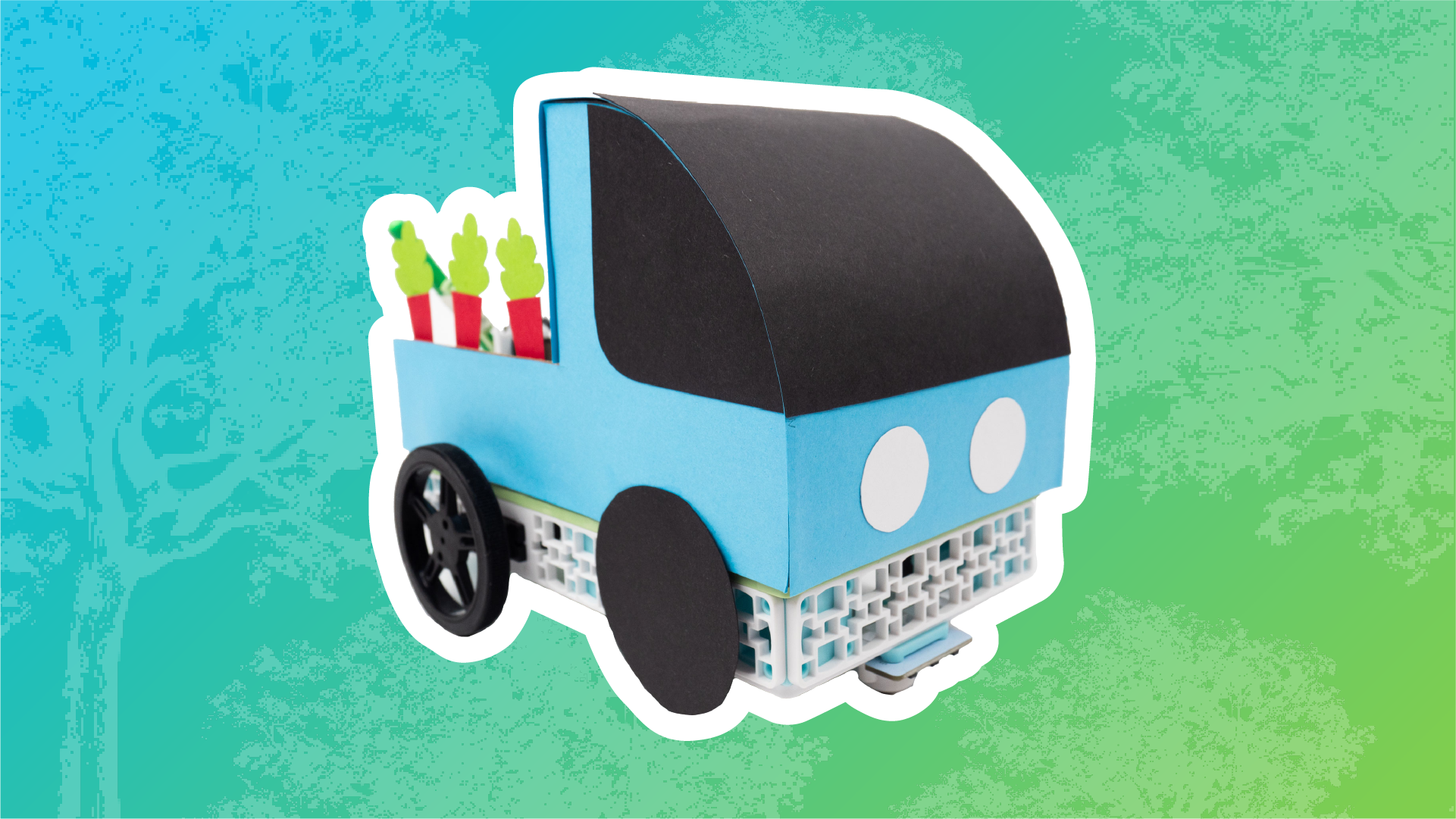 Design Your Own Tree Seeding TruckDesignAny gradeBeginnerCoding for Good Kit+1
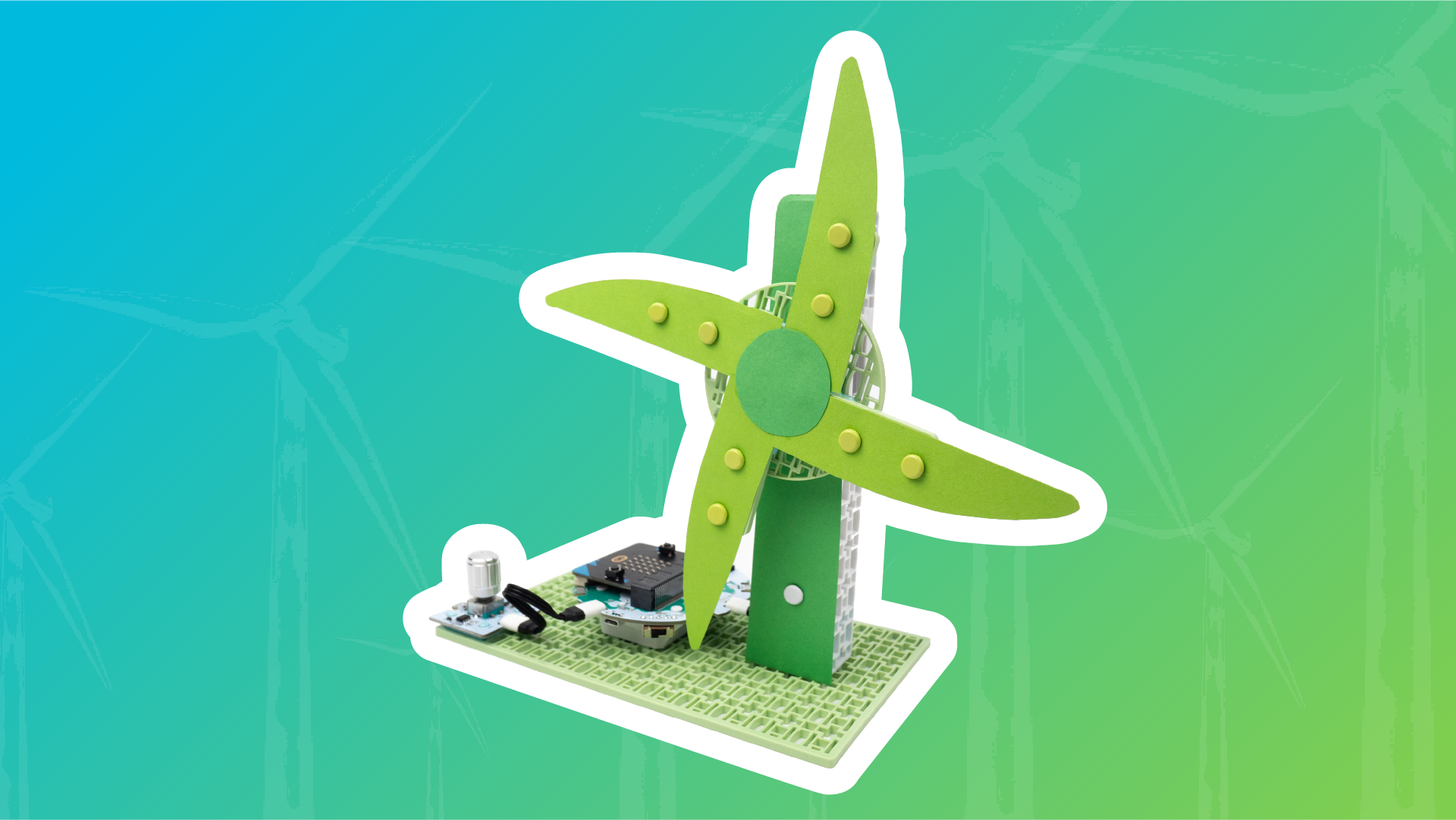 Optimize Potential Wind Capture with Custom BladesDesignAny gradeBeginnerCoding for Good Kit+1
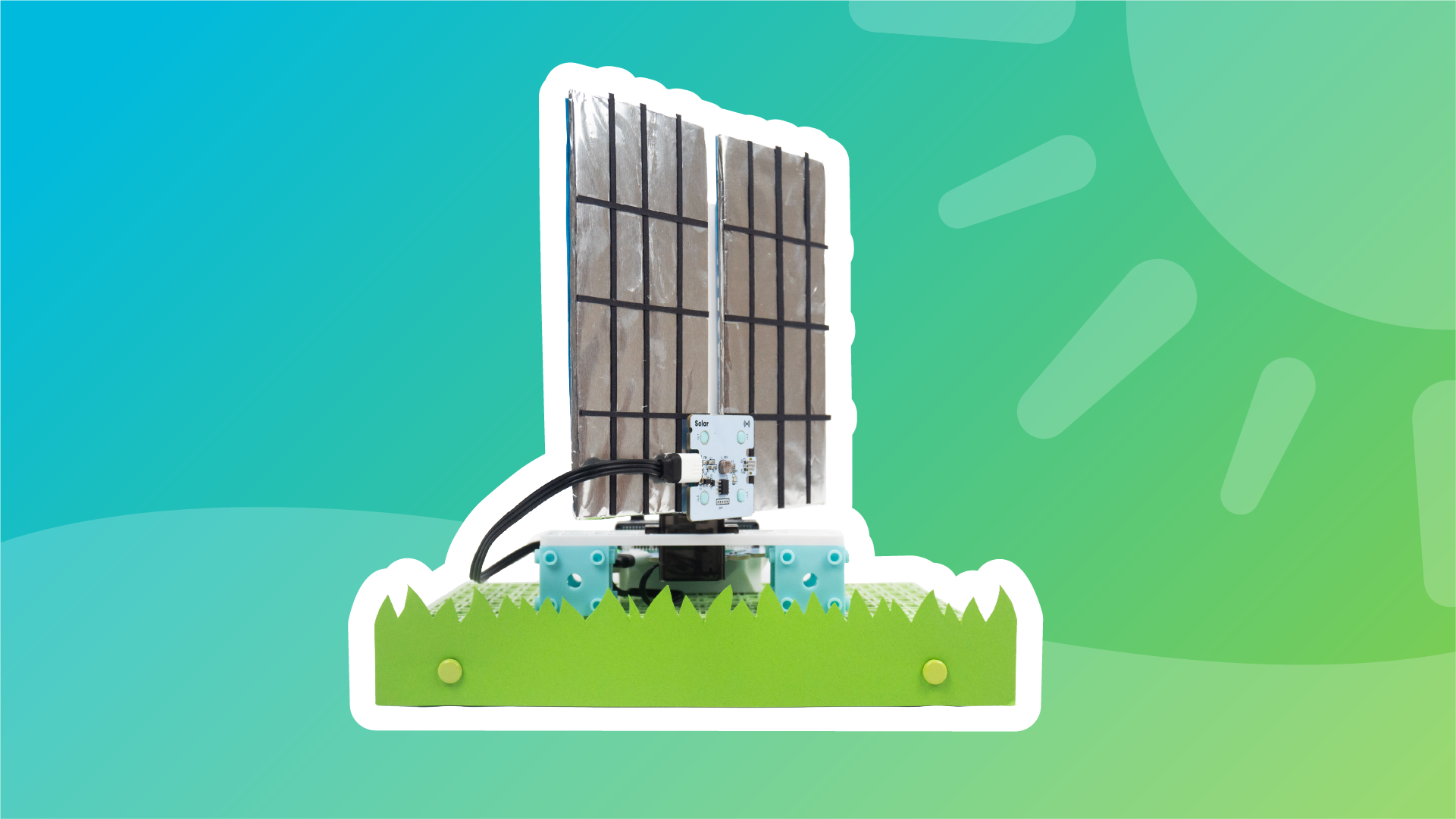 Make Your Solar Panel Look Like the Real World VersionDesignCCSSAny gradeBeginnerCoding for Good Kit+1
 Design the Future of Electric VehiclesDesignCCSSAny gradeBeginnerCoding for Good Kit+1
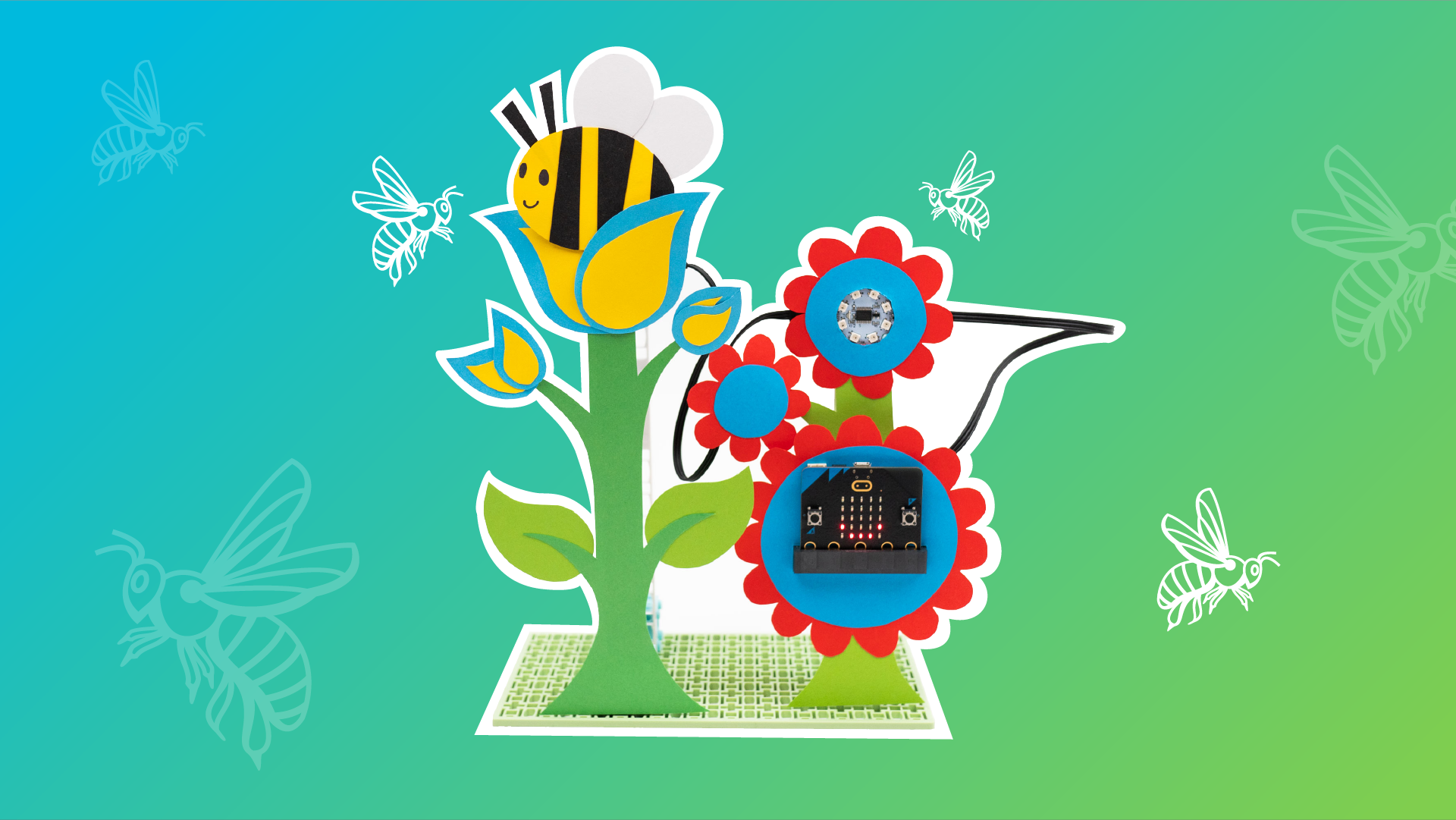 Bring Your Pollinator Garden to LifeDesignAny gradeBeginnerCoding for Good Kit+1
Nothing in projects matches these filters.
Explore all 63 projects on the Lesson Library →Tutorials 38
Short how-tos for a component or kit, plus the AI literacy courses.
 PIR (Motion) SensorCoding for Good KitCoding for Good Kit
 LCD ScreenCoding for Good KitCoding for Good Kit
 Temperature ProbeCoding for Good KitCoding for Good Kit
 Color SensorCoding for Good KitCoding for Good Kit
 Smart Solar Energy Kit Unboxing & AssemblySmart Solar Energy KitSmart Solar Energy Kit
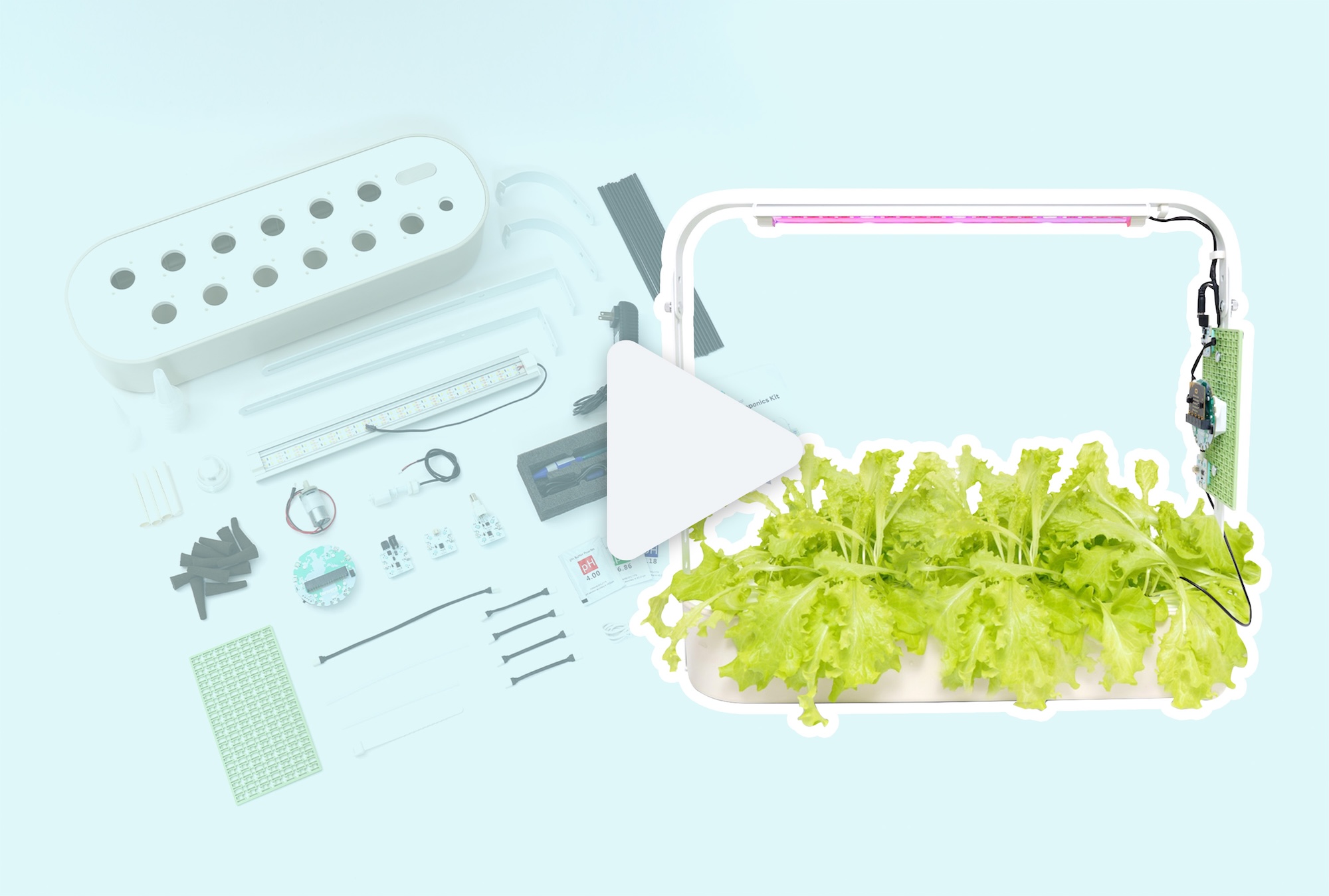 Smart Hydroponics Kit Unboxing & SetupSmart Hydroponics KitSmart Hydroponics Kit
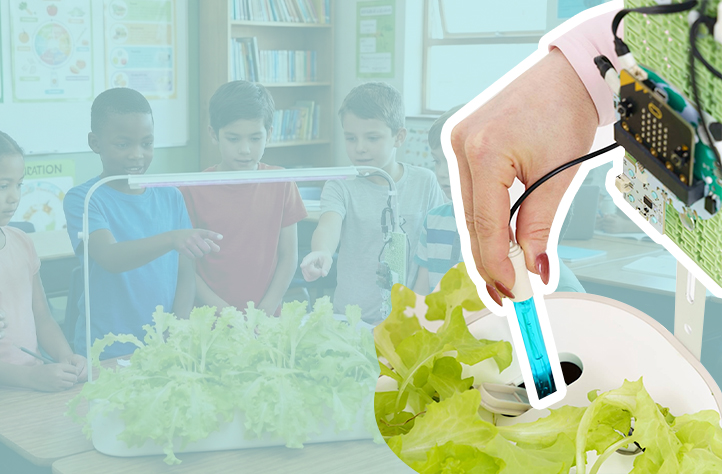 pH ProbeSmart Hydroponics KitSmart Hydroponics Kit
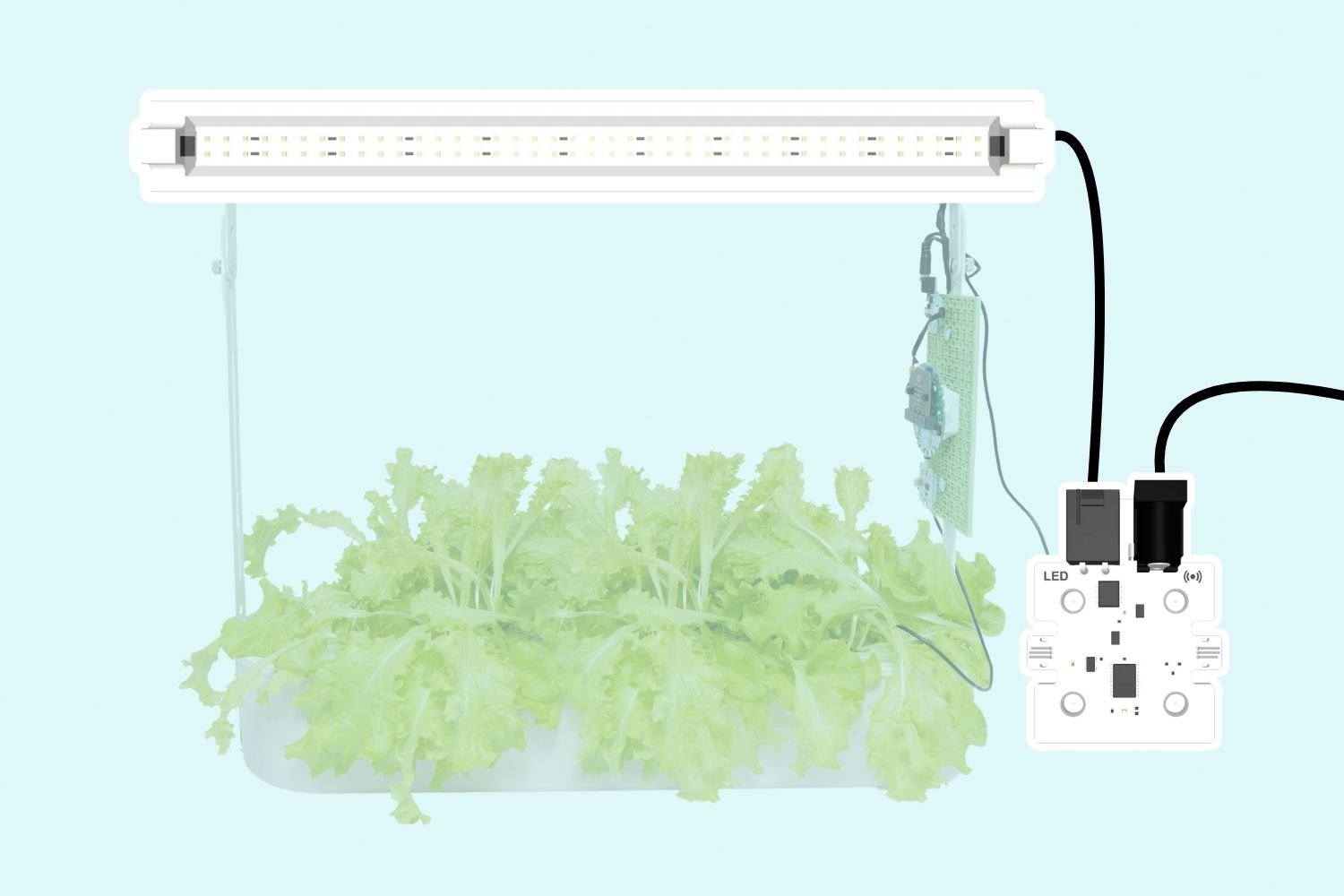 LED LightsSmart Hydroponics KitCSTASmart Hydroponics Kit
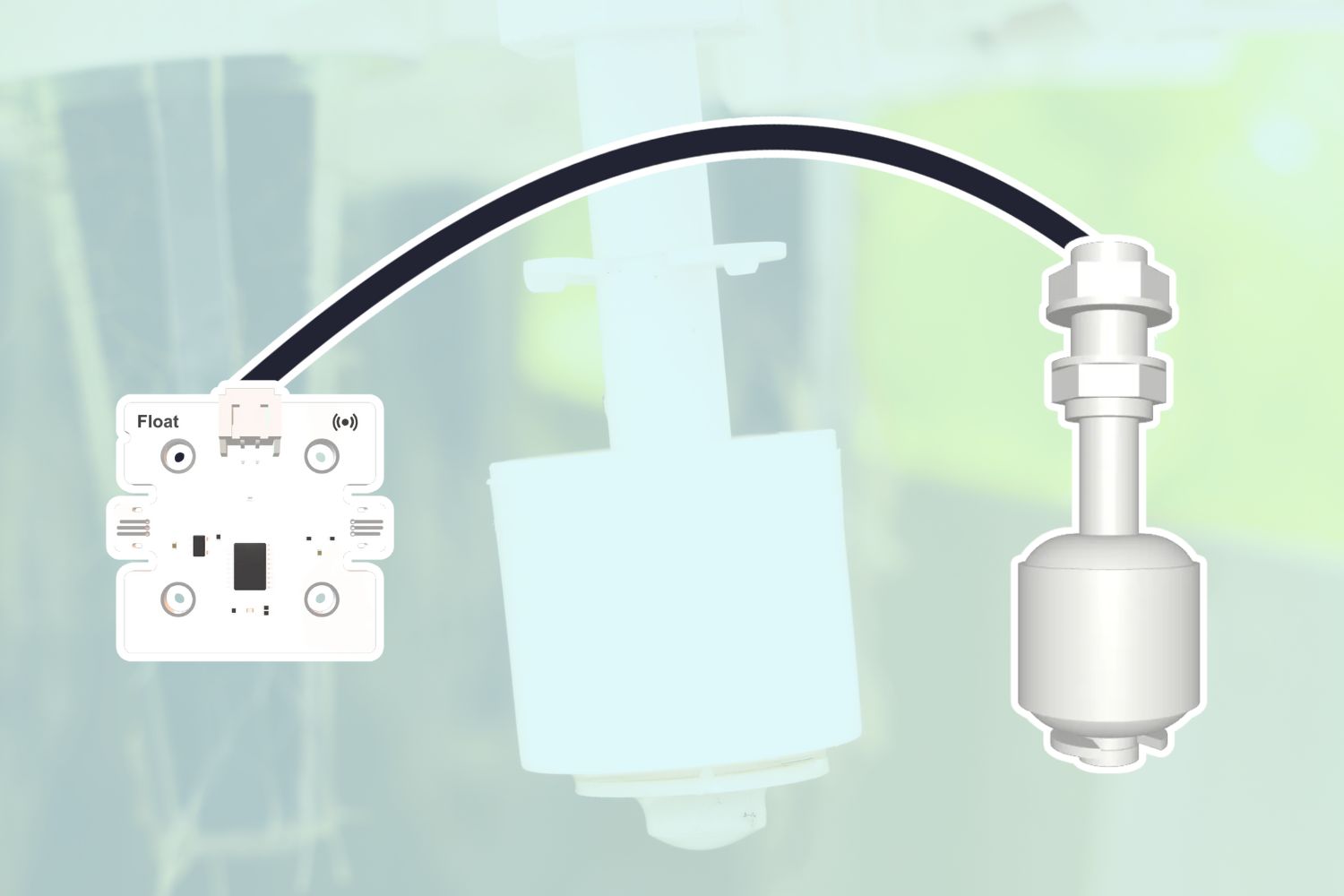 Float SensorSmart Hydroponics KitSmart Hydroponics Kit
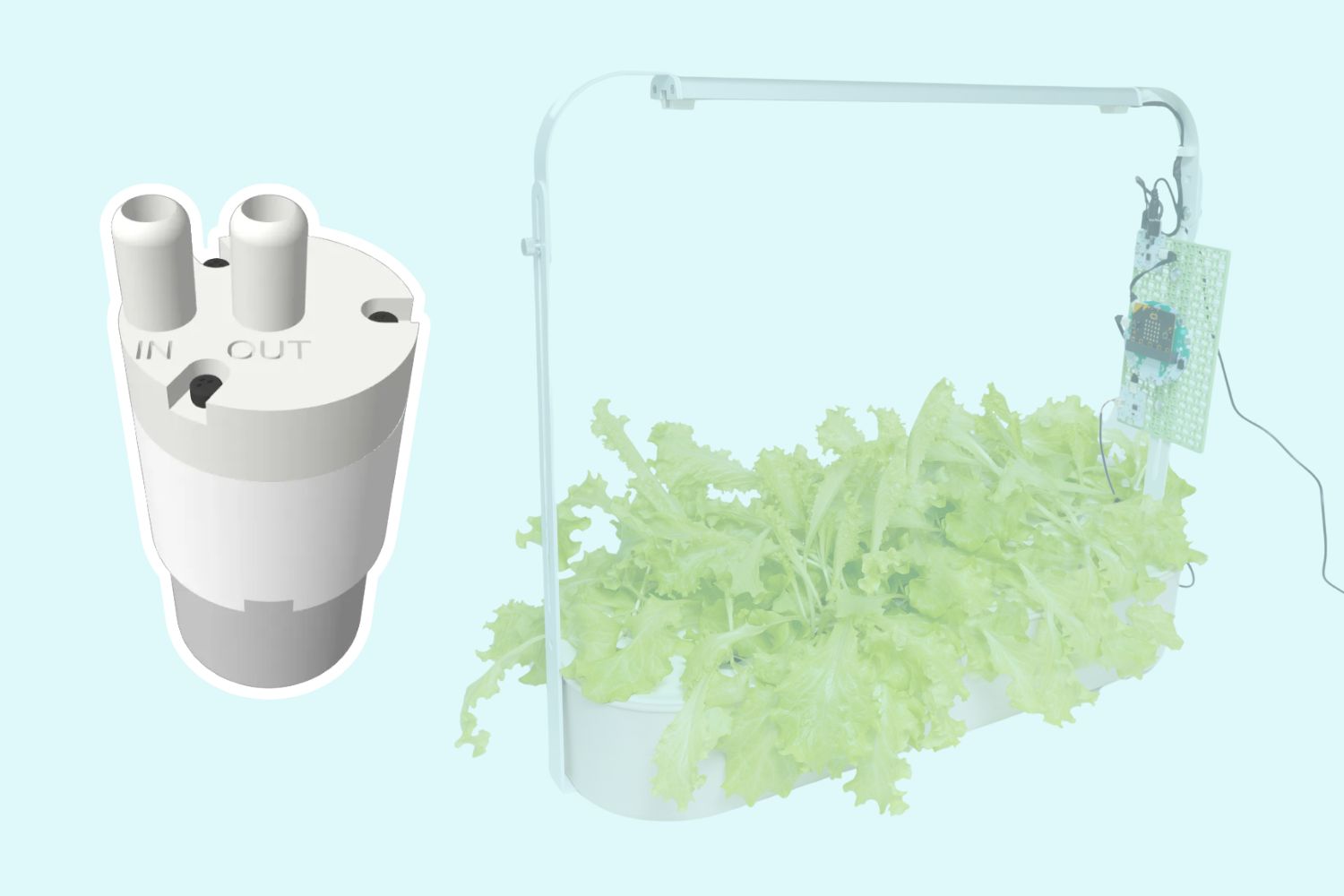 Peristaltic Water PumpCoding for Good KitCoding for Good Kit+2
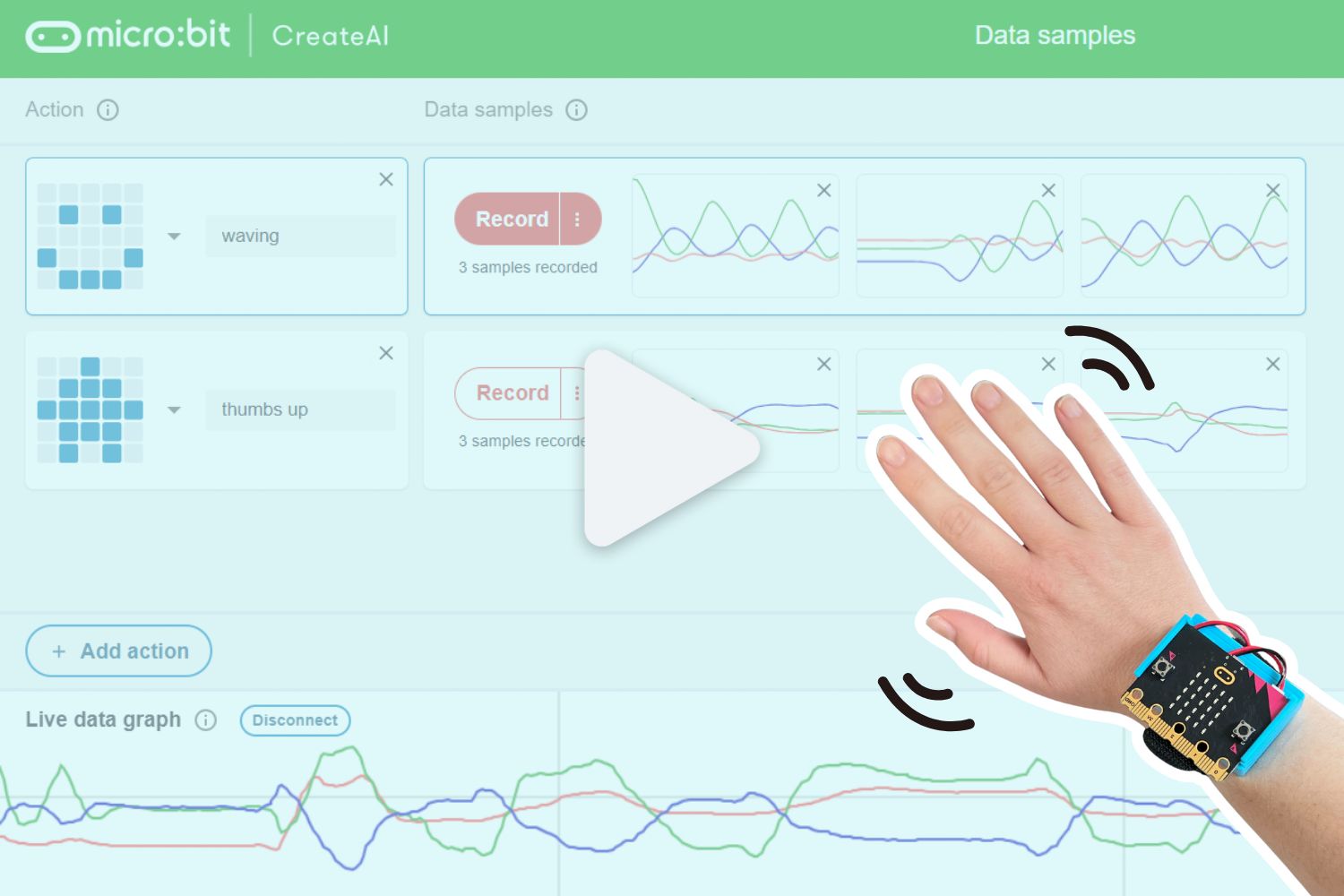 Training a Machine Learning Model with CreateAICHARGE for micro:bitCSTABeginnerCHARGE for micro:bit
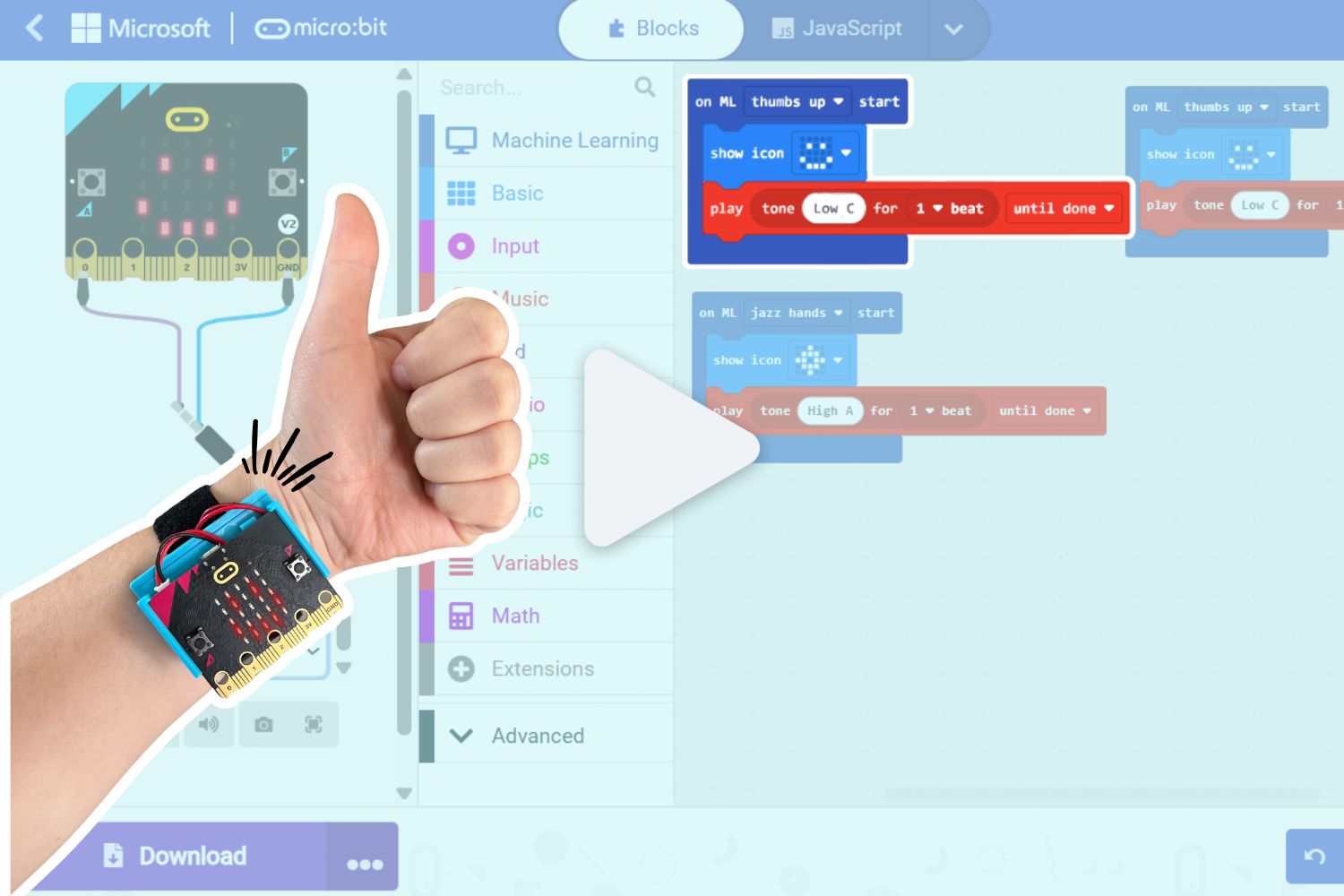 Using a CreateAI Model in MakeCodeCHARGE for micro:bitBeginnerCHARGE for micro:bit
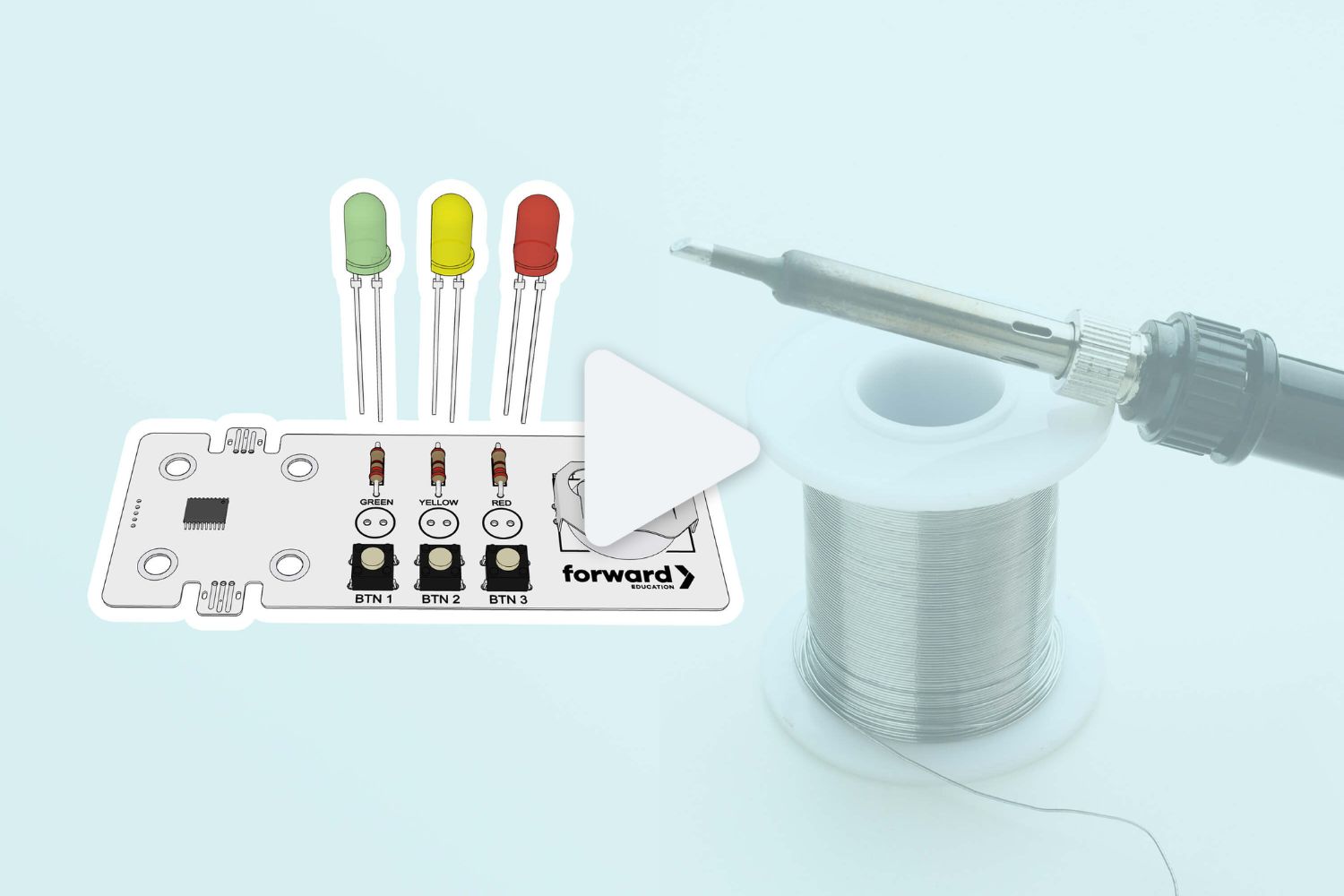 Soldering the Smart Solder ComponentSmart Soldering KitSmart Soldering Kit
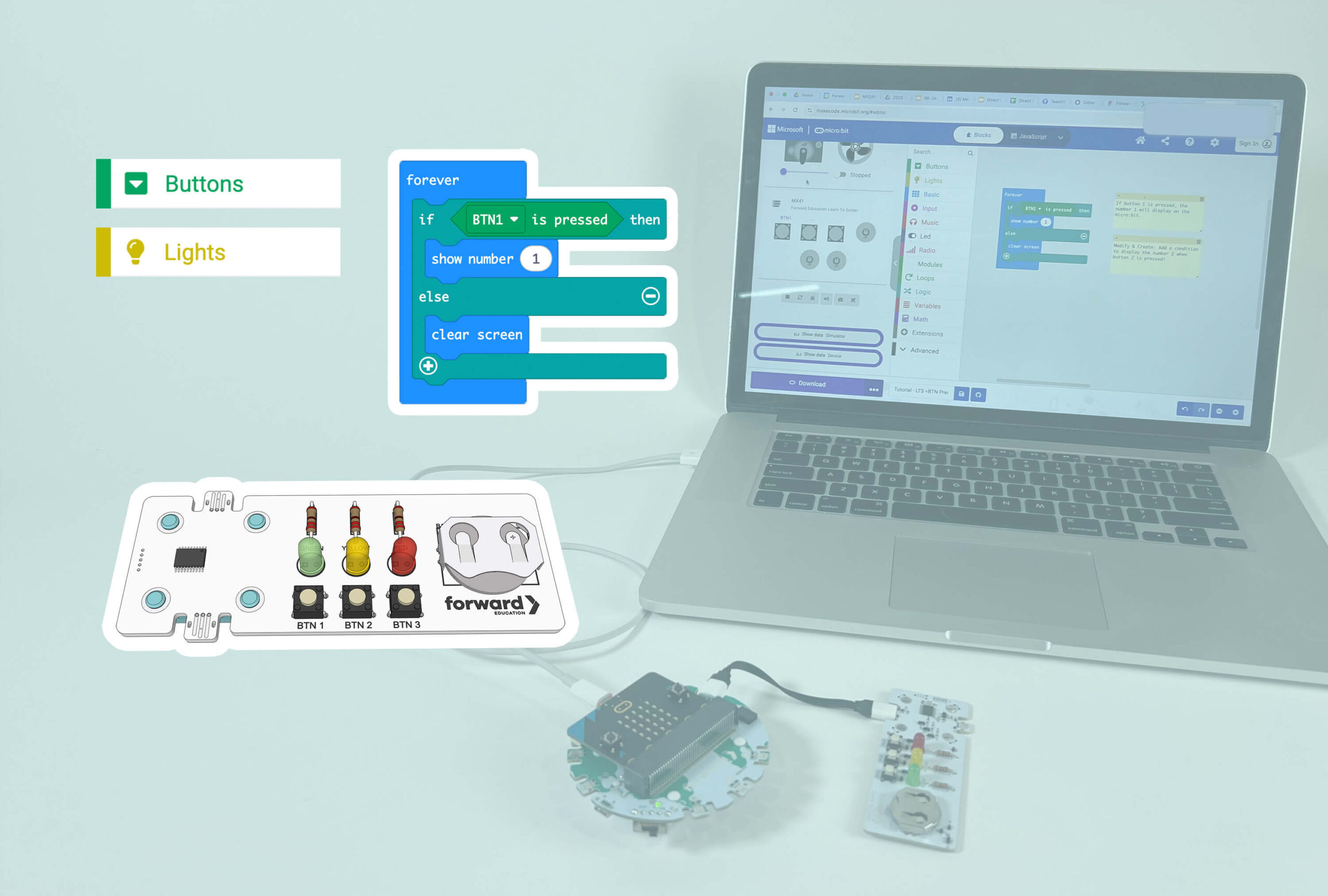 Coding the Smart Solder ComponentSmart Soldering KitSmart Soldering Kit
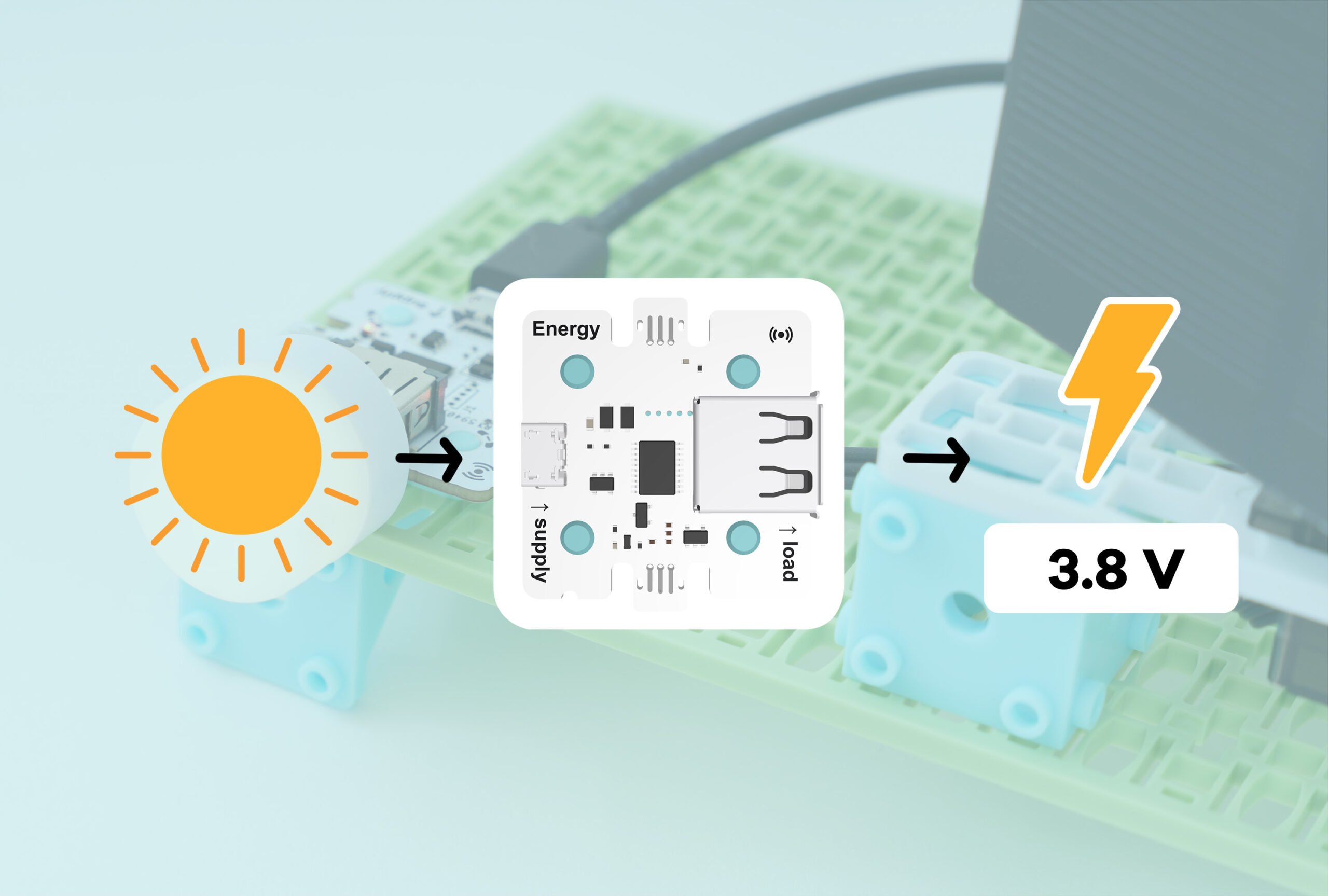 Energy SensorSmart Solar Energy KitCCSSCSTANGSSSmart Solar Energy Kit
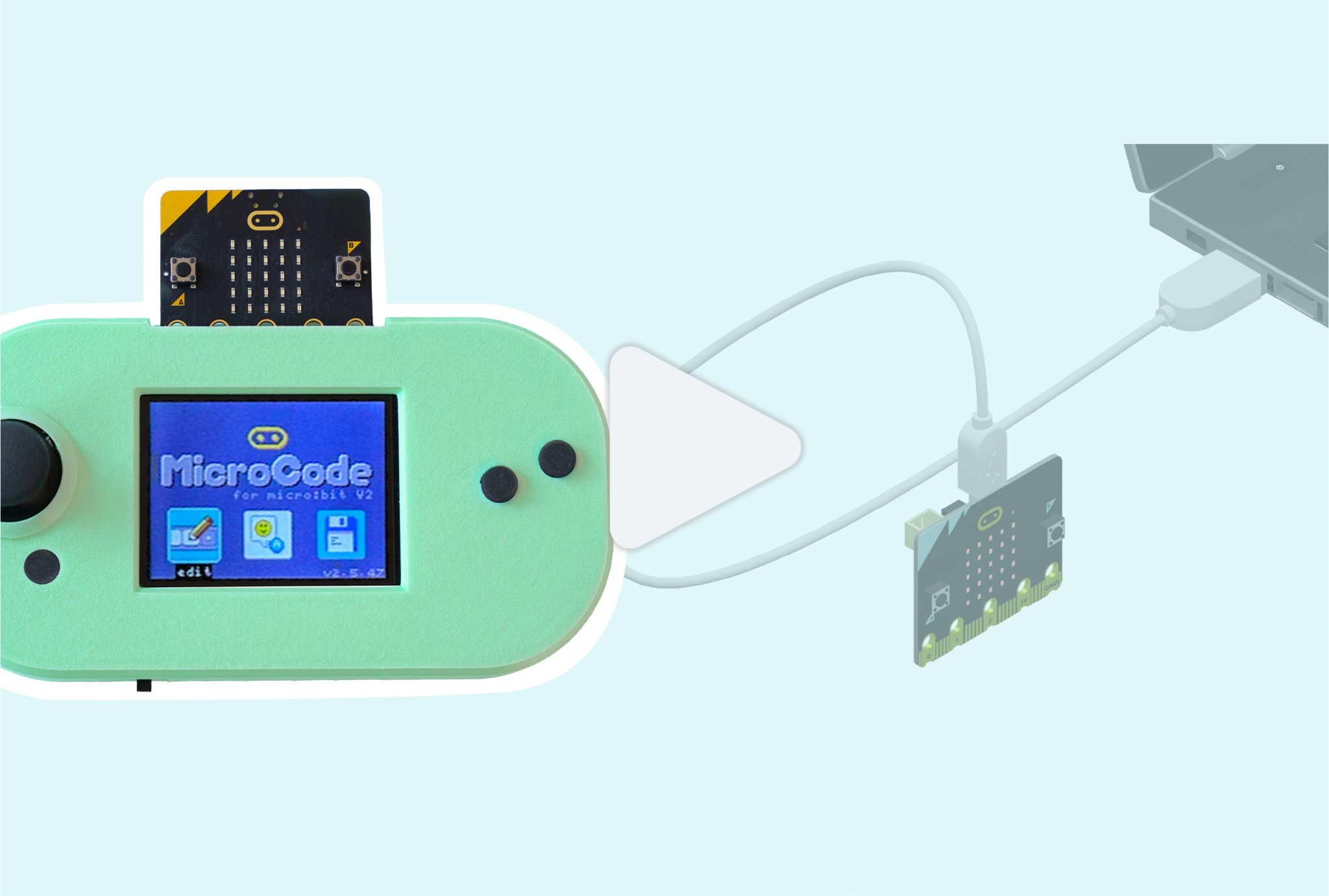 Downloading MicroCode to your micro:bitCodeCTRL for micro:bitCodeCTRL for micro:bit
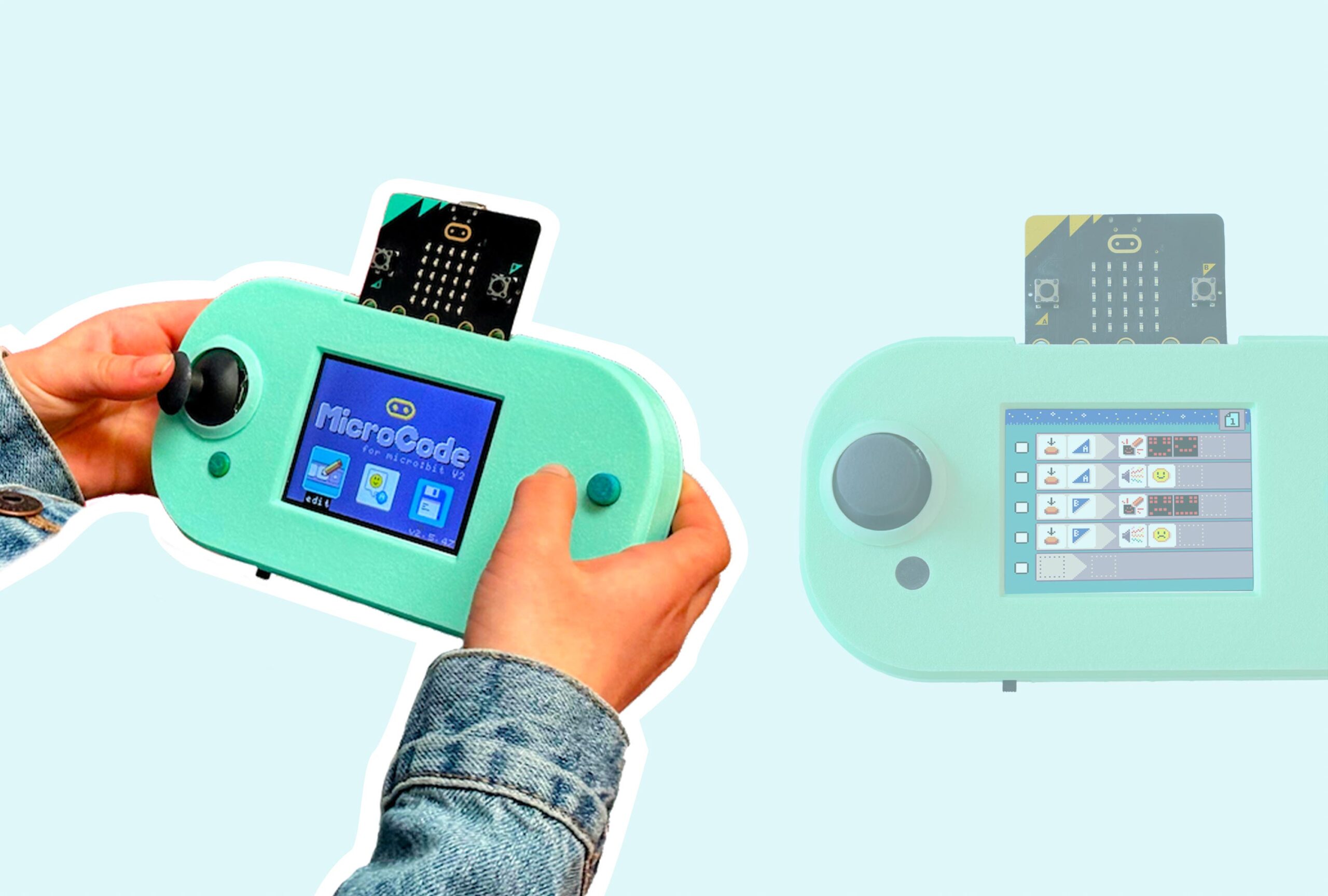 Introduction to MicroCodeCodeCTRL for micro:bitCodeCTRL for micro:bit
 Writing When-Do Rules in MicroCodeCodeCTRL for micro:bitCodeCTRL for micro:bit
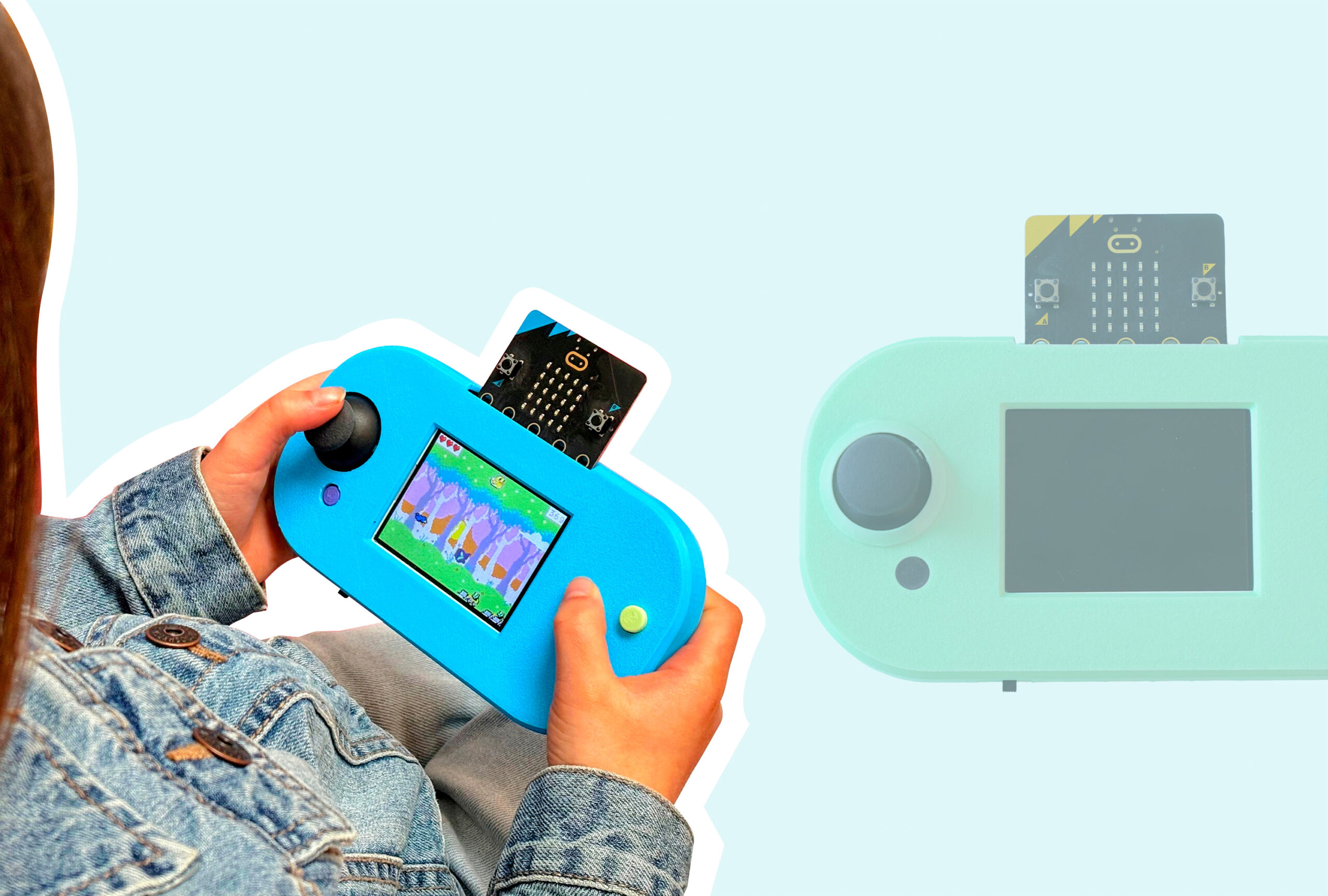 Playing MakeCode Arcade Games on CodeCTRLCodeCTRL for micro:bitCodeCTRL for micro:bit
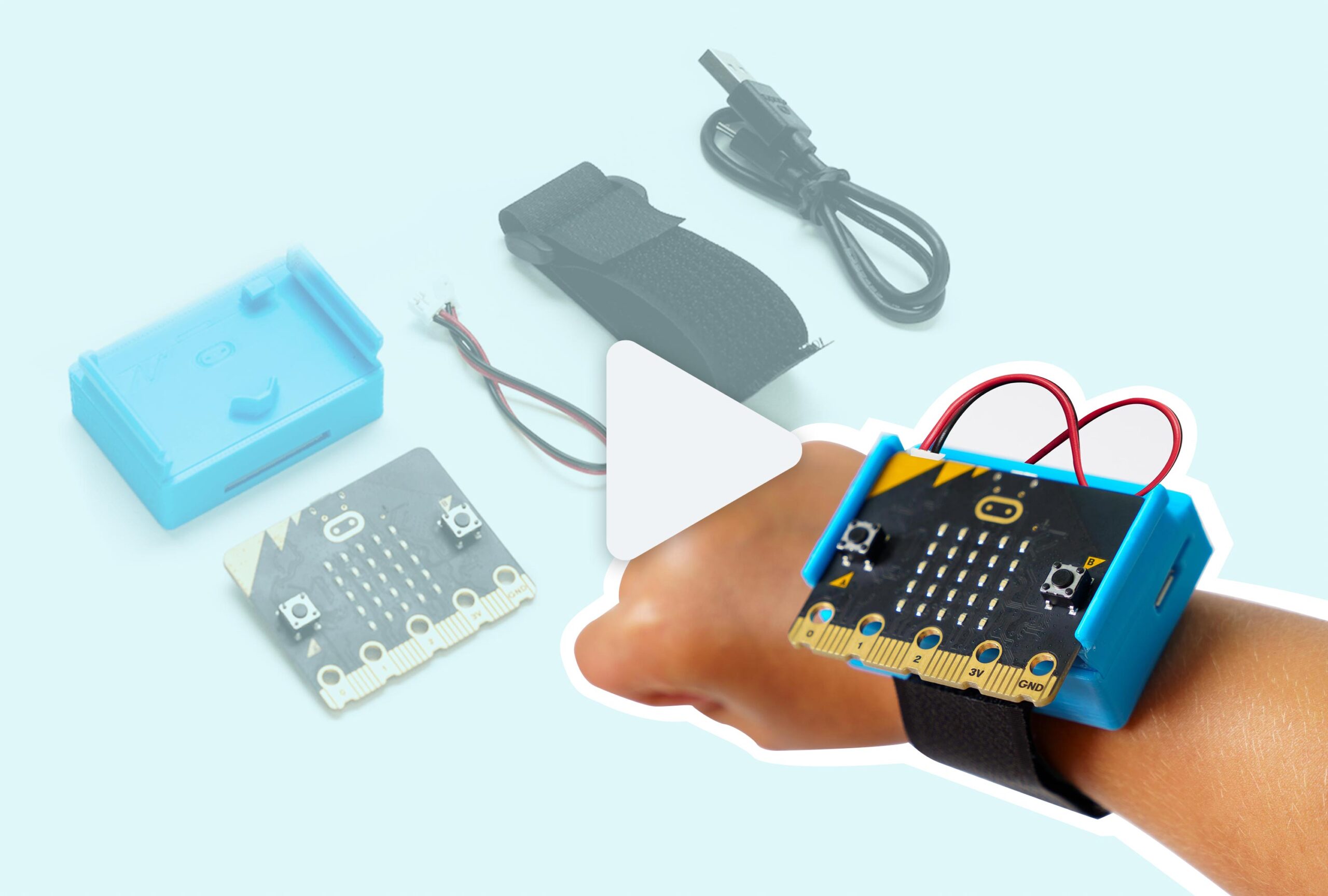 CHARGE for micro:bit Assembly & Removal GuideCHARGE for micro:bitCHARGE for micro:bit
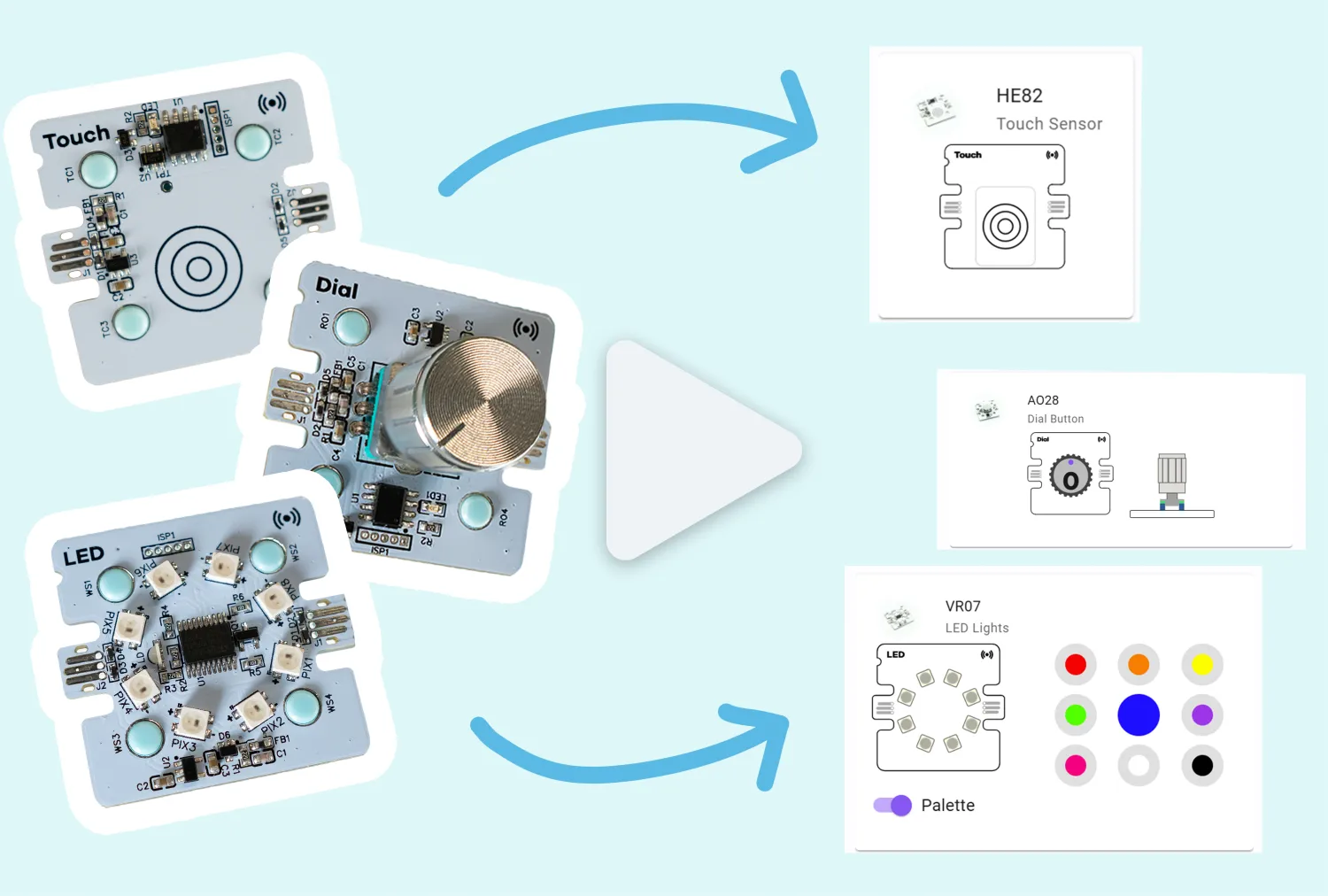 MakeCode Simulators OverviewCoding for Good KitCoding for Good Kit+5
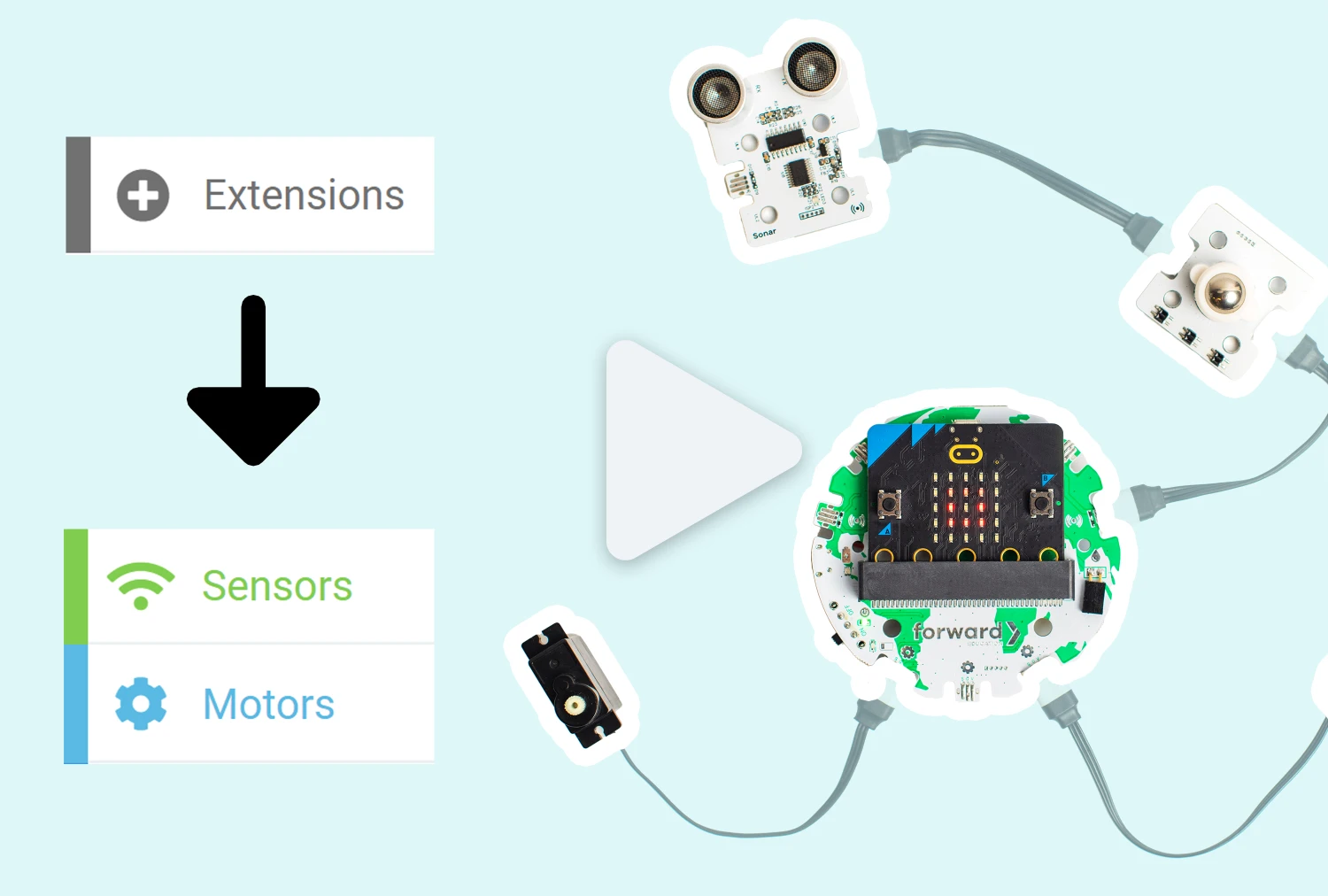 Adding Forward Education Extensions for Open-Ended CodingCoding for Good KitCoding for Good Kit+6
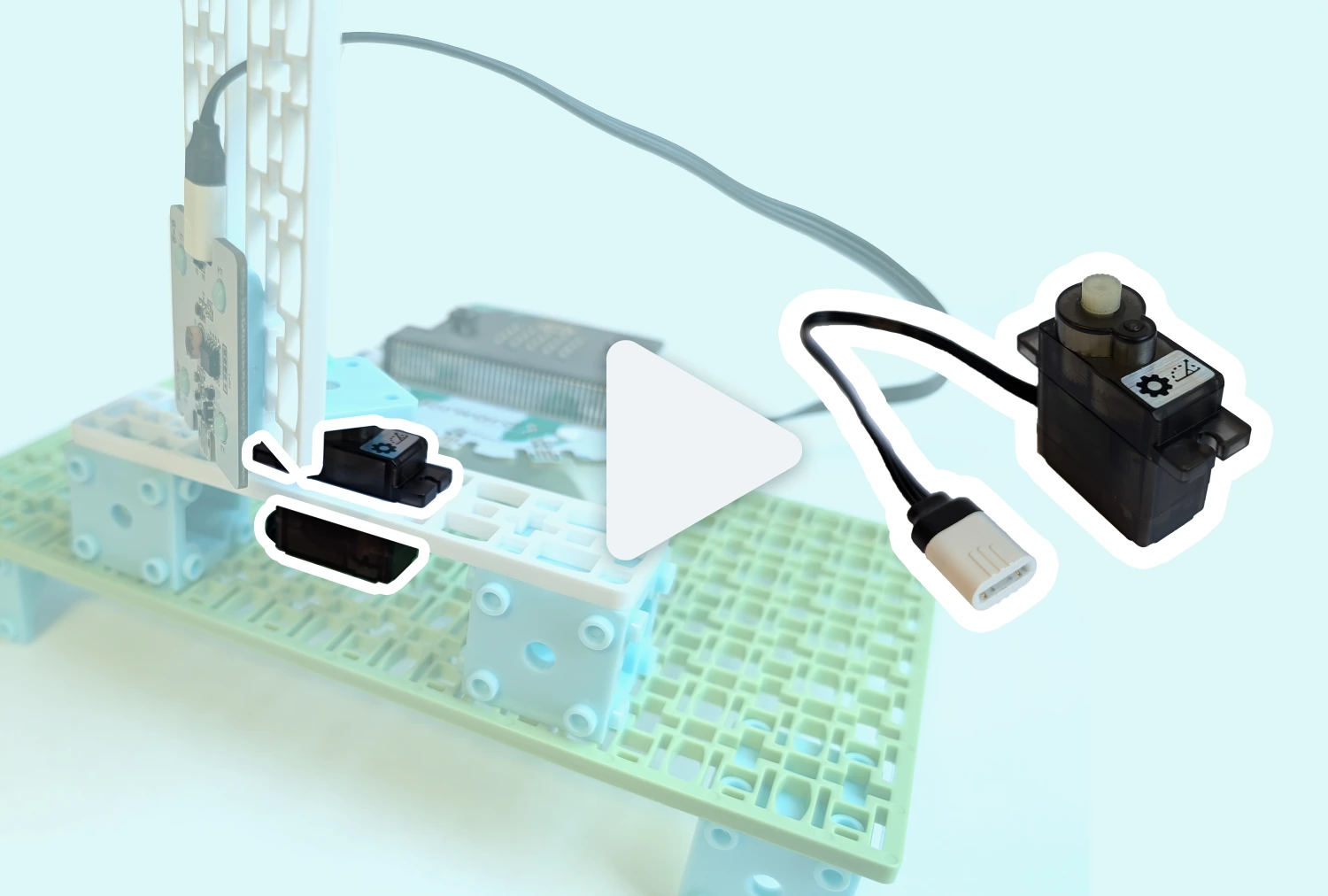 Positional ServoCoding for Good KitCoding for Good Kit+2
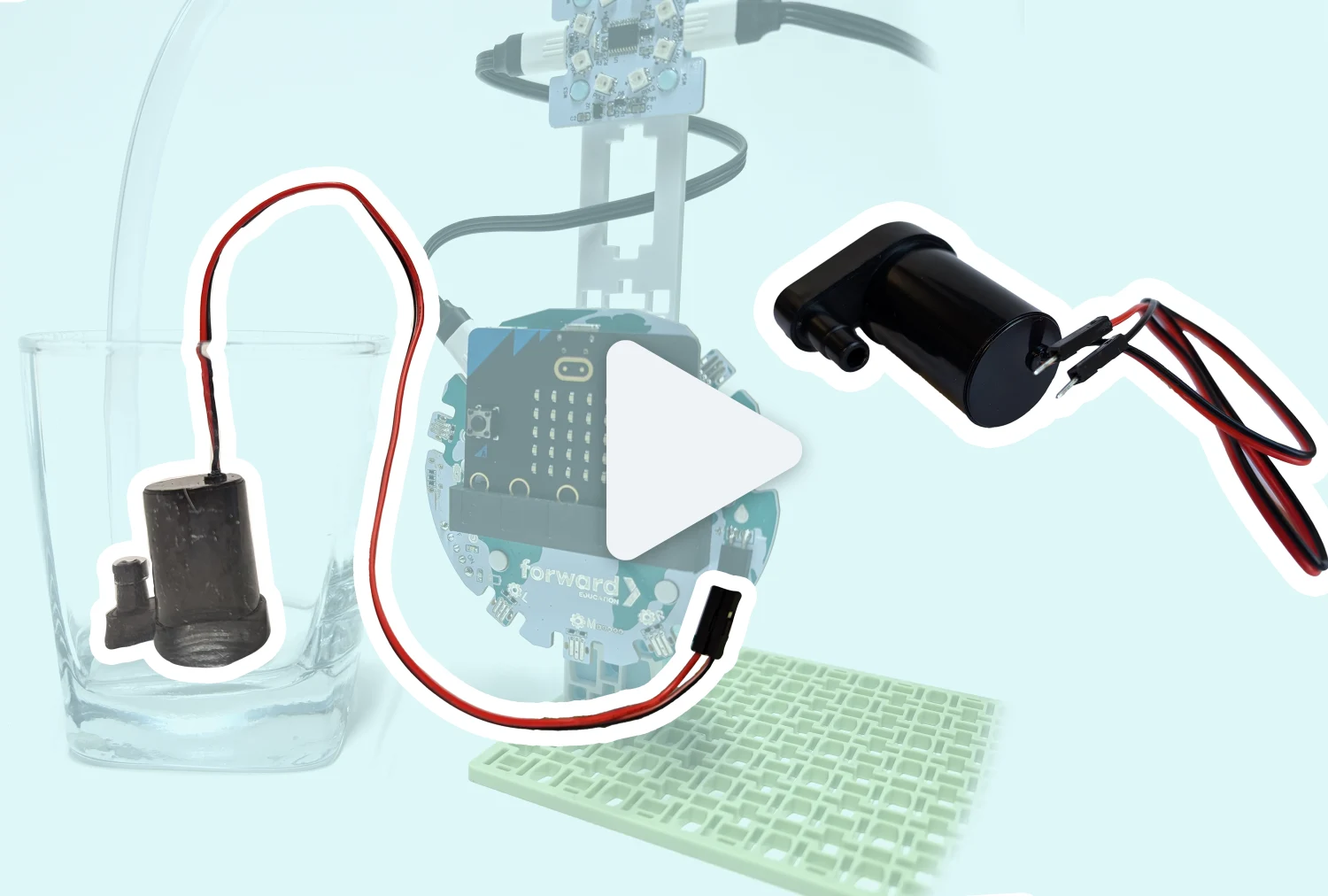 Submersible Water PumpClimate Action KitClimate Action Kit
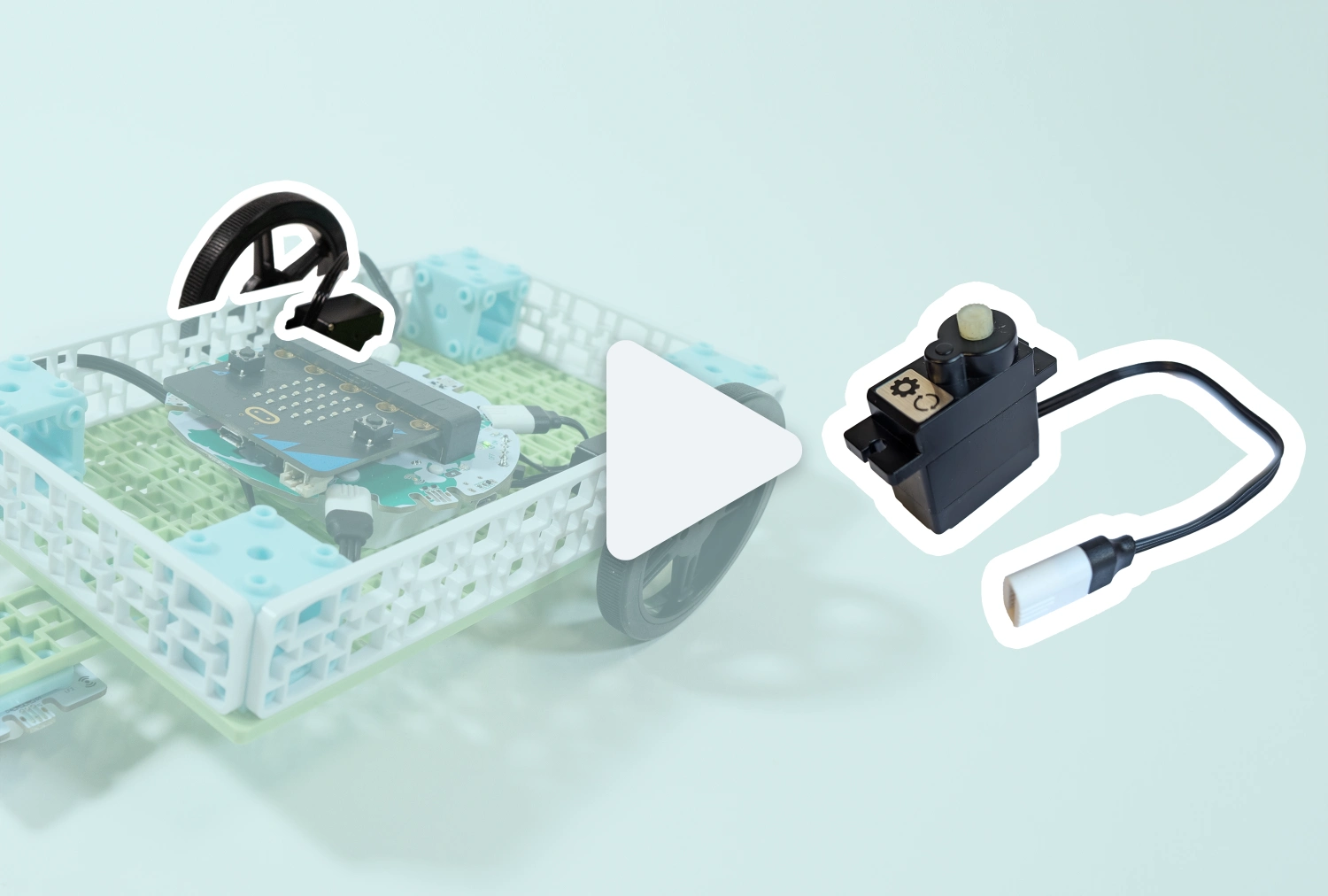 Continuous ServoCoding for Good KitCoding for Good Kit+2
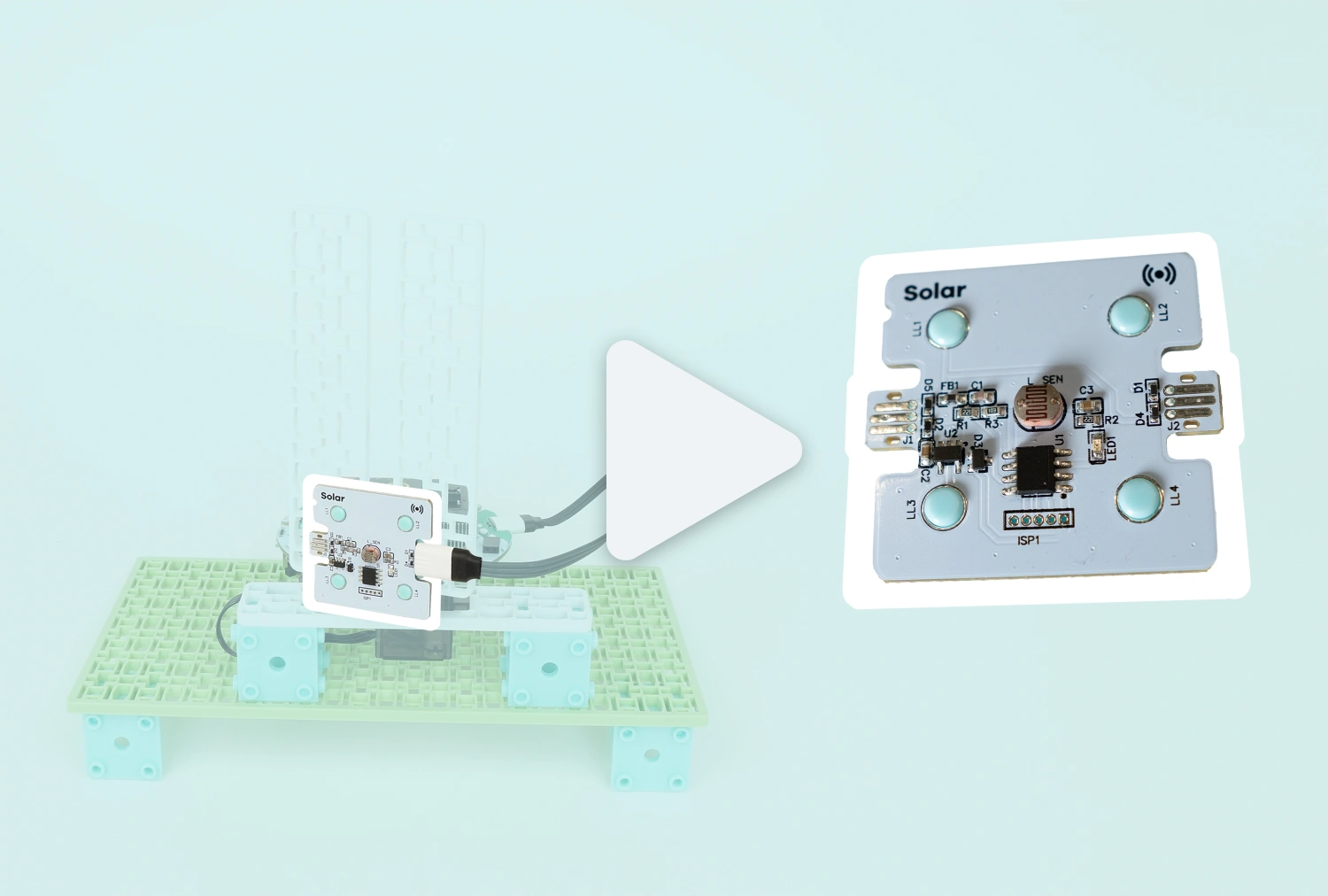 Solar SensorCoding for Good KitCoding for Good Kit+1
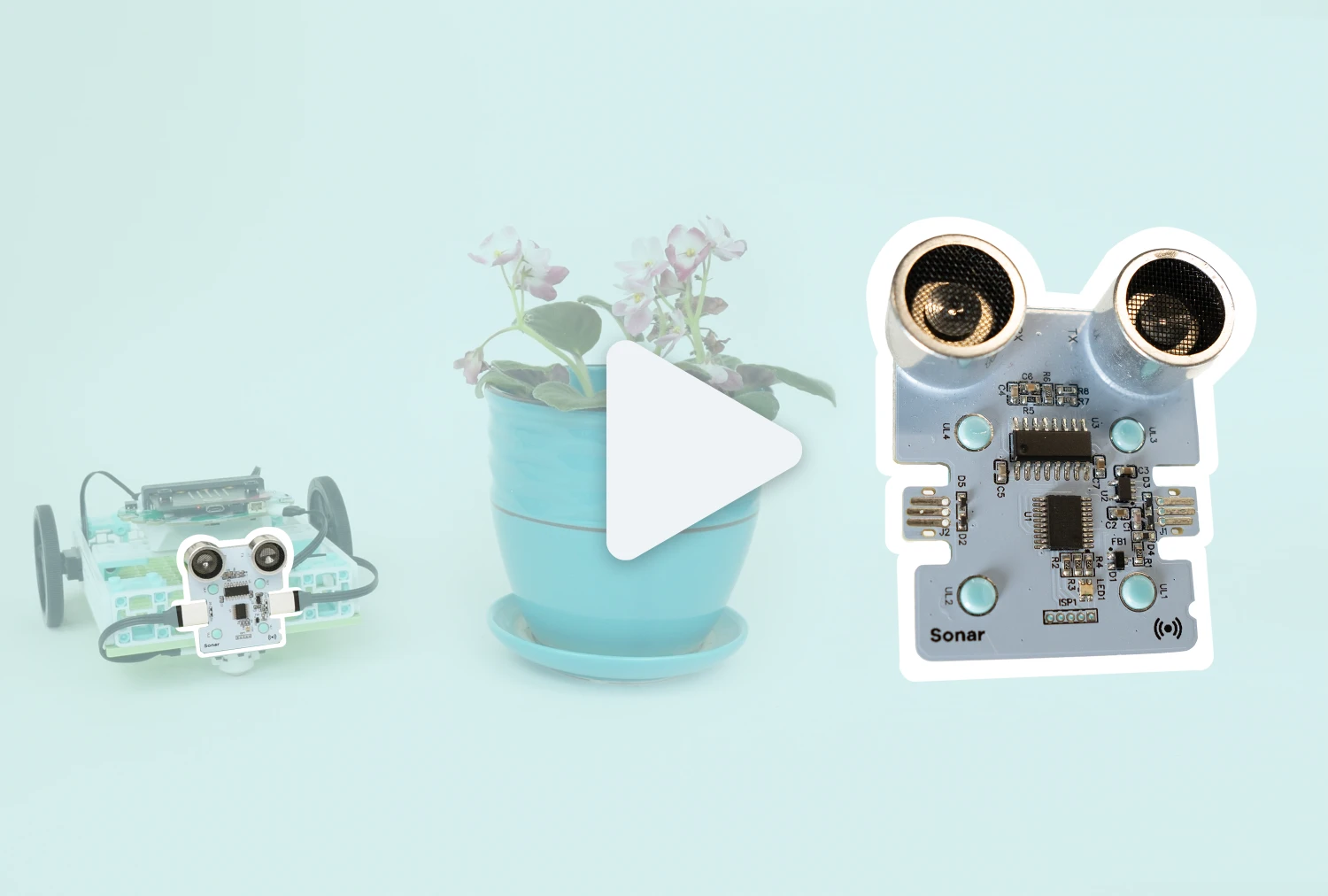 Sonar SensorCoding for Good KitCoding for Good Kit+2
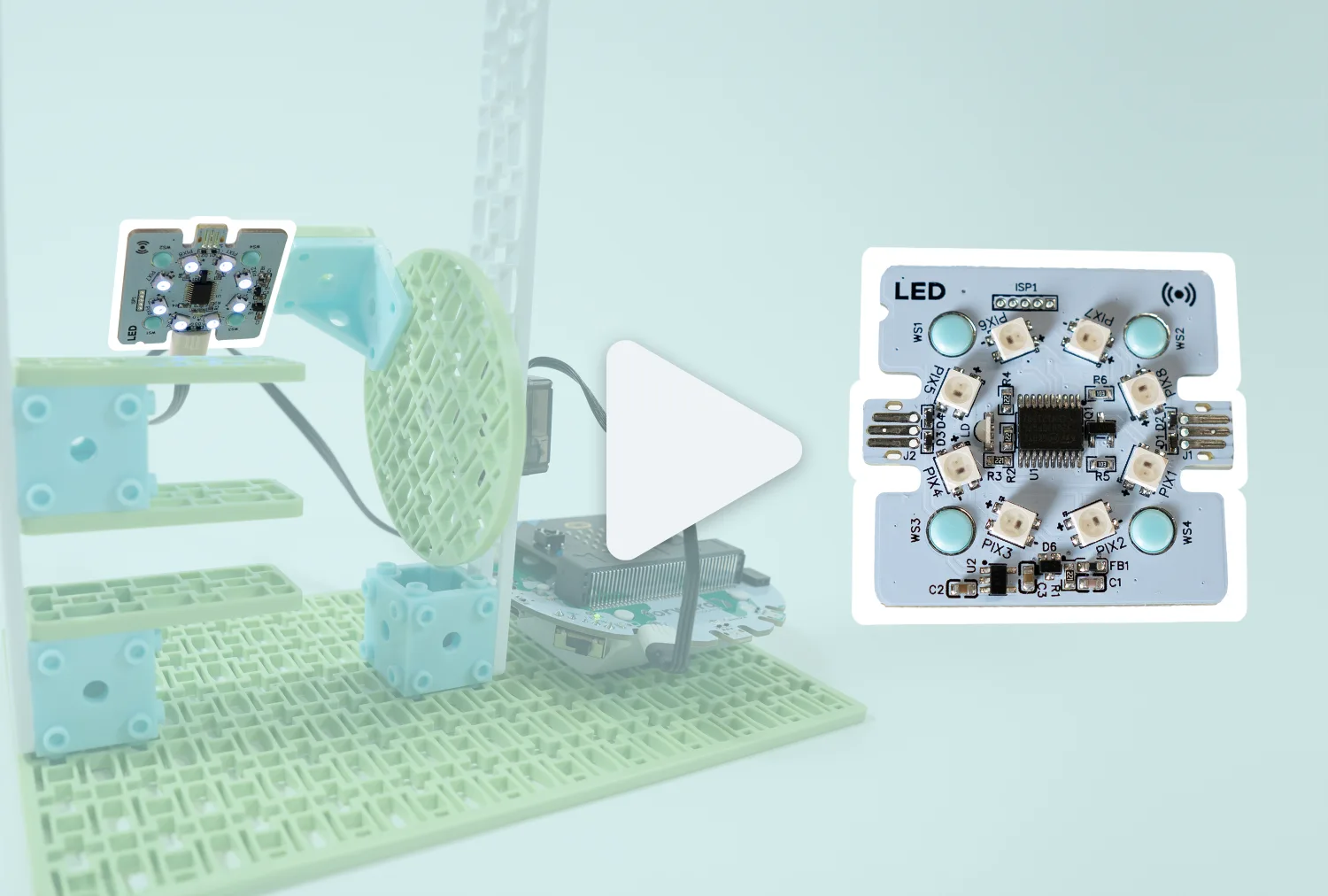 LED RingCoding for Good KitCoding for Good Kit+1
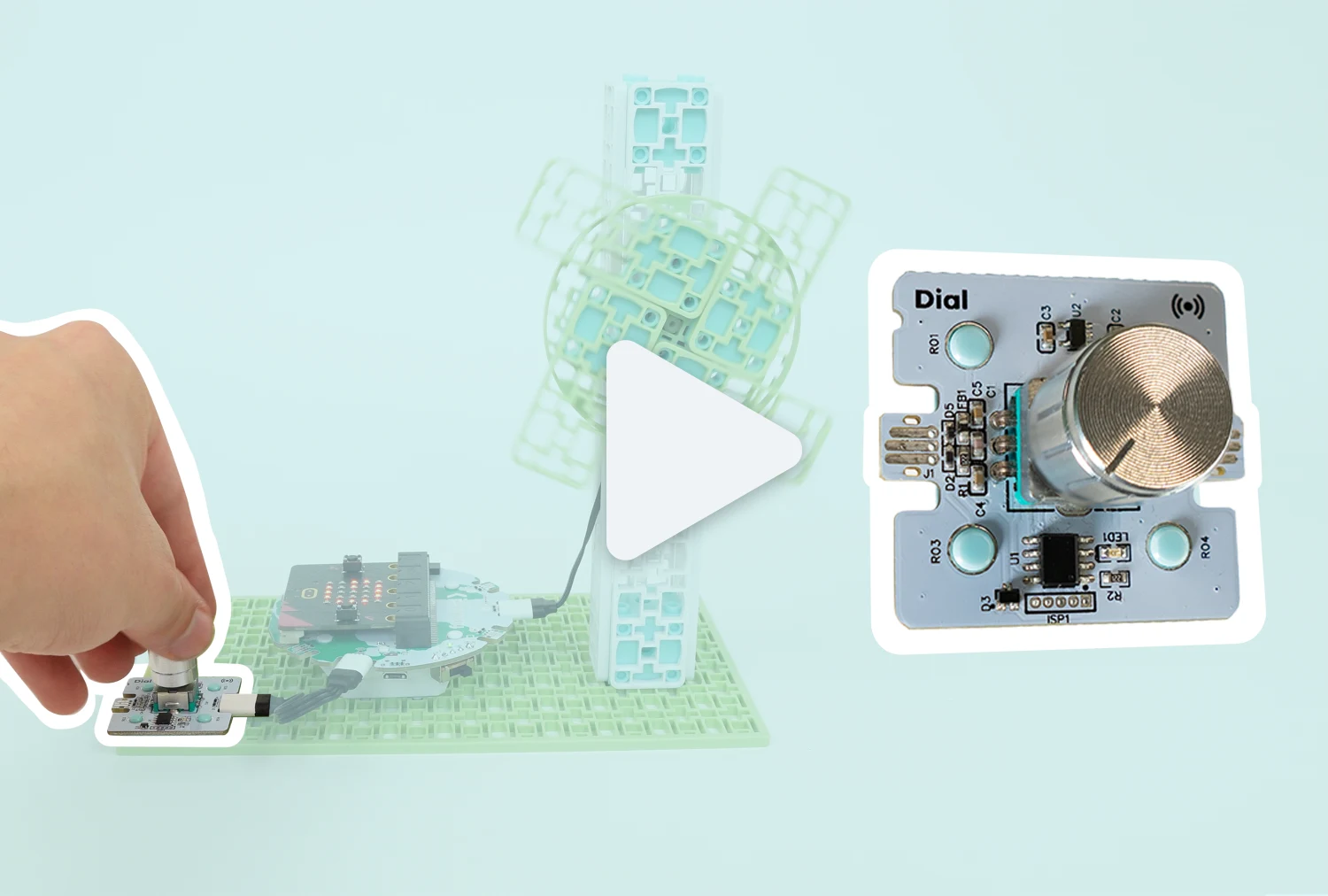 Rotary DialCoding for Good KitCoding for Good Kit+1
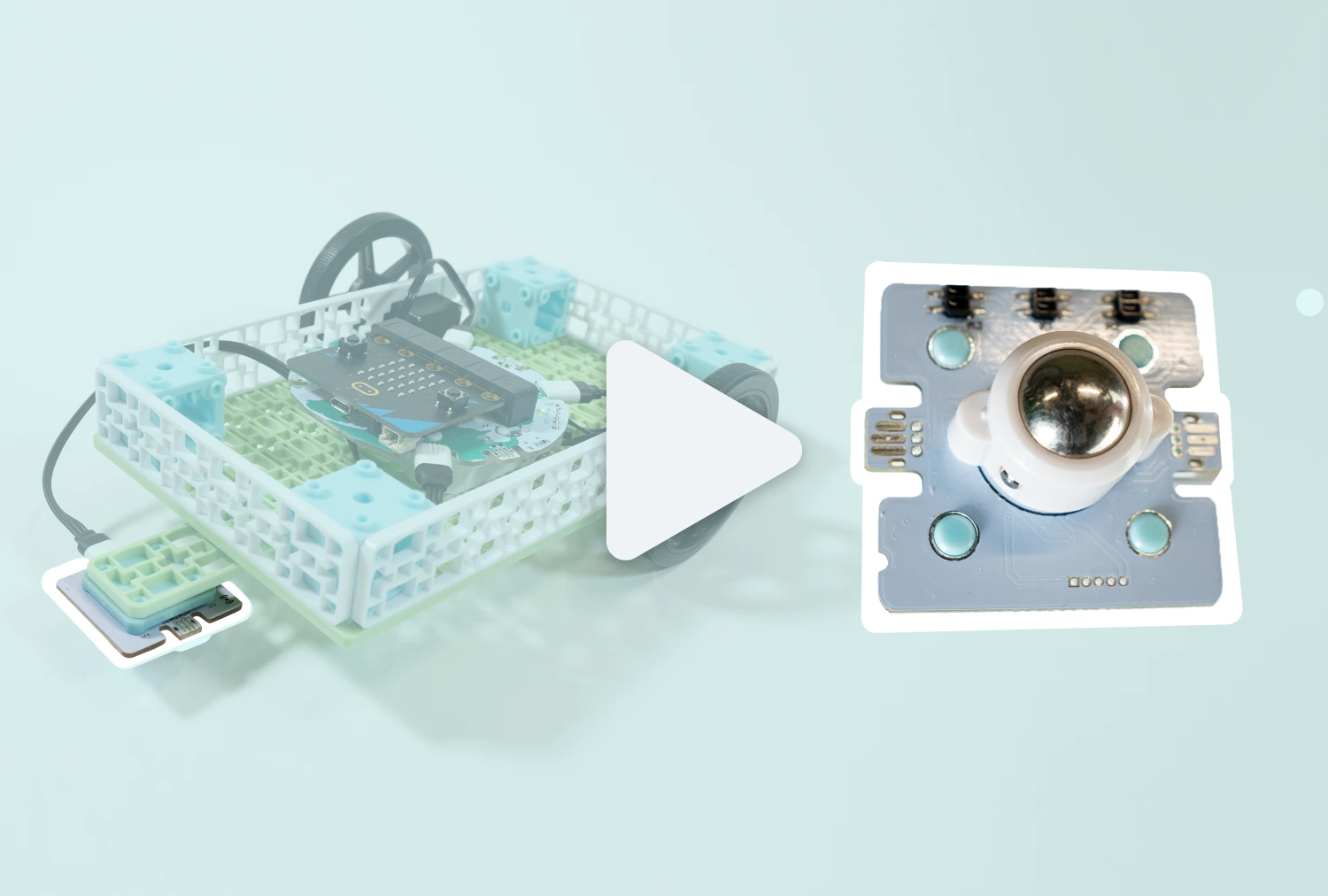 Line SensorCoding for Good KitCoding for Good Kit+2
 Moisture SensorCoding for Good KitCoding for Good Kit+1
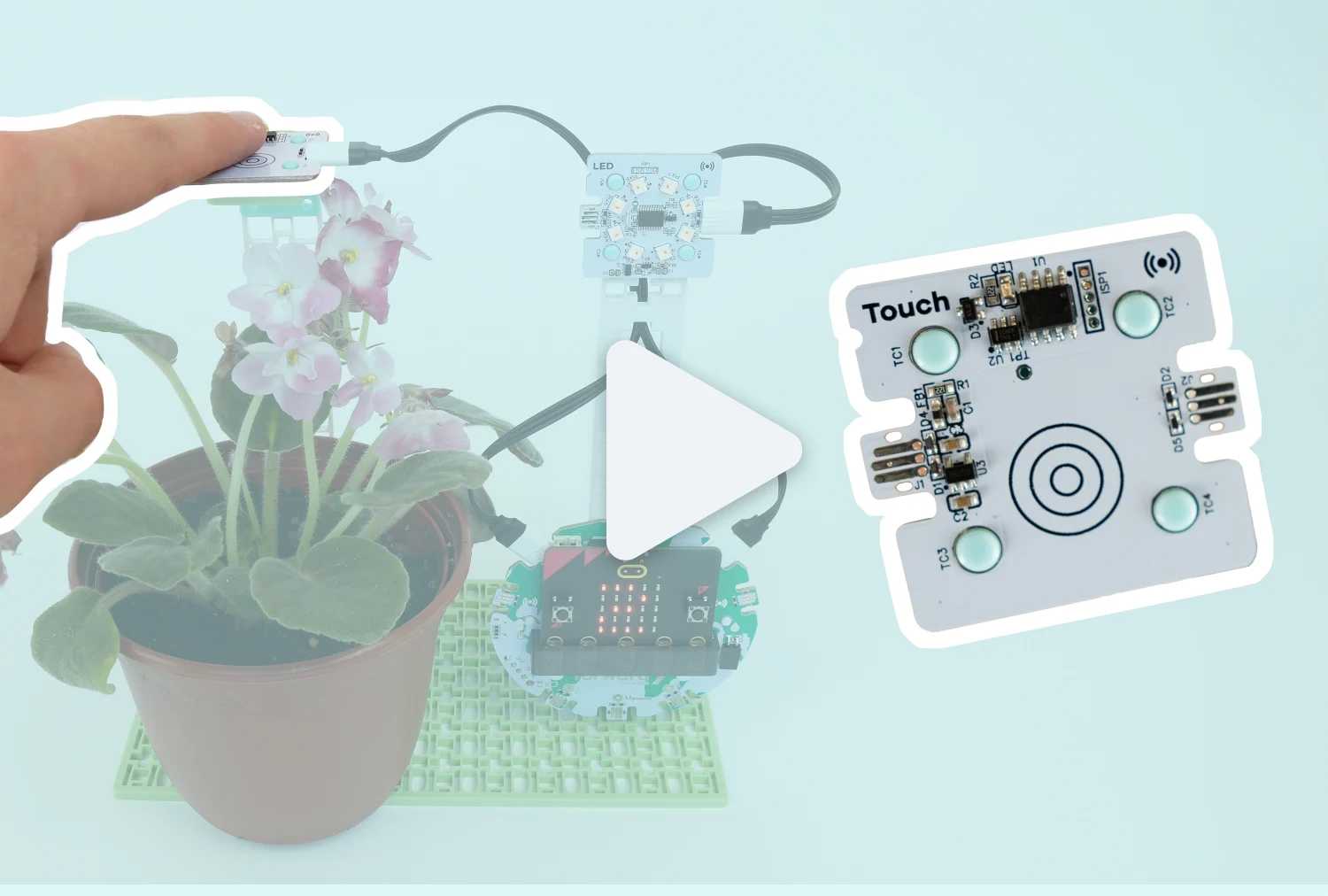 Touch SensorCoding for Good KitCoding for Good Kit+1
 AI Storytelling Buddies | AI and ELACHARGE for micro:bitGr 6 to 8CHARGE for micro:bit
 Fitness Tracker Fairness | PE, Math, & AICHARGE for micro:bitCHARGE for micro:bit
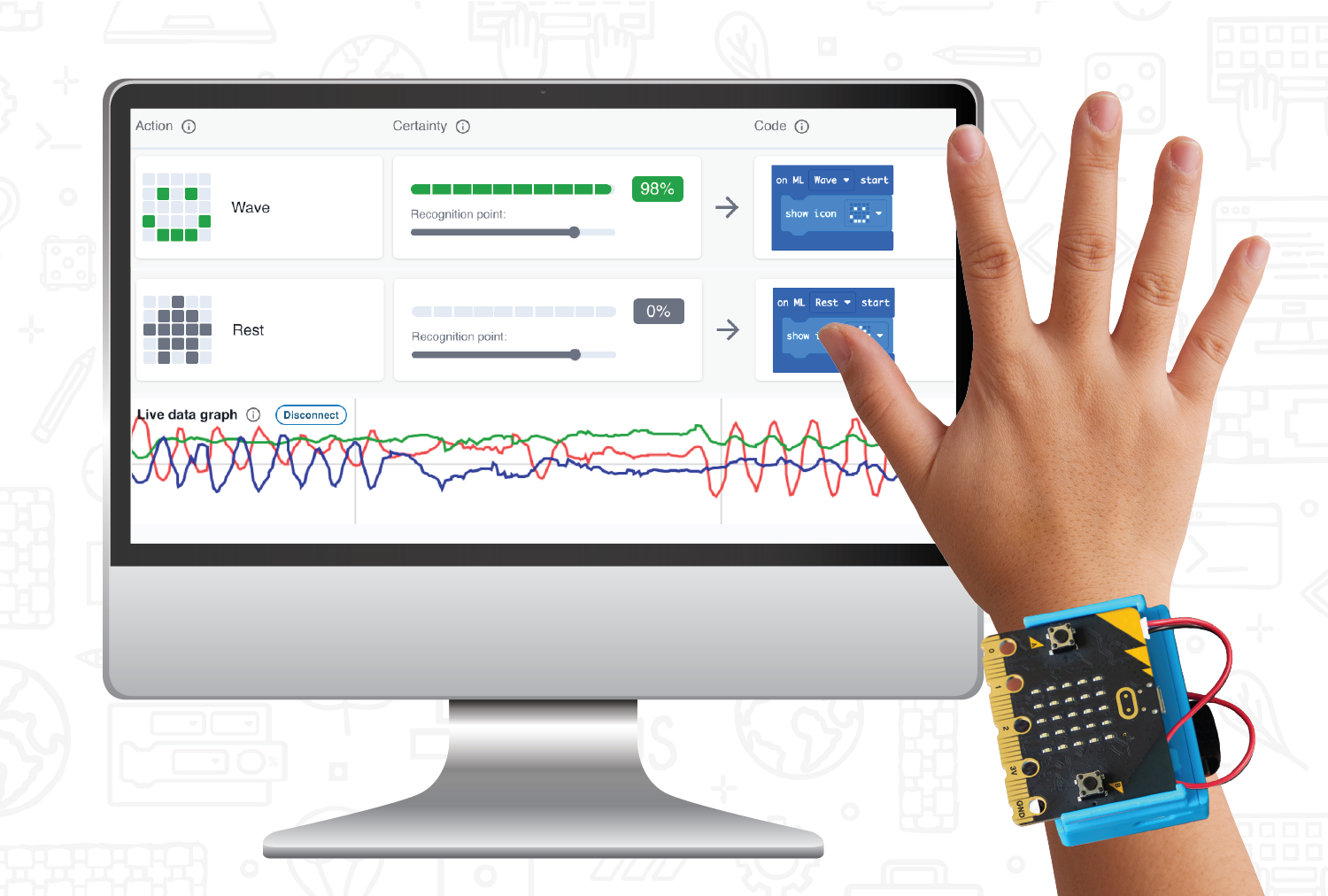
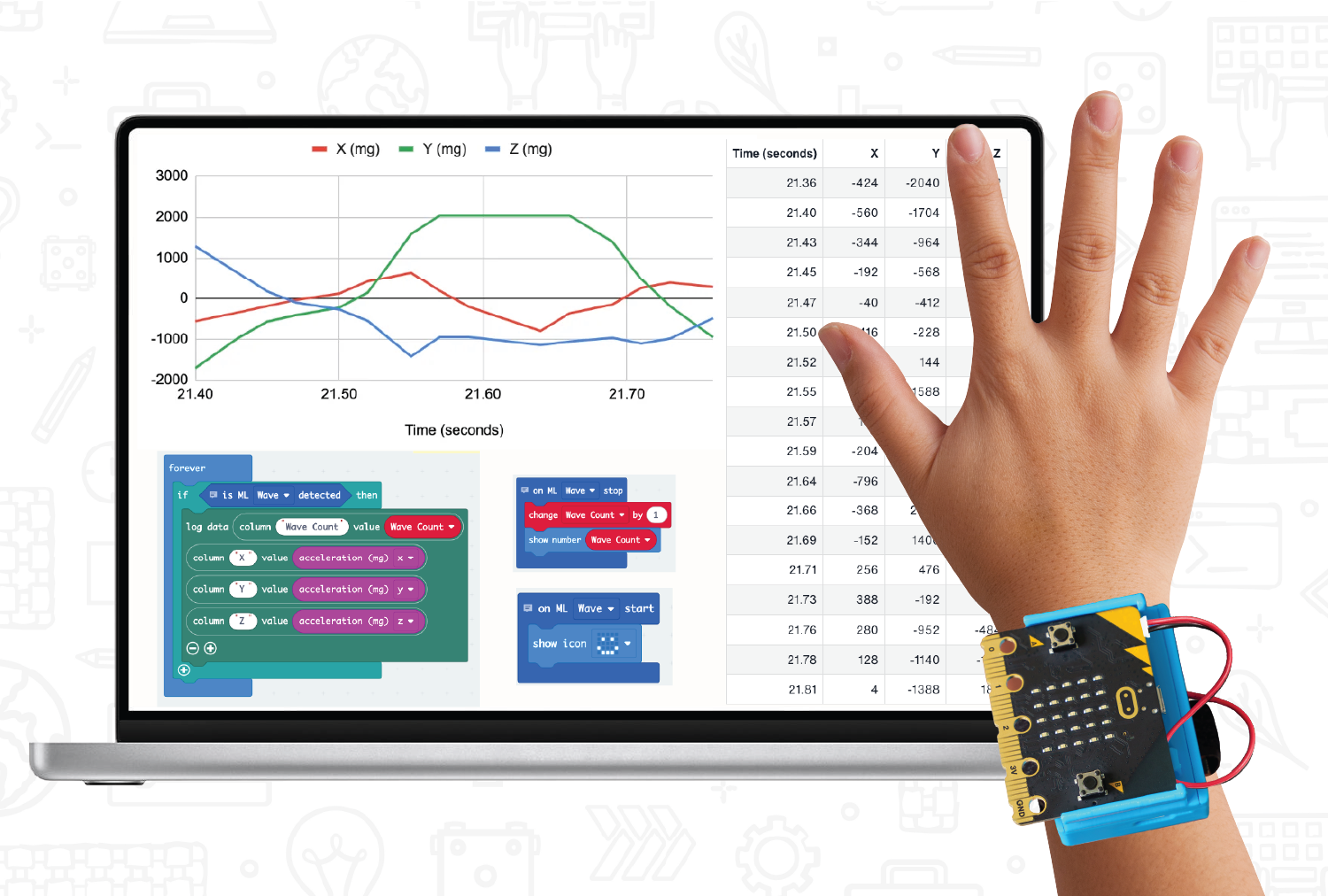 Math & AI: Anatomy of an AI Wave – Statistics & ProbabilityCHARGE for micro:bitCHARGE for micro:bit
 Math & AI: Say Hi to AI – Statistics & ProbabilityCHARGE for micro:bitCHARGE for micro:bit
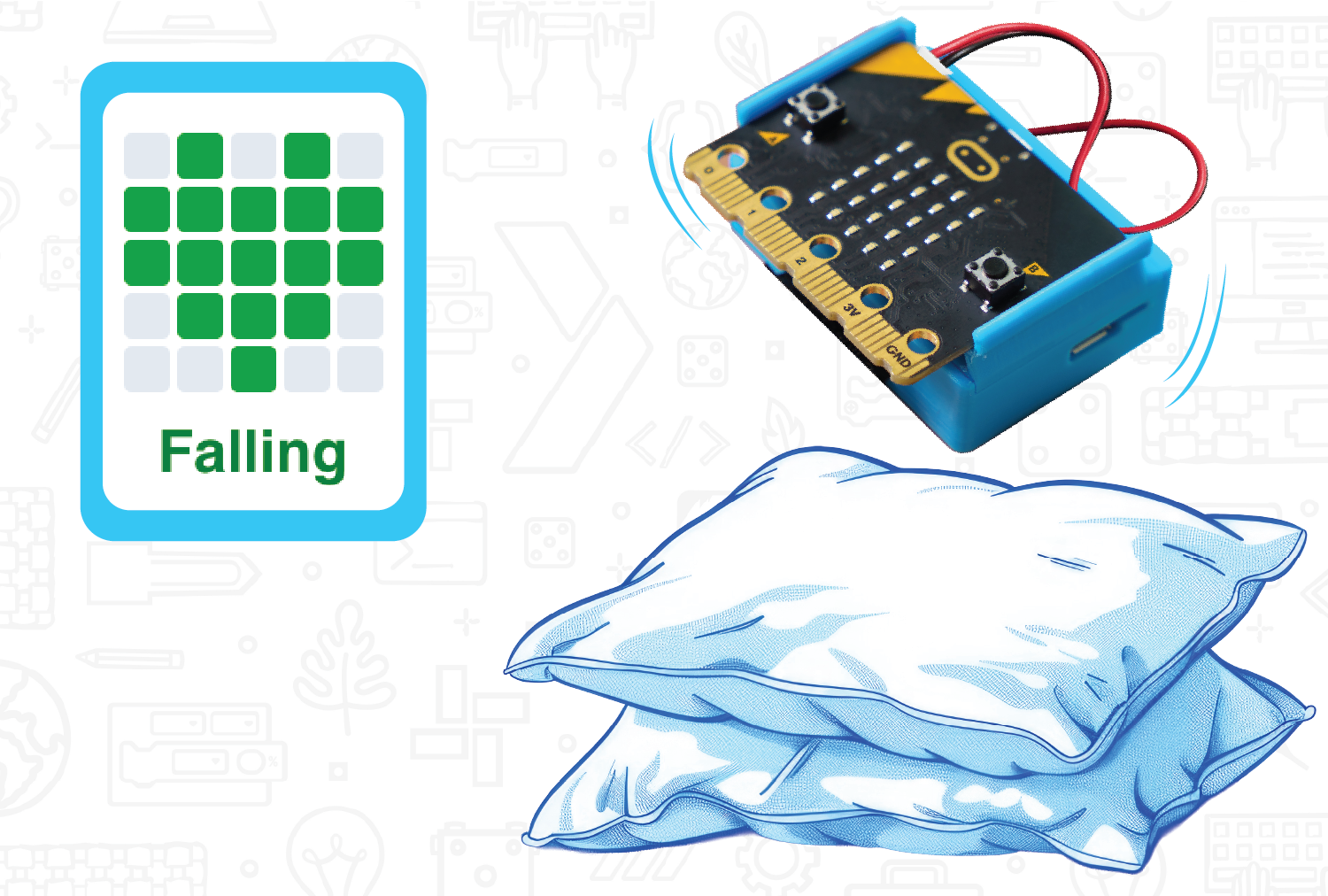 Science & AI: Egg Drop AI – Forces & MotionCHARGE for micro:bitCHARGE for micro:bit
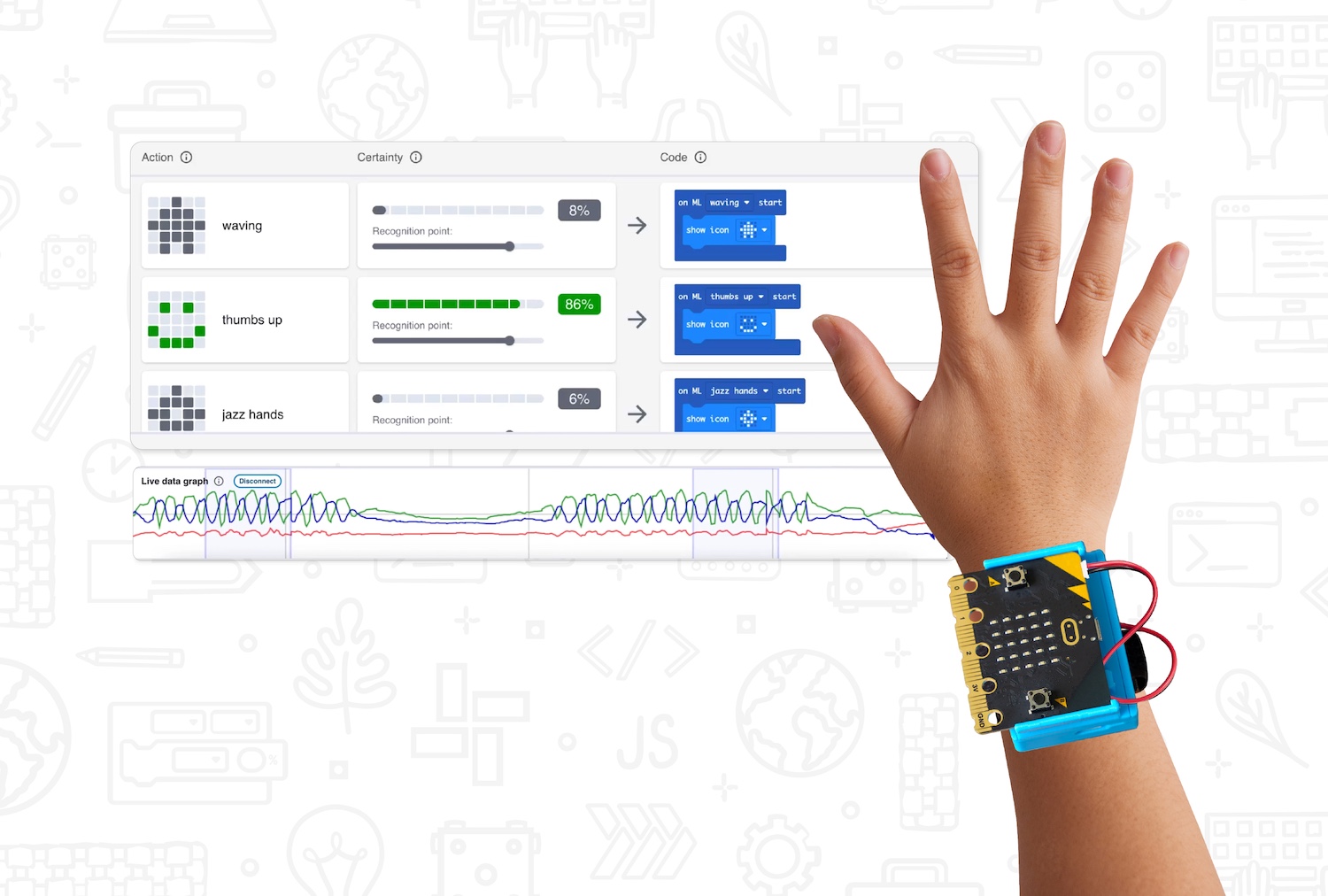 Teach AI & Machine Learning with micro:bit and CreateAICHARGE for micro:bitCHARGE for micro:bit
Nothing in tutorials matches these filters.
Explore all 38 tutorials on the Lesson Library →Nothing matches that combination. Try clearing a filter, or build the lesson you need with Tutorial Builder.
Fund it
Fund it without guessing
Every grant we could find that pays for computer science, AI literacy, STEM hardware, or teacher training. Most of these are not ours. We just made them easy to find.
Pick your state to see real grants. Every grant we track is filed by state, so there is no single national list. Choose above and this fills with your state's open opportunities, each linking to the full details.
Choose your state
Every grant is filed by state, with the deadline, the amount, and who can apply. The full list, with filters, lives on your state's funding page.
See all grantsFunding type
Loading grants...
No grants match that filter
Try widening the funding type.

The grant guide
How to find the right grant, what reviewers look for, and the language that gets a technology request approved. Written for people who have never written one.
Get the guide
Grant assistance program
We help you build the application. Quotes, standards alignment, and the program description, prepared for the grant you are actually applying for.
Ask for helpGet MicroChat for your school, free
The MicroChat CS and AI Literacy Grant gives your organization free site licensing, ready-to-run PD materials, and live training for your team.
Build it
Same skill set, two ways of hands-on learning
Making something real, and working well with a machine. A program that teaches one without the other leaves a gap that shows up the moment a student graduates.

Hands-on Robotics and Coding
Students build something physical that solves a problem they can point at. Sensors, circuits, and code that produce real data from the room they are sitting in, not a worksheet answer.
- Climate Action KitEnvironmental sensing and a real dataset to argue from.
- Coding for Good KitProjects that fix something in the school or community.
- Smart Solar Energy KitGeneration, storage, and the tradeoffs between them.

Collaborating with AI
Students work alongside a machine instead of handing it the assignment. Teachers do the same when the lesson they need does not exist yet. Both are skills now, and both can be taught.
- MicroChatMicroChat puts student ideas into block code, and helps them understand how it works.
- Tutorial Builder For teachersDescribe a lesson in plain language, get a MakeCode tutorial in minutes.

They work together, and they work alone
MicroChat works with micro:bit only, and all of our coding and robotics kits. That gives you a low floor for basic micro:bit coding, and a high ceiling with wide walls for creative and interactive projects.
Teach it
Teach it in a way your district will approve
The AI half of the program only works if it clears review. MicroChat was built for that. It is scoped to block-based coding help, it will not produce finished work, and it does not collect anything about the student using it.
Nothing to hand in
It guides toward the block. It will not write the assignment, so it does not create an academic honesty problem.
No accounts, no PII
Session-based. No student names, no logins, nothing stored about who asked what.
Built for review
A privacy summary written for IT teams, not lawyers, so the approval conversation is short.
- No student PII
- FERPA friendly
- COPPA friendly
- Sessions, no accounts
Case study
One kit won at a conference. Now 35 travel the district.
Berkeley County School District in South Carolina keeps about 35 Climate Action Kits in circulation, and almost none of them live in a classroom. They live with a team of about seven instructional coaches who carry them into schools from kindergarten up, and stay to help run the lesson.

- District
- Berkeley County School District, South Carolina
- Grades using the kit
- Kindergarten through middle school
- Kits in circulation
- About 35, shared district-wide
- Who delivers it
- About seven district instructional coaches
- Product
- Climate Action Kit with micro:bit
Then the Climate Action Kits are great, because now they get more input devices than what is on the micro:bit, and more outputs that are also fun.
Coaches hold the kits, so no individual teacher owns the storage, setup, or troubleshooting. Teachers outside computer science care most about the real-world framing and the standards connections, not the hardware.
Talk to someone who knows your state
Tell us where you are and what you are trying to start, grow, or add. We will point you at the grants that fit and the lessons that match your standards.


